What type of website is Stella best for?
01Stella is best for SaaS marketing websites, Integration libraries, Changelog and release pages, Careers-enabled company sites.
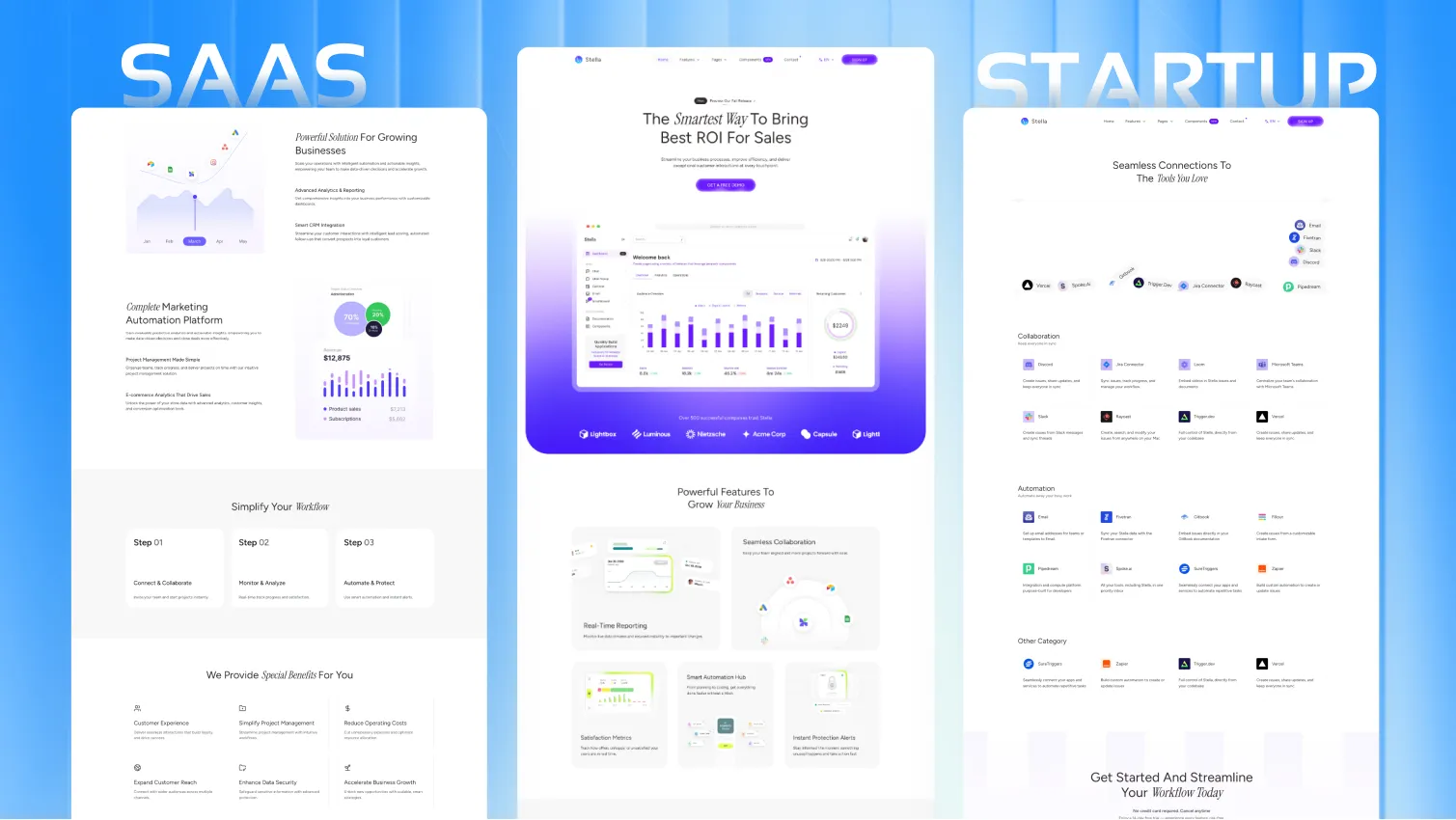
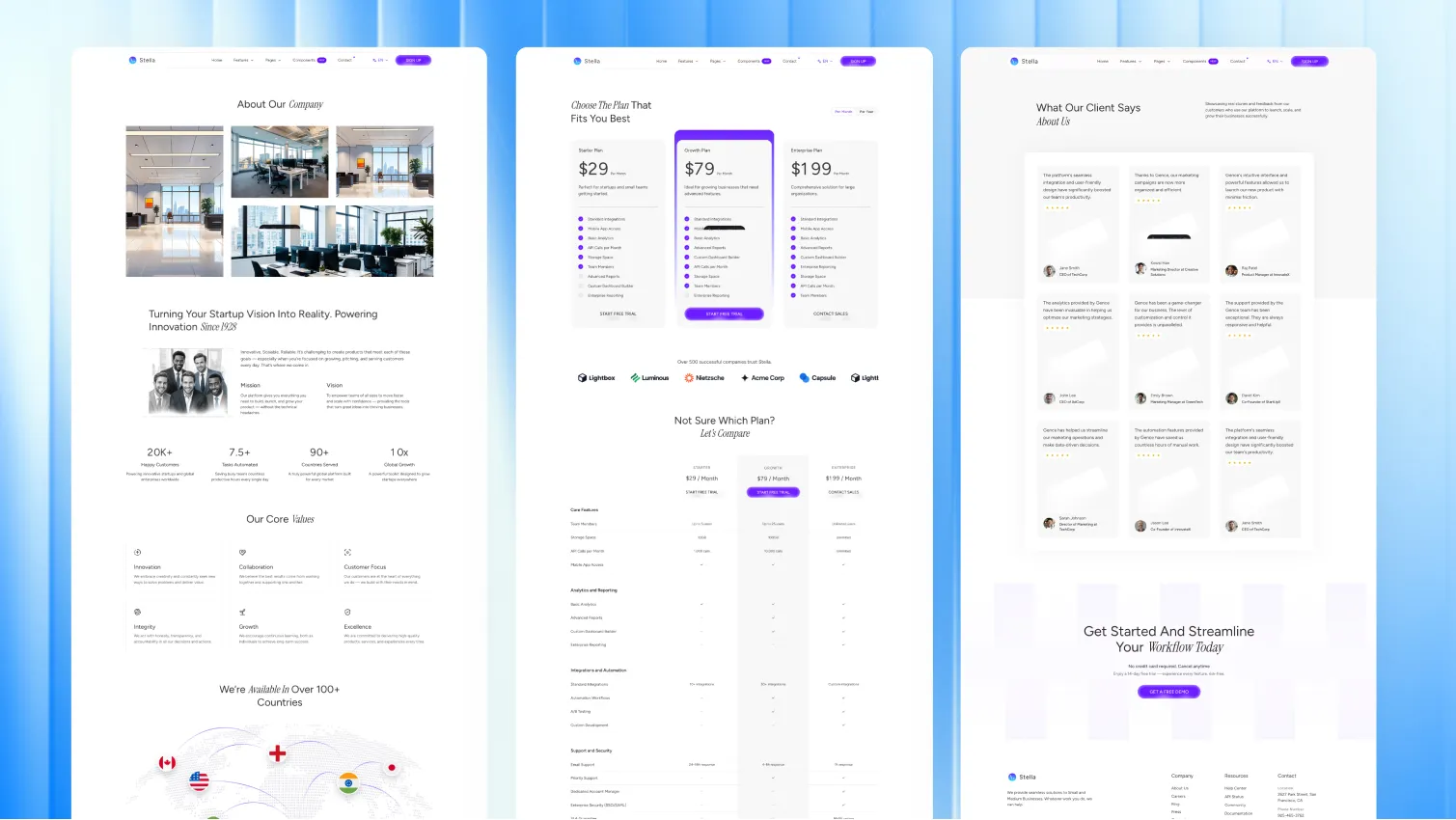
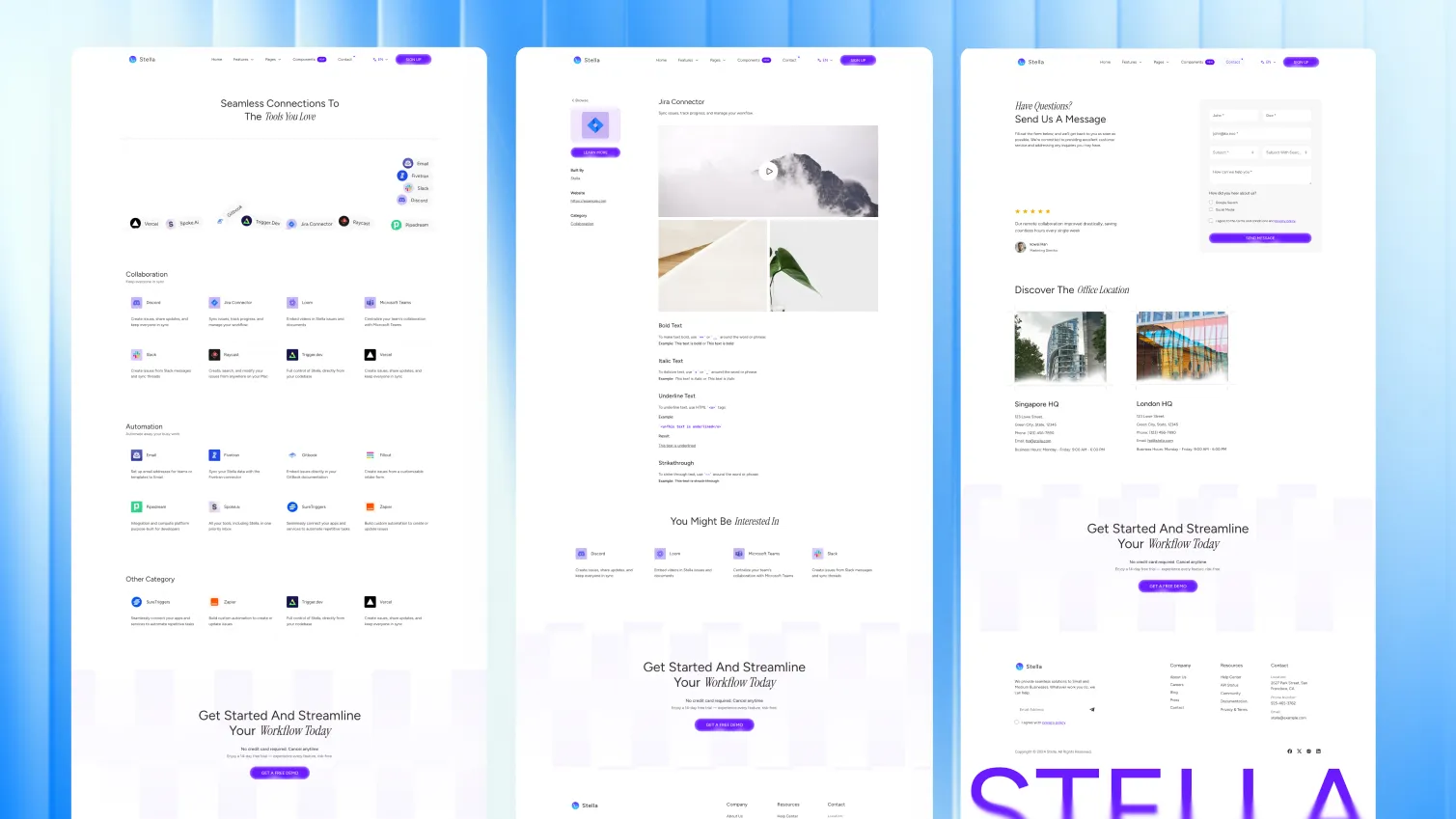
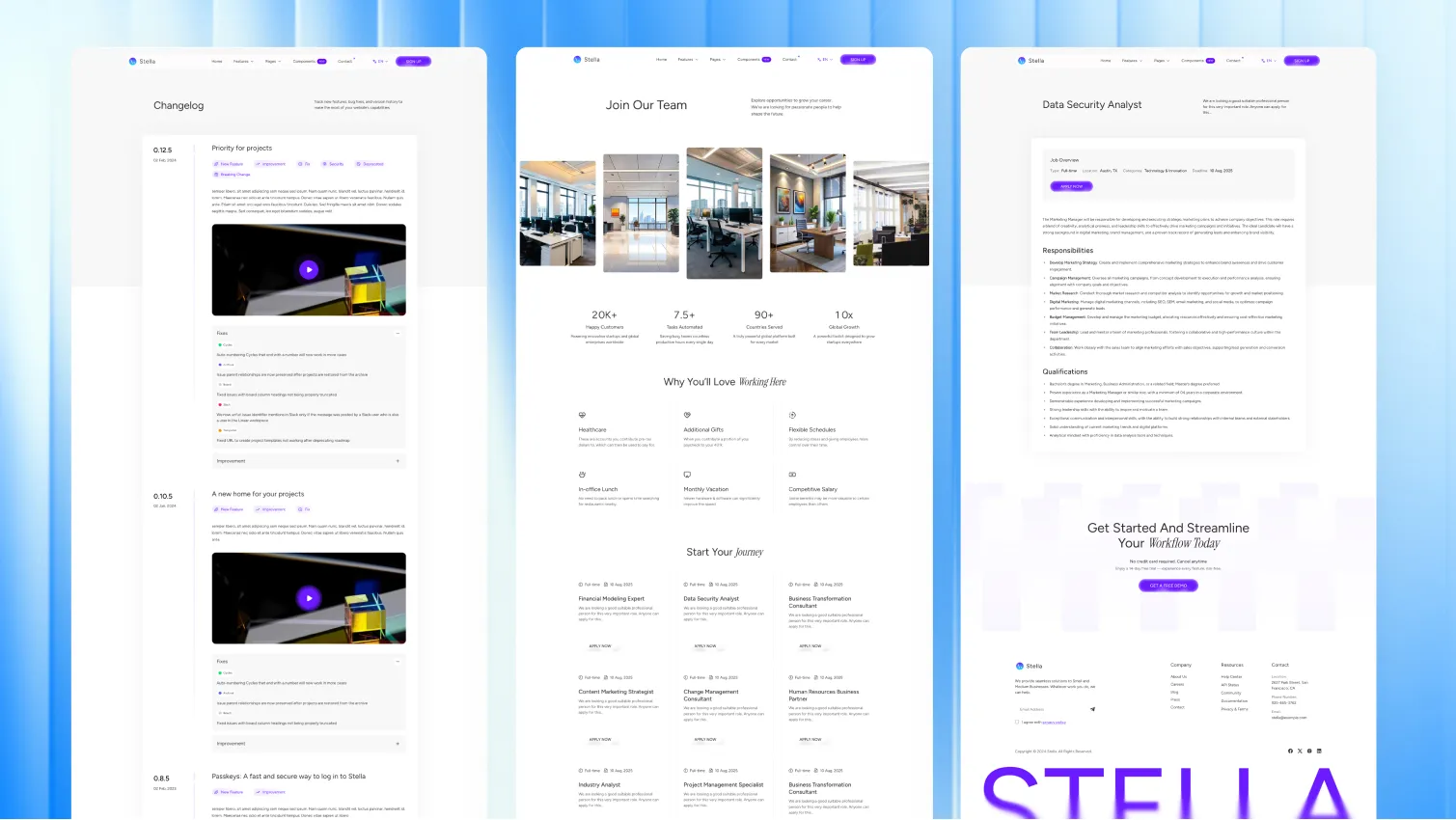
It works best when the product already has real momentum and the website needs to do more than collect early sign-ups. Stella gives you the page depth to explain the product, show integrations, publish releases, and make the company feel established.
Stella includes a solid page stack for product websites.
Stella works well because the page mix matches the normal SaaS buying flow.
Visitors can move from:
The changelog and integration pages also help reduce friction for product buyers who want proof that the tool is active and fits their workflow.
The source project includes:
{
  "name": "Product",
  "hasMegaMenu": true,
  "menus": [
    {
      "name": "Explore",
      "children": [
        { "name": "Features", "url": "/features/" },
        { "name": "Integrations", "url": "/integration/" }
      ]
    }
  ]
}
That is useful for product sites that need room for features, docs-style pages, blog content, and support pages.
Stella keeps the main site controls in config files.
src/config/config.tomlsrc/config/menu.en.jsonsrc/config/menu.fr.jsonsrc/config/social.jsonsrc/config/fonts.json[settings]
stickyHeader = true
contactFormProvider = "formsubmit.co"This makes it easier to change the navigation button, SEO defaults, forms, social links, and newsletter setup without rewriting templates.
Stella includes multilingual project structure, Markdown and MDX support, Shiki code highlighting, and optional table of contents settings.
If you want a single-language setup:
npm run remove-multilingualIf you want to rebuild multilingual content later:
npm run generate-multilingual-contentStella supports:
formsubmit.coformspreenetlifyThat gives product teams a fast launch path and an easy switch later if the form workflow changes.
Stella ships with built-in instructions for AI coding assistants, so tools like Claude, OpenAI Codex, Cursor, GitHub Copilot, Gemini, and Windsurf can read the theme’s structure, content model, and conventions from the start.
Instead of guessing, your assistant follows the same rules the theme is built on: where sections, content, and schemas live, which shared components to reuse, and how to stay on the design system.
The result is simpler AI-assisted editing with fewer off-pattern changes.
Choose Stella when your SaaS is past the first launch and needs a site that can explain the product, show momentum, and support a larger company story.
Stella is best for SaaS marketing websites, Integration libraries, Changelog and release pages, Careers-enabled company sites.
Stella is a paid Astro theme designed for teams that need a more complete production-ready starting point.
Yes. Stella includes multilingual-ready project structure, which helps when the site needs localized routes or content.
Stella includes blog support, changelog support, pricing pages, integration pages, along with 18 core pages and 19 sections.
Choose Stella when your SaaS already needs integrations, changelog pages, hiring content, and a more established product-marketing structure than a lean launch theme offers.
Pay once with no subscription. Choose yearly or lifetime downloads on Essential.
Pro and Business include downloads and updates for life.
For solo creators building one client site or personal project per theme.
+ Local Taxes Act Quick Before It's Gone! ~ 45% OFF
Individual themes
value $790
Save $691
(87%)
+ Local Taxes Act Quick Before It's Gone! ~ 40% OFF
Individual themes
value $790
Save $671
(85%)
For freelancers and teams working across multiple client projects.
+ Local Taxes Act Quick Before It's Gone! ~ 50% OFF
Individual themes + figma
value $910
Save $711
(78%)
For studios and teams that want unlimited projects, more seats, and complete access.
+ Local Taxes Act Quick Before It's Gone! ~ 40% OFF
Individual themes + figma
value $910
Save $611
(67%)
Released 26 March, 2025
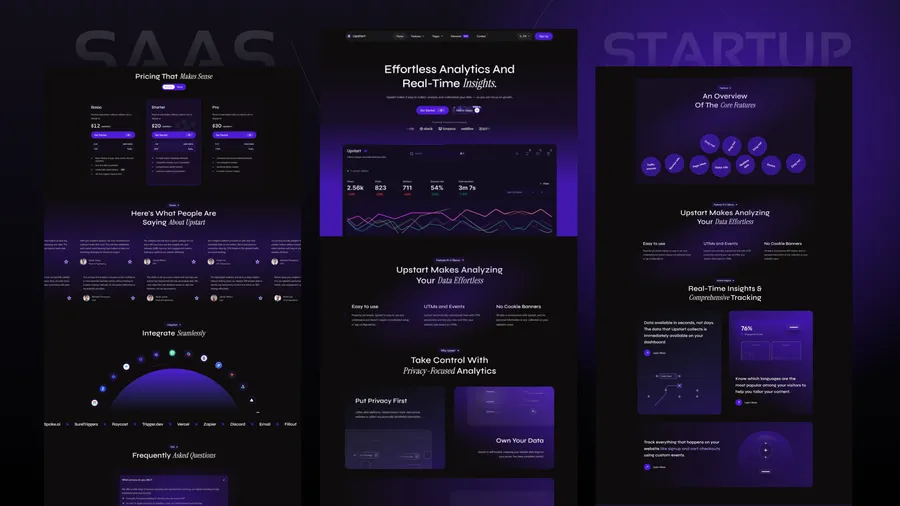
Choose Upstart if you are still in launch mode and want a leaner startup funnel with fewer pages.
Released 09 Apr, 2026
Choose Lumio if your site is more service-company or consultancy than SaaS product marketing.