What type of website is Upstart best for?
01Upstart is best for Startup launch websites, Waitlist and demo funnels, Early pricing explainer pages, Product announcement sites.
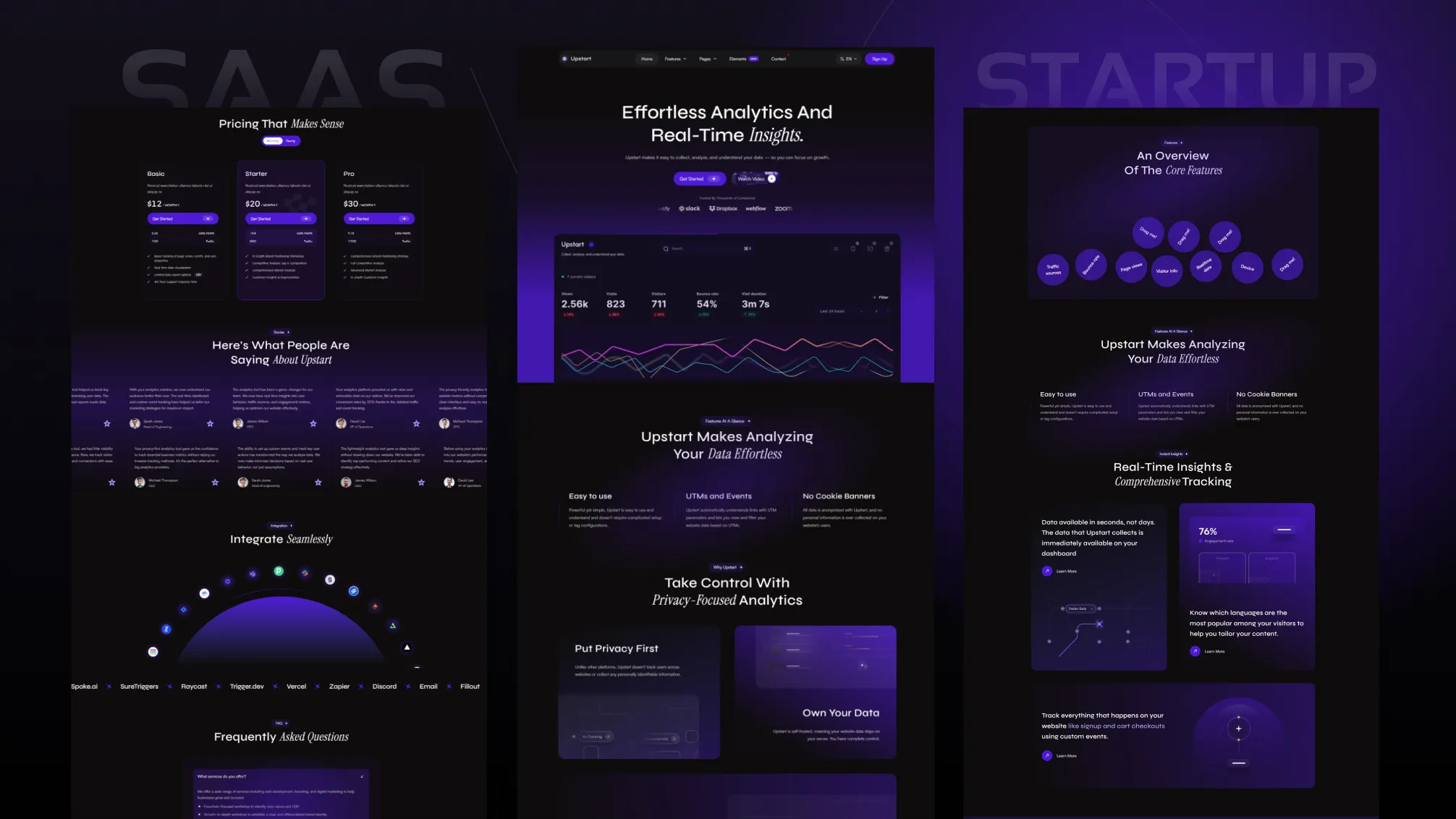
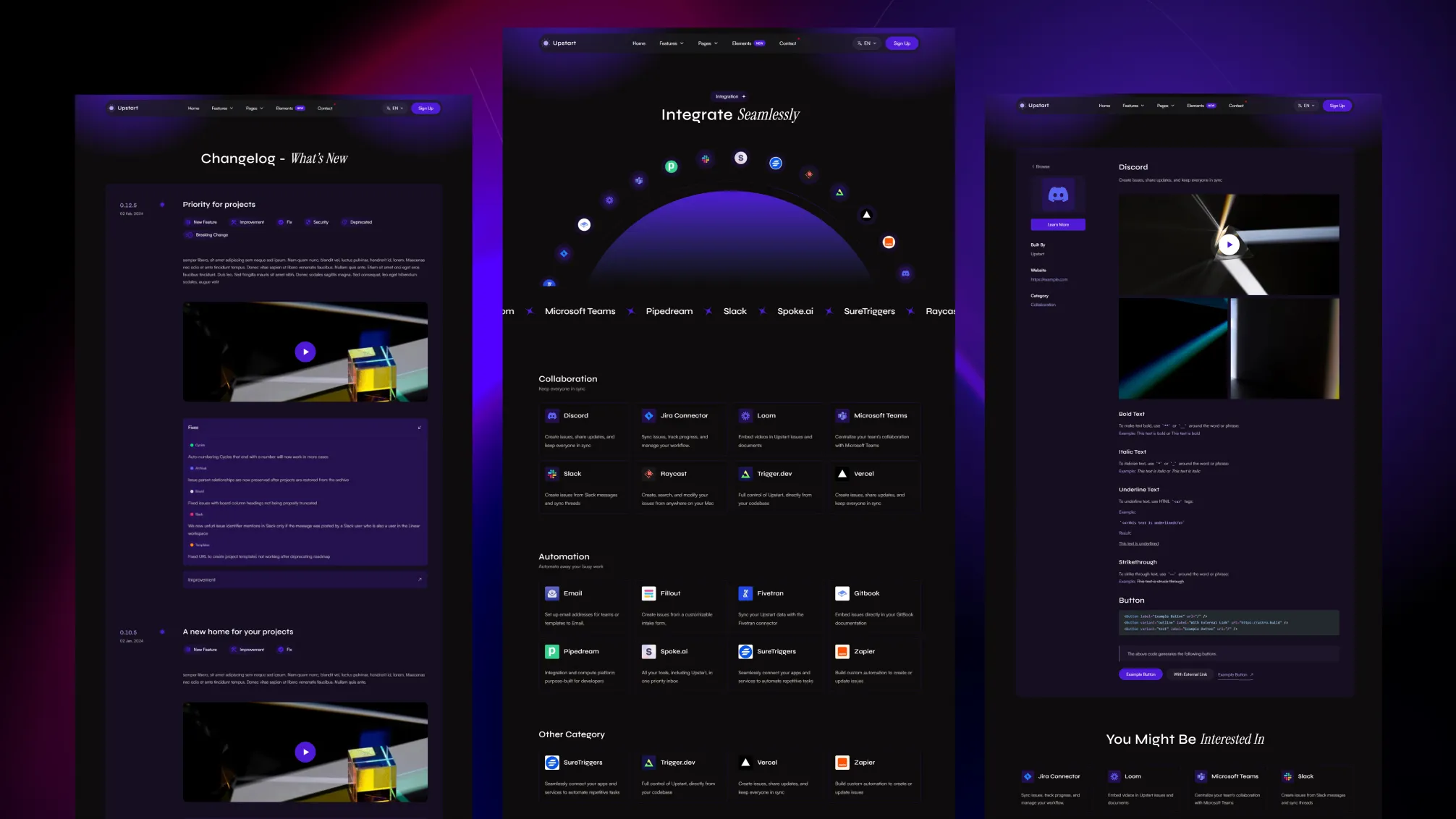
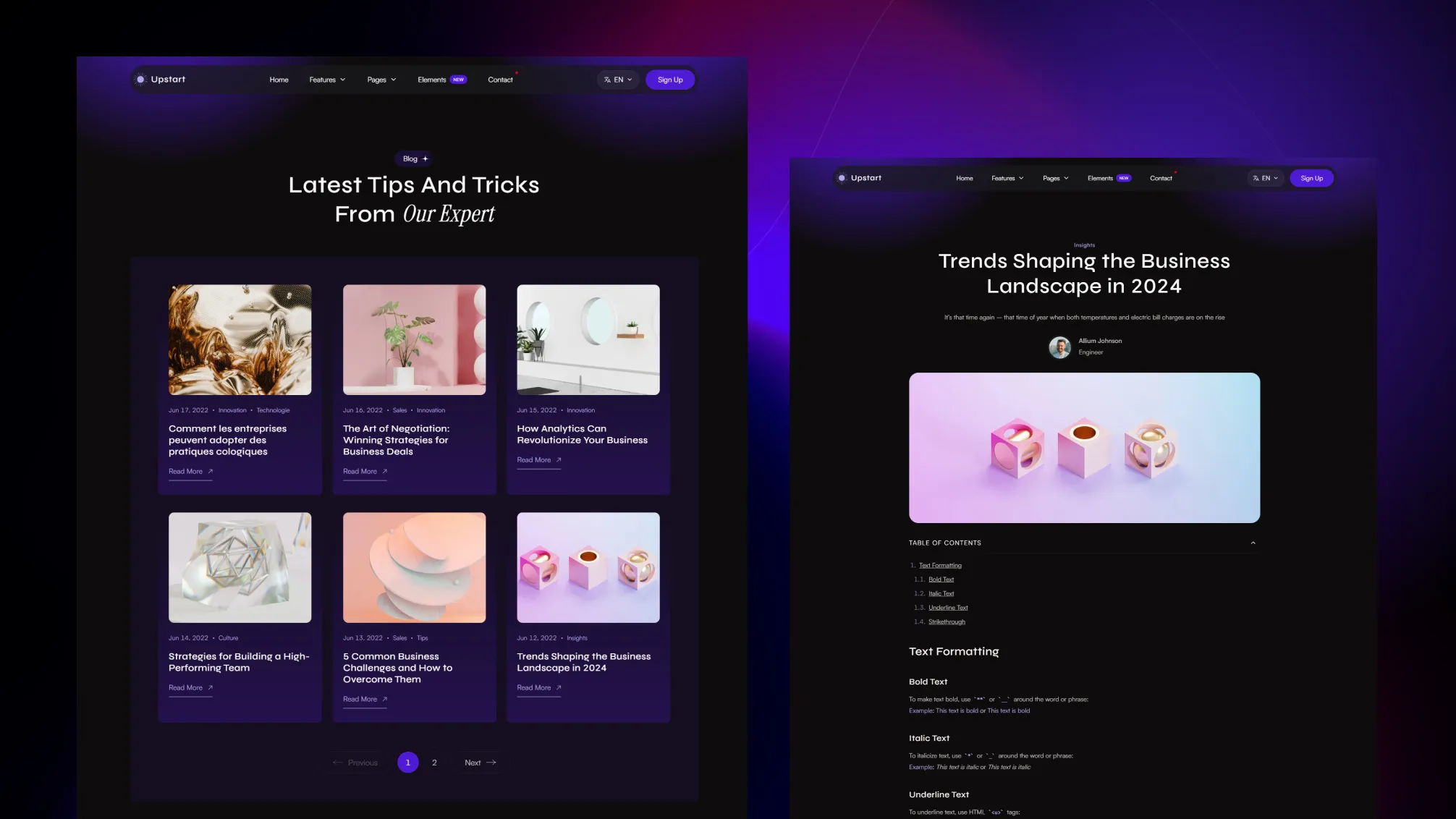
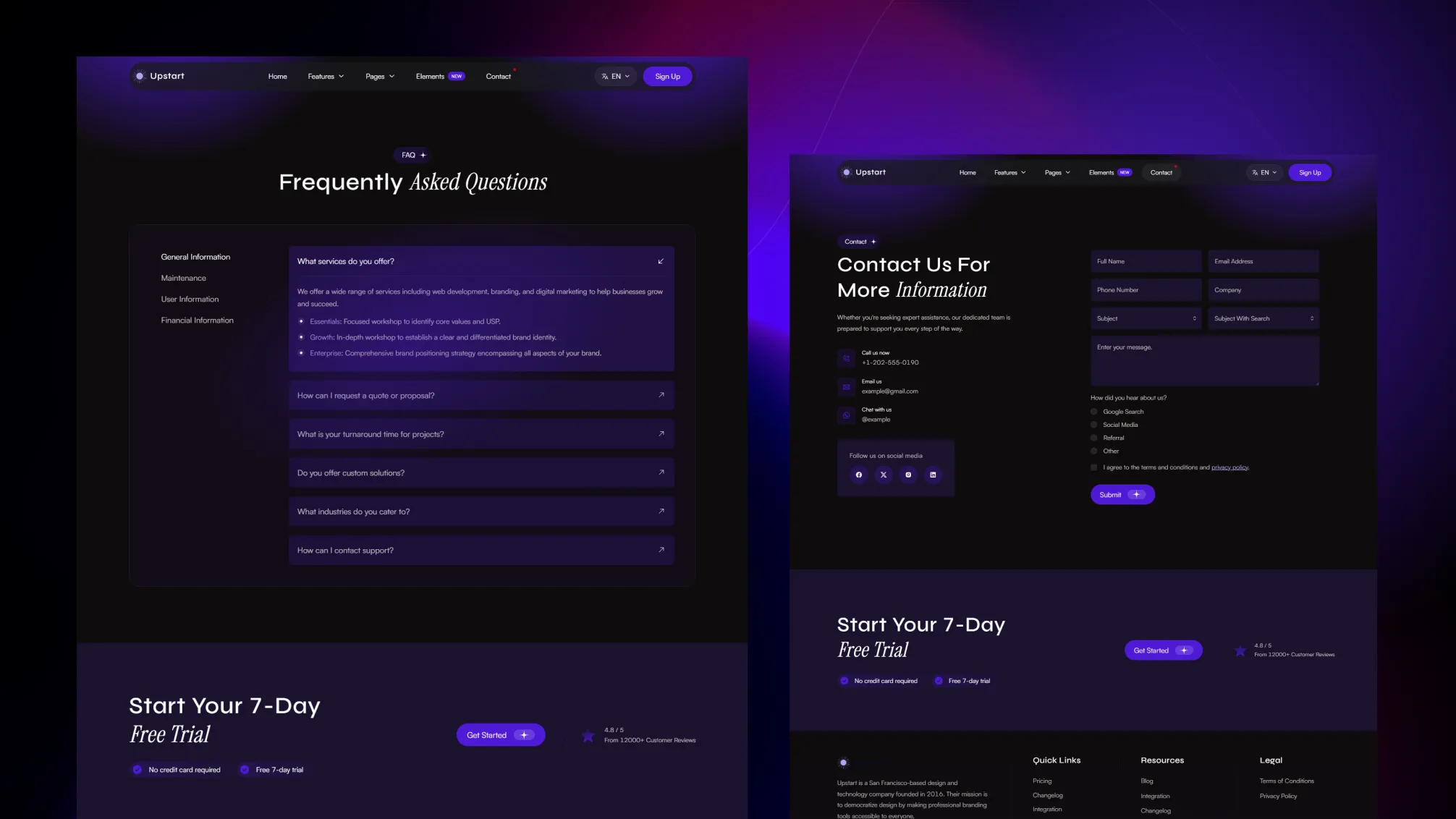
It is strongest when the job is simple: explain the product, answer objections, show fit through integrations, and move visitors toward a demo, waitlist, or sign-up with as little friction as possible.
Upstart keeps the page library focused on product marketing.
Upstart includes the pages buyers usually need before they take action.
That mix is useful for startup teams that want fewer questions and better lead quality.
The source project includes:
{
  "name": "Resources",
  "hasChildren": true,
  "children": [
    { "name": "Blog", "url": "/blog/" },
    { "name": "Changelog", "url": "/changelog/" }
  ]
}Upstart keeps the usual site controls in config instead of scattering them across many files.
src/config/config.tomlsrc/config/menu.en.jsonsrc/config/menu.fr.jsonsrc/config/social.jsonsrc/config/fonts.json[settings]
stickyHeader = true
contactFormProvider = "formsubmit.co"
[settings.navigationButton]
enable = true
label = "Start Free"
url = "/contact/"If you need multiple languages, the structure is already there.
If you do not:
npm run remove-multilingualIf you want to rebuild the multilingual content later:
npm run generate-multilingual-contentUpstart supports Markdown and MDX, Shiki code highlighting, optional table of contents, and three contact form providers:
formsubmit.coformspreenetlifyThat gives you enough flexibility for launch pages, product articles, support content, and lead capture from the same project.
Upstart ships with built-in instructions for AI coding assistants, so tools like Claude, OpenAI Codex, Cursor, GitHub Copilot, Gemini, and Windsurf can read the theme’s structure, content model, and conventions from the start.
Instead of guessing, your assistant follows the same rules the theme is built on: where sections, content, and schemas live, which shared components to reuse, and how to stay on the design system.
The result is simpler AI-assisted editing with fewer off-pattern changes.
Choose Upstart if you need a lean SaaS launch site that explains the product clearly and points visitors toward a demo or sign-up.
Upstart is best for Startup launch websites, Waitlist and demo funnels, Early pricing explainer pages, Product announcement sites.
Upstart is a paid Astro theme designed for teams that need a more complete production-ready starting point.
Yes. Upstart includes multilingual-ready project structure, which helps when the site needs localized routes or content.
Upstart includes blog support, changelog support, pricing pages, integration pages, along with 15 core pages and 13 sections.
Choose Upstart when you need a lean SaaS launch site with product pages, pricing, FAQ, integrations, and a clean path to demo or sign-up.
Pay once with no subscription. Choose yearly or lifetime downloads on Essential.
Pro and Business include downloads and updates for life.
For solo creators building one client site or personal project per theme.
+ Local Taxes Act Quick Before It's Gone! ~ 45% OFF
Individual themes
value $790
Save $691
(87%)
+ Local Taxes Act Quick Before It's Gone! ~ 40% OFF
Individual themes
value $790
Save $671
(85%)
For freelancers and teams working across multiple client projects.
+ Local Taxes Act Quick Before It's Gone! ~ 50% OFF
Individual themes + figma
value $910
Save $711
(78%)
For studios and teams that want unlimited projects, more seats, and complete access.
+ Local Taxes Act Quick Before It's Gone! ~ 40% OFF
Individual themes + figma
value $910
Save $611
(67%)
Released 04 Oct, 2025
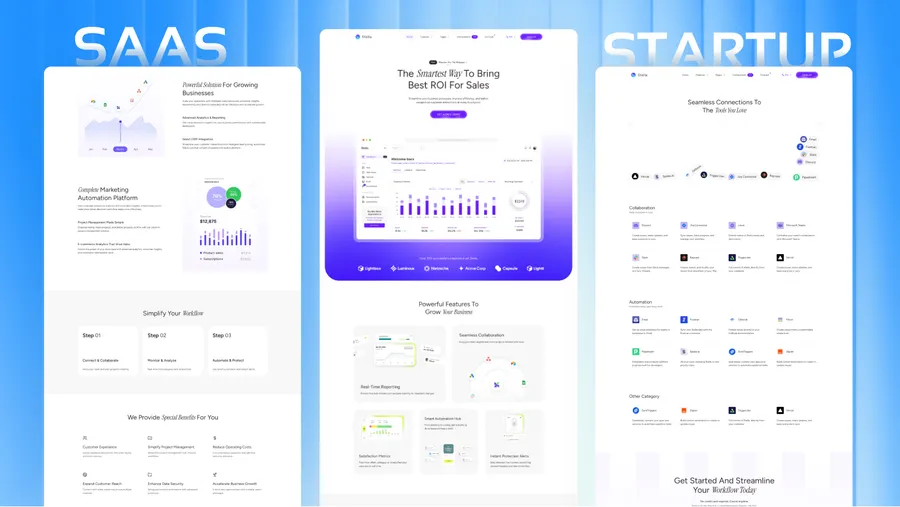
Choose Stella if your SaaS already needs broader company pages, hiring content, and a more established feel.
Released 08 July, 2025
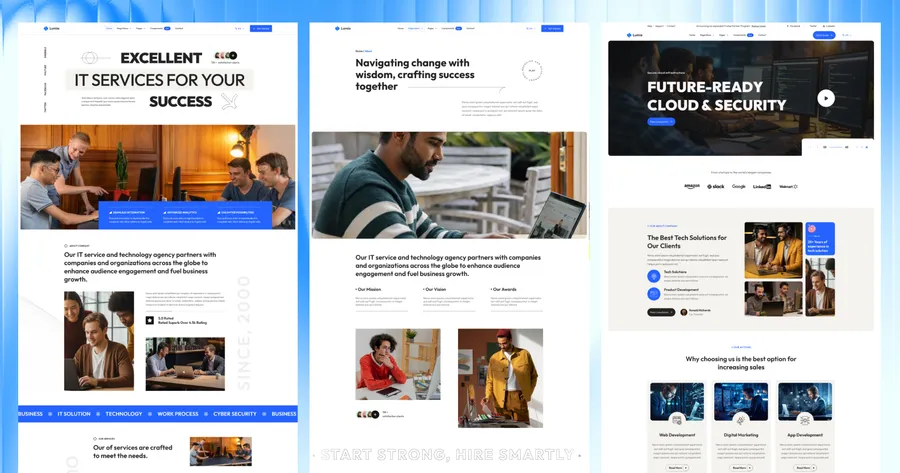
Choose Folex if you need a creative agency or portfolio direction instead of SaaS.