Picking from hundreds of Astro themes is slow. Half of them are abandoned on GitHub, and many target Astro versions that no longer build cleanly. You want a theme that installs on the first try, scores well on Lighthouse, and doesn’t force a rewrite before launch.
The short answer: start with a free theme from GitHub if you’re building a personal blog or portfolio and don’t mind patching things yourself. Pay for a theme when you need multilingual support, SEO defaults, and ongoing updates for client or business sites. Free themes cost nothing, but you pay in setup time.
Below are eight options, mixing free and paid, for blogs, portfolios, and landing pages. For each one, you’ll see what it does well, where it falls short, and who it fits. We build premium Astro themes at Getastrothemes, so we know what separates a maintained theme from a stale repo, and we apply that standard to every pick, including free ones.
If you already know what you are building, use the focused comparisons for free Astro blog templates, portfolio templates, agency templates, landing page templates, or starter templates.
How we evaluated these Astro themes
We compared each option by project fit, publishing workflow, license, maintenance model, Astro compatibility, and the amount of custom work required after installation. Repository and license links are included so you can verify changing facts before committing to a client or business project. Feature claims describe the public documentation and demo; unless stated otherwise, they are not the result of a fresh build test.
1. Getastrothemes premium business themes
Best for

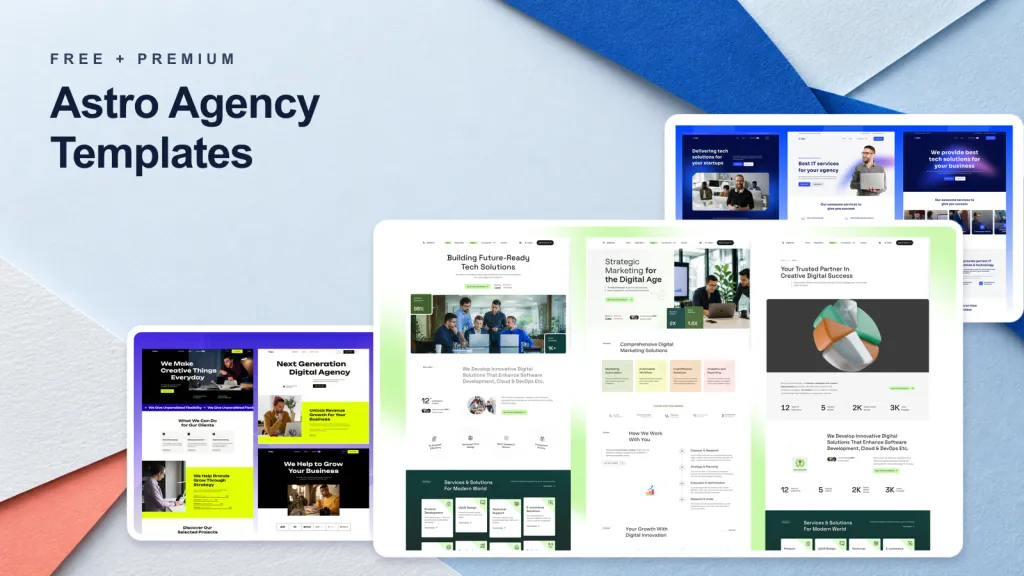
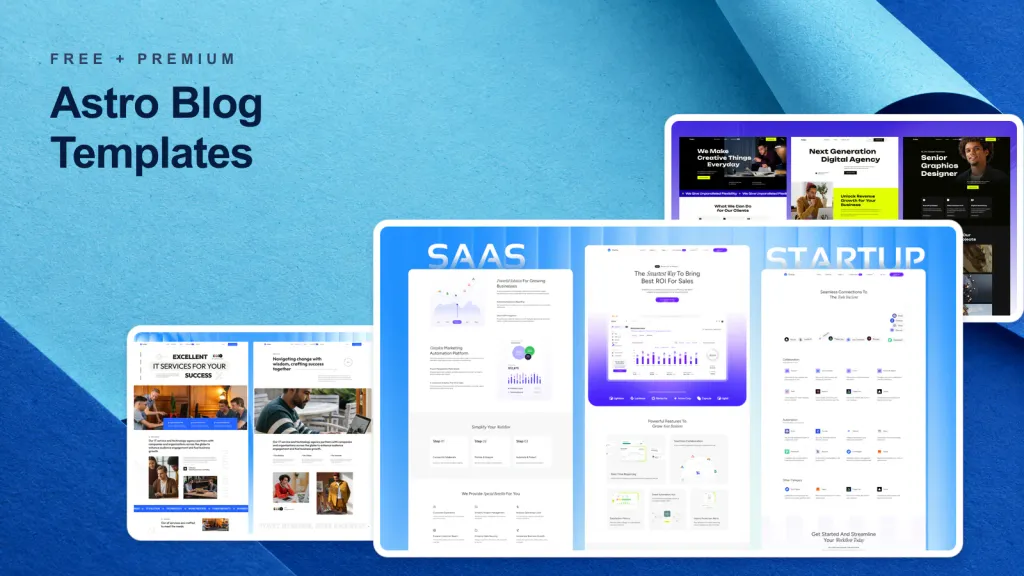
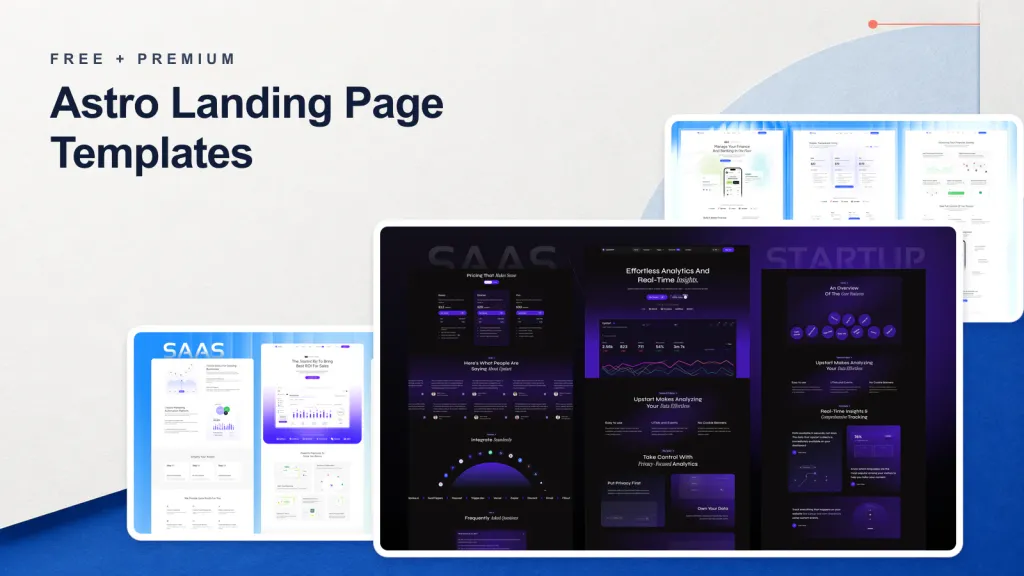
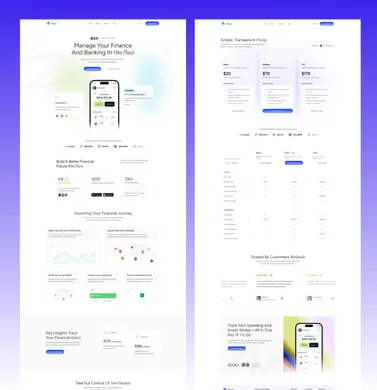
Freelancers, agencies, and small business owners get the most from these themes, because they need a finished site rather than a blank starter. The catalog covers consulting (Looka, Lumio), SaaS (Stella, Upstart), digital agencies (Veltro, Folex), managed IT (Techbyte, Techlo), and finance (Taxo, Finzo).
Every theme has a live demo, so you can judge the layout before paying. If you ship several sites a year, one-time pricing pays off fast.
What’s included
Everything runs on Astro and Tailwind CSS, was updated for Astro v7, and avoids heavy front-end dependencies. That is why they rank among the best Astro themes for business sites.
- Built-in multilingual support for translated content
- Semantic markup, configurable metadata, and lean JavaScript bundles
- Modular sections, with colors, typography, and layouts set through config files
- Setup and deployment docs that work for Astro beginners
- Guidance files and editor rules for AI coding tools
- GitHub access with release tags and commit history, plus Figma templates
Pricing and license
Payment is one-time, with no subscription. A single theme costs about $79. The plans below add projects and seats.
| Plan | Price | Downloads | Projects per theme | Seats |
|---|---|---|---|---|
| Essential | About $99 or $119 | 12 months or lifetime | 1 | , |
| Pro | About $199 | Lifetime | 10 | 5 |
| Business | About $299 | Lifetime | Unlimited | 20 |
The All Access Pass bundles every current and future theme at $99, down from $179. Checkout uses magic-link sign-in, handles VAT with reverse charge, and comes with a 14-day money-back guarantee.
The All Access Pass costs little more than one theme and includes every release that follows.
Limitations
These themes are paid, so they are overkill for a hobby blog. The catalog also leans toward business and marketing sites, not personal journals, so look at the free options below if that is your goal.
You should be comfortable with Git and Tailwind, or willing to read the docs. RTL and CMS variants are planned, not shipped, and Essential covers only one project per theme. Browse the full Astro theme catalog.
Live preview: Paid demo
2. AstroPaper minimal blog theme
Best for
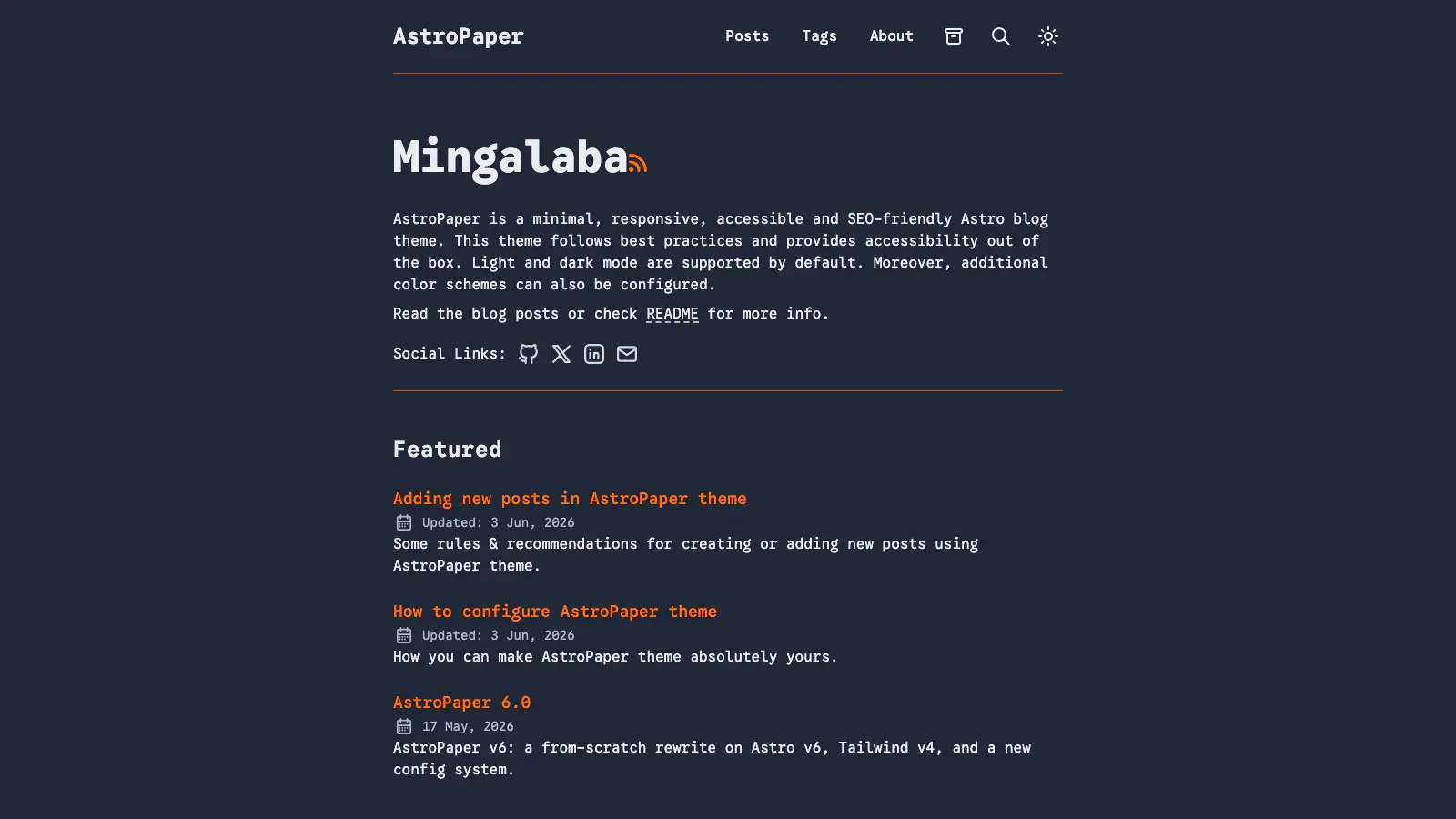
Solo writers and developers who want a clean, fast blog without design clutter should start here. AstroPaper is one of the most popular free Astro themes on GitHub, and it suits personal blogs, notes, and technical journals.
If your goal is publishing posts rather than showing off layouts, this theme stays out of your way.
What’s included
The theme is built on Astro and Tailwind CSS and puts accessibility, SEO, and light pages first. You get:
- Markdown posts with tags, pagination, and an archive
- Light and dark modes
- Built-in search across your posts
- Sitemap, RSS feed, and generated social images
- Strong Lighthouse scores out of the box
Pricing and license
AstroPaper is free under the MIT license, so you can use it for personal and client projects with no fee. Grab it from the AstroPaper repository, a staple among Astro themes on GitHub.
AstroPaper gives you a fast, accessible blog for free, and you pay only in customization time.
Limitations
Design is deliberately minimal, so it is a poor fit for a portfolio with project showcases or a marketing site. There is no built-in multilingual support and no CMS integration, so translated content means custom work.
Support comes from GitHub issues, not a help desk. Check the latest release against your Astro version before you fork, and expect to merge upstream changes by hand.
Live preview: Free demo
3. Astro Cactus for developer blogs
Best for
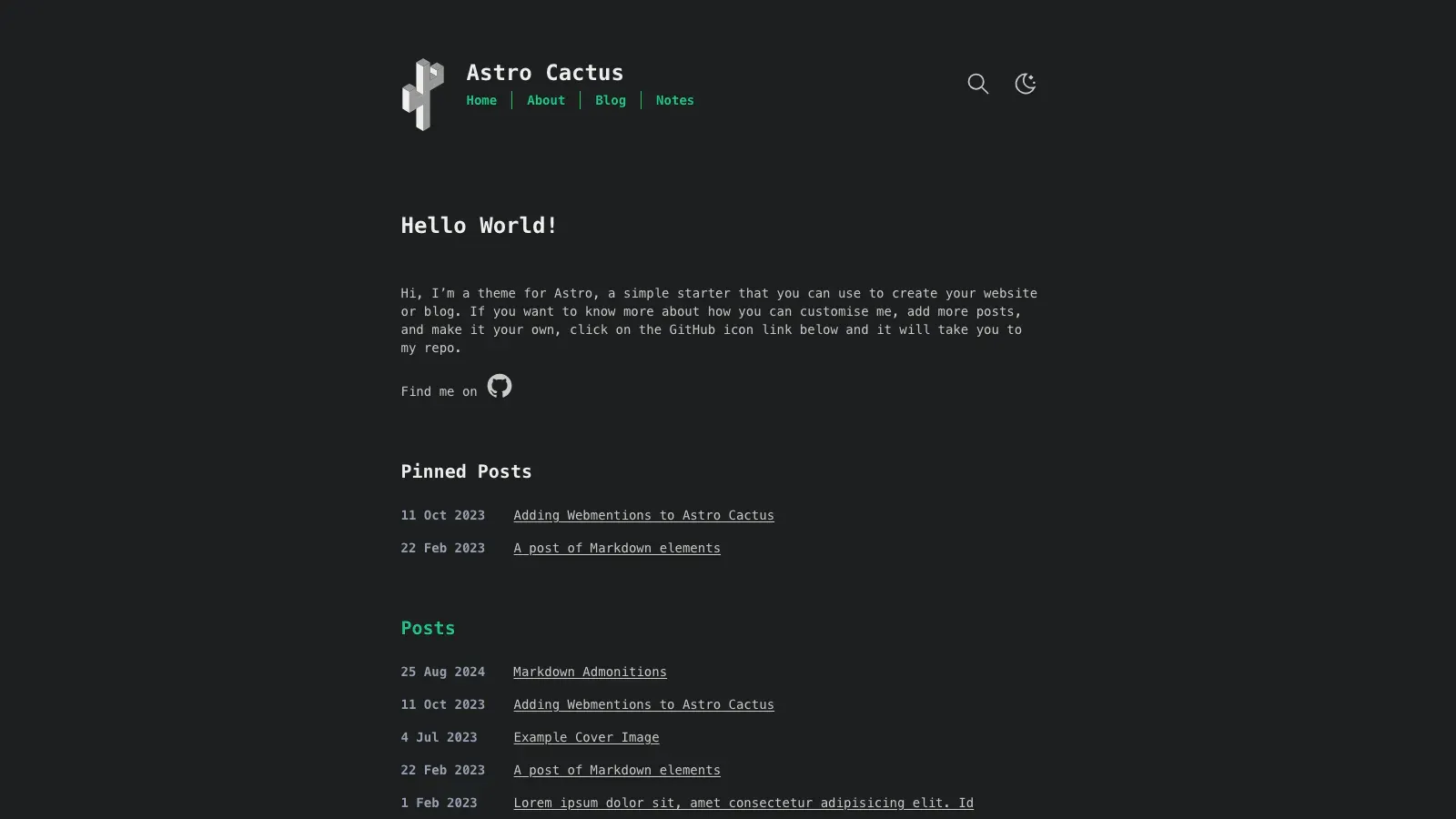
Developers who write about code will feel at home here. Astro Cactus is a personal blog theme with a clean, text-first look, and it is one of the more practical Astro blog themes for technical writing.
If you publish tutorials, snippets, and short notes, the layout keeps code blocks readable and puts the focus on your words rather than on decoration.
What’s included
Cactus is built on Astro and Tailwind CSS and favors simple, typed content over heavy configuration. The feature set covers what a developer blog needs:
- Markdown and MDX posts, plus a separate section for short notes
- Syntax highlighting through Expressive Code
- Light and dark modes
- Tags, an RSS feed, and a sitemap
- Generated Open Graph images for social sharing
- Webmentions support
Pricing and license
Astro Cactus is free under the MIT license, so you can fork it for personal or client work without paying anything. Clone it from the astro-theme-cactus repository and run it locally in a few minutes.
Astro Cactus costs nothing, but you own every update, fix, and upgrade after you fork it.
Limitations
This theme assumes one author and one language. There is no built-in multilingual setup, no CMS integration, and only a handful of page layouts, so it is a weak fit for portfolios or marketing sites.
Support comes through GitHub issues from a small maintainer group. Before you fork, check the latest release against your Astro version, because lagging upgrades are the usual risk with free themes.
Live preview: Free demo
4. Dante for blog and portfolio sites
Best for
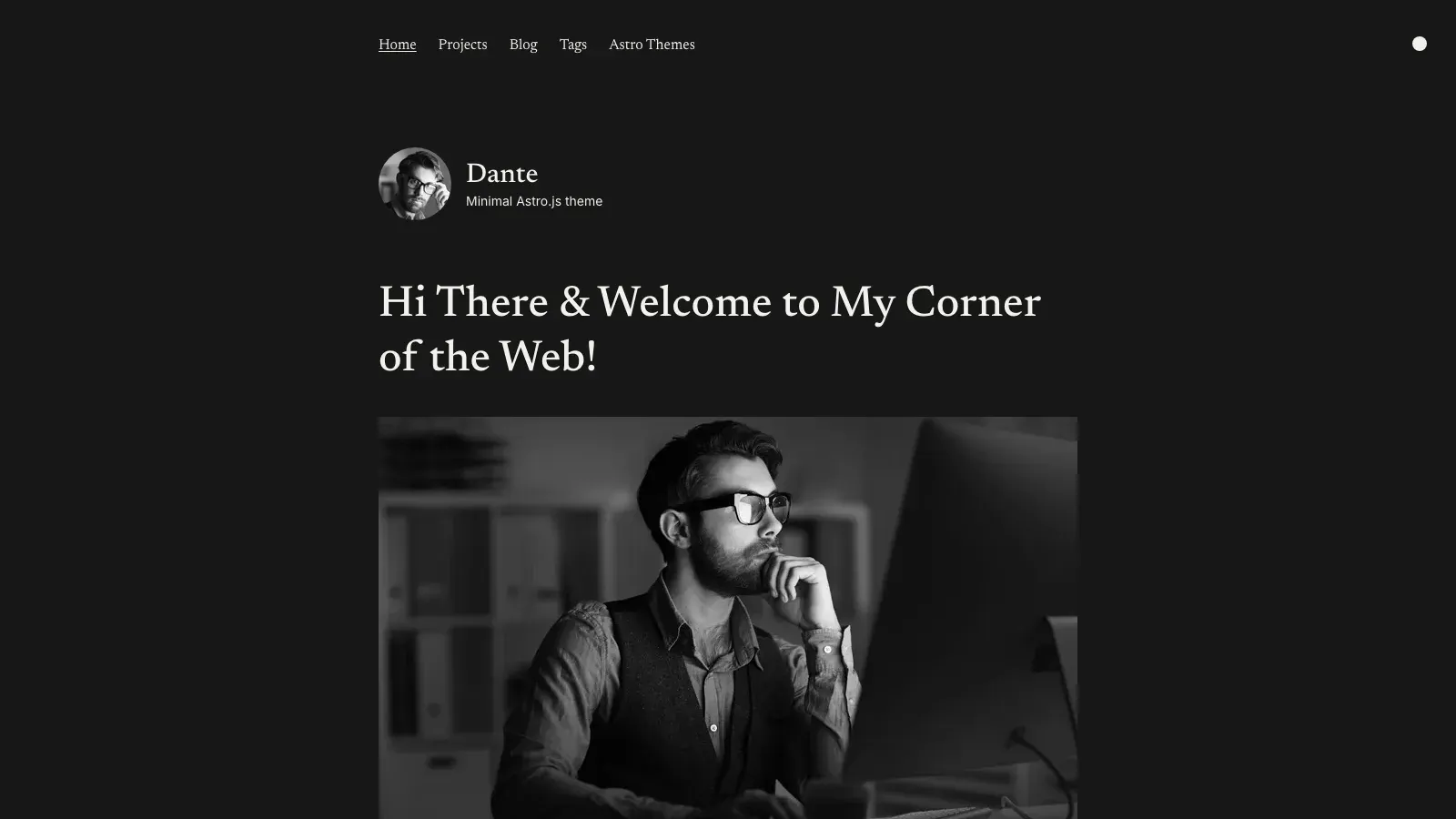
Creators who want one site for writing and work should look at Dante. It pairs a blog with portfolio pages, so you don’t need two themes or two deployments.
Designers, freelancers, and indie developers fit well here. If you want a clean, modern look you can restyle in Tailwind, it is a solid free pick among Astro JS themes.
What’s included
Dante is built on Astro and Tailwind CSS. Expect a blog and portfolio starter with these basics, but check the README for the current feature list, since it shifts between releases:
- Markdown and MDX posts
- Project pages for portfolio work
- Light and dark modes
- Responsive layout
- SEO metadata, sitemap, and RSS
Pricing and license
Dante is free under the MIT license, so personal and client projects are fine. Clone it from the Dante repository and run it locally.
Dante gives you a blog and a portfolio in one free codebase, but updates are your job.
Fixes arrive only when the maintainers publish them. Pin your Astro version and watch the repository for new releases.
Limitations
There is no built-in multilingual support and no CMS integration, so translated or editor-managed content needs custom work. Landing page sections are limited, which makes it a weak fit for marketing sites.
Support runs through GitHub issues, with no guaranteed response time. Test the build against your Astro version before you commit a client project to it.
Live preview: Free demo
5. Astro Bento Portfolio for standout portfolios
Best for
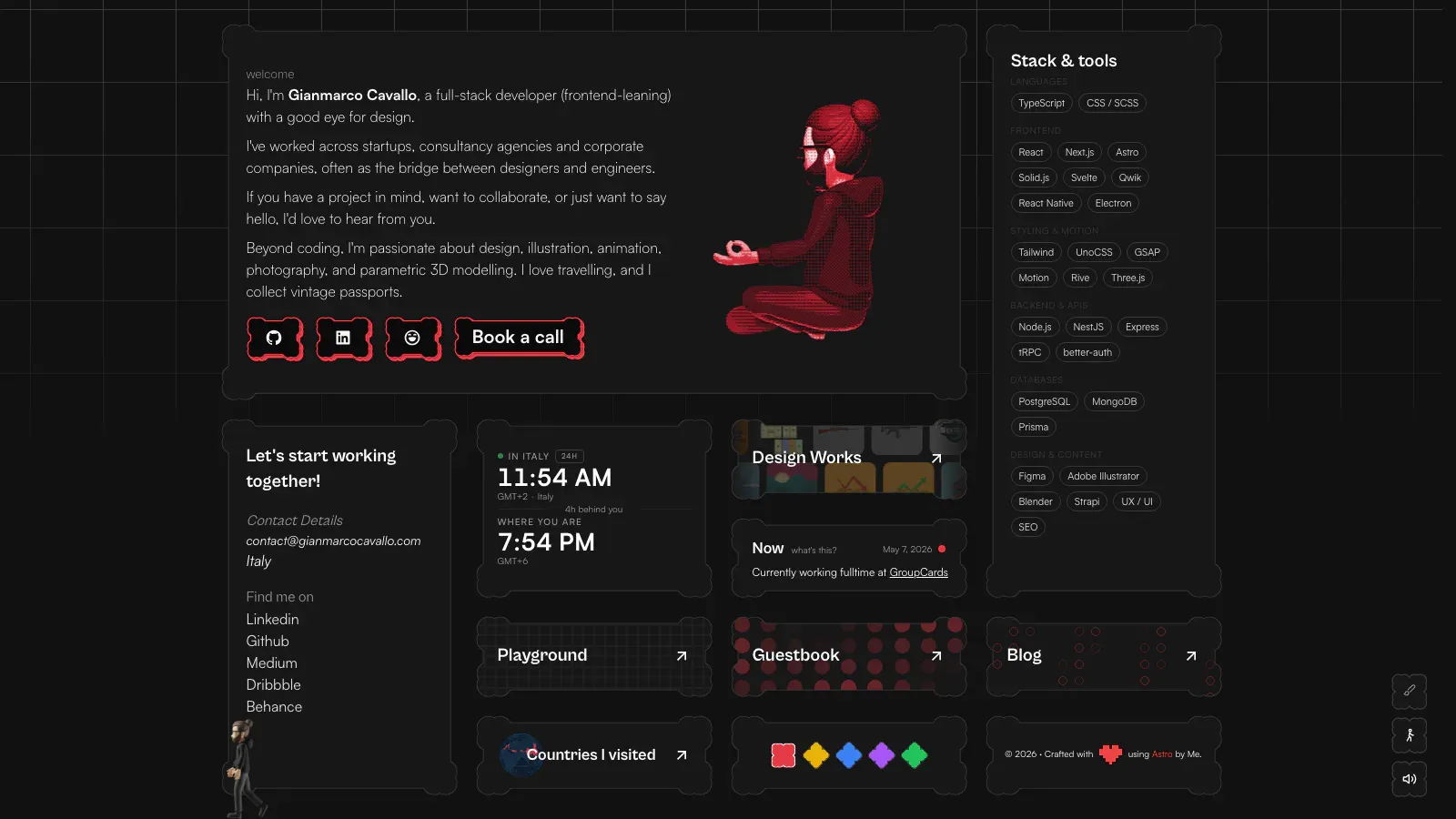
Designers, developers, and freelancers who want a portfolio that looks different from the usual stacked-card layout should try this one. It arranges your bio, projects, and links in a bento grid, the tiled style you see on Apple’s product pages.
Visitors take in your skills and best work at a glance. That suits a one-page showcase far better than a long writing archive.
What’s included
Expect a single-page grid built on Astro and Tailwind CSS. Bento portfolios come in several forks, so confirm the current feature list in the README:
- Tiles for projects, bio, skills, and social links
- A responsive grid that collapses cleanly on mobile
- Light and dark modes
- Static output with very little JavaScript
Pricing and license
These portfolio starters are usually free on GitHub, but license terms differ by repository. Open the LICENSE file before you reuse the code for a client. You can compare listings in the official Astro theme directory and pick the fork with the most recent commits.
Before you fork any free portfolio theme, read the license file and check the date of the last commit.
Limitations
Tiles hold very little text, so this is a poor fit if you plan to publish long posts. Expect no built-in multilingual support and no CMS integration, which makes it one of the more limited free Astro themes for anything beyond a personal showcase.
Support comes from GitHub issues, and a tile layout is harder to restyle than a standard page. Budget time to rework the grid when your content does not match the demo.
Live preview: Free demo
6. AstroWind for marketing and landing pages
Best for
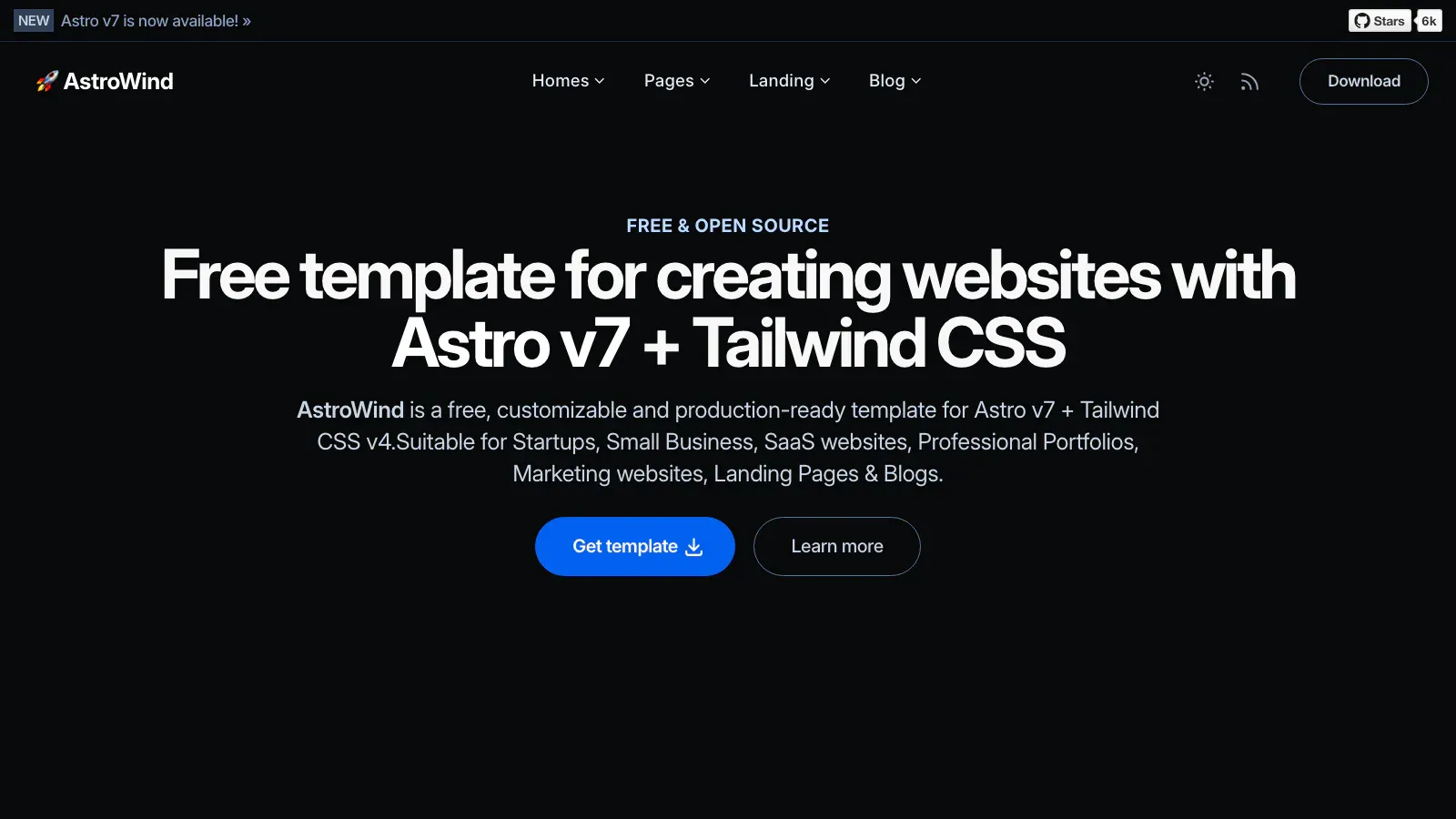
Startups, small businesses, and freelancers who need a marketing site more than a journal should look at AstroWind. It is one of the most widely used free Astro themes for landing pages, and it also includes a blog for content marketing.
What’s included
The template runs on Astro and Tailwind CSS and ships prebuilt widgets for the sections a landing page needs:
- Hero, features, pricing, FAQ, testimonials, and call-to-action blocks
- A contact form and a Markdown and MDX blog
- Light and dark modes
- Sitemap, RSS, Open Graph metadata, and image optimization
- Site-wide settings in one config file
Pricing and license
AstroWind is free under the MIT license, so personal and client projects are fine. Fork it from the AstroWind repository, one of the most starred Astro themes on GitHub.
AstroWind hands you a full marketing site for free, but you maintain every page you ship.
Limitations
Translations need custom routing, because there is no built-in multilingual support and no CMS integration. The blog is also simpler than a dedicated blog theme, so a publishing-heavy site will outgrow it.
Updates depend on volunteer maintainers and GitHub issues, with no guaranteed response time. Remove widgets you don’t use, and check the latest release against your Astro version before you build a client site on it.
Live preview: Free demo
7. Bookworm Light for multi-author blogs
Best for
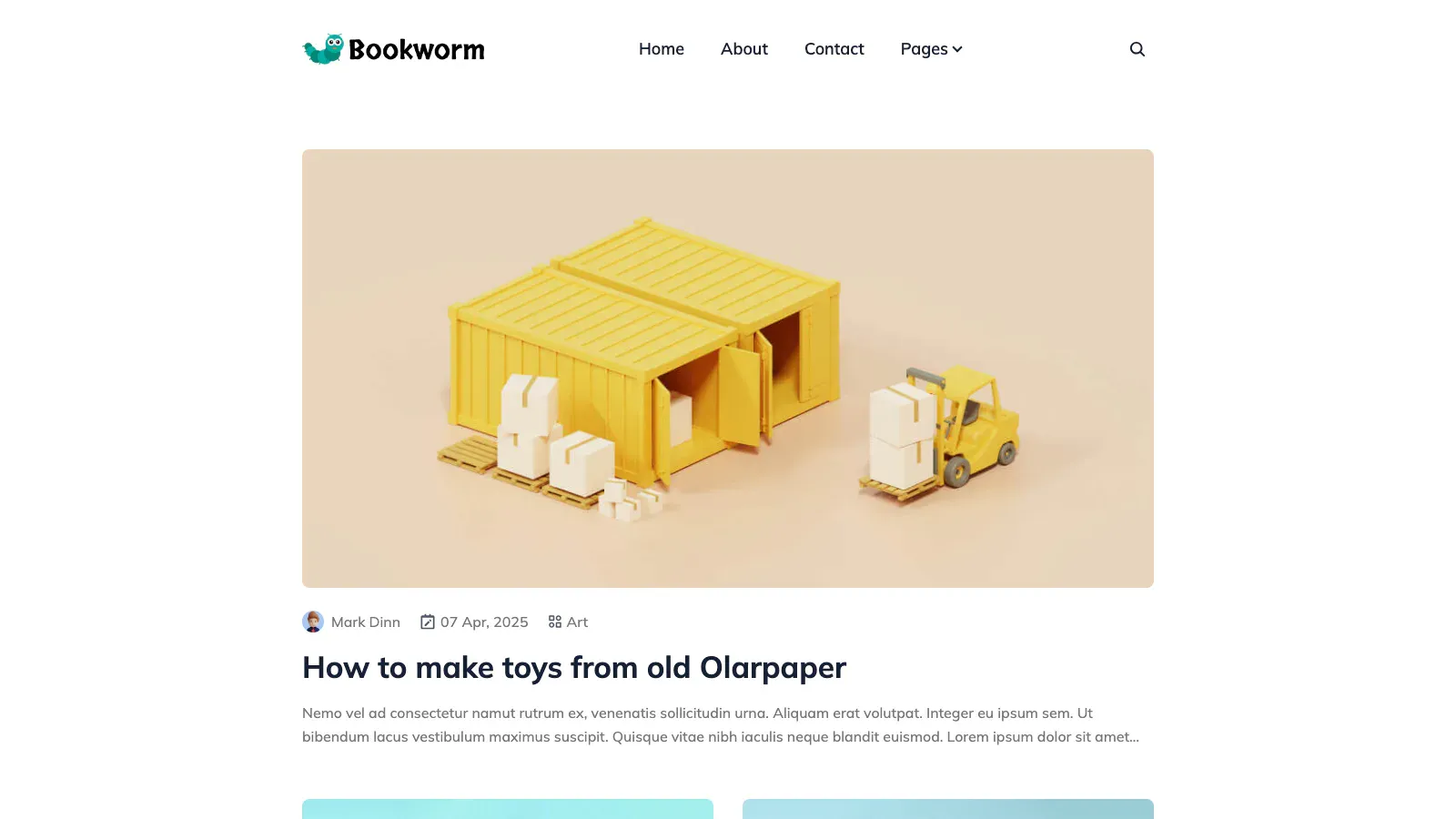
Small editorial teams, company blogs, and community publications need more than a single-author journal. Bookworm Light, from Themefisher, gives each writer a byline and profile, which makes it one of the more useful Astro blog themes for shared publishing.
If two or more people post regularly, this theme saves you from building author pages yourself.
What’s included
The theme runs on Astro and Tailwind CSS and covers the pieces a magazine-style blog needs. Confirm the current list in the README:
- Author pages for each contributor
- Categories, tags, and pagination
- Site search and related posts
- Disqus comments and a contact page
- Sitemap and SEO metadata
Pricing and license
Bookworm Light is free on GitHub, and the repository lists an MIT license. Confirm that in the LICENSE file before you use it for a client. Get it from the Bookworm Light repository.
Bookworm Light gives a team of writers one free blog, but you still own every upgrade.
Limitations
The layout is blog-first, so portfolios and landing pages need custom sections. Expect no built-in multilingual support and no CMS workflow for editors, which matters when non-developers publish.
Support comes through GitHub issues only. Test the build against your Astro version before you commit a team to it.
Live preview: Free demo
8. Astro Micro for lightweight blogs
Best for
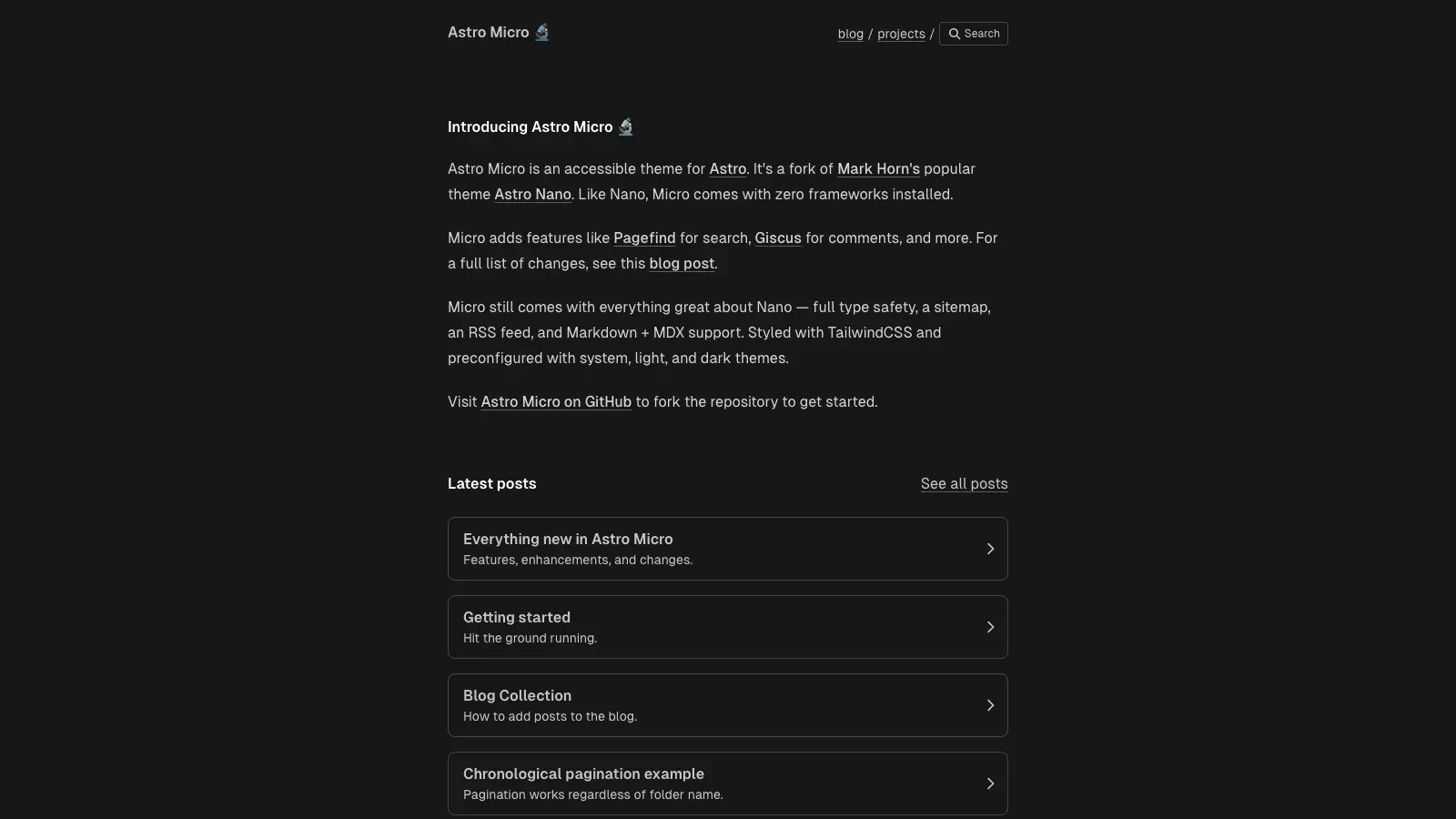
Writers who want the smallest possible blog should look at Astro Micro. It is a compact, text-first theme that loads fast and leaves little to maintain.
It suits personal notes, short essays, and side-project logs. If you want one of the leaner Astro themes for a blog, with no widgets to strip out first, this is a good place to start.
What’s included
Micro runs on Astro and Tailwind CSS and keeps the feature set tight. Check the README for the current list, since it changes between releases:
- Markdown and MDX posts
- A simple projects page
- Light and dark modes
- RSS feed and sitemap
- Minimal JavaScript on each page
Pricing and license
Astro Micro is free on GitHub, and the repository lists an MIT license. Confirm that in the LICENSE file before you reuse it for a client. Clone it from the Astro Micro repository.
A small theme is easy to understand, which makes it easy to fix when something breaks.
Limitations
There is no built-in multilingual support, no CMS integration, and few layout options. Portfolios, landing pages, and multi-author blogs will outgrow it quickly.
Support comes from GitHub issues and a small maintainer pool. Check the latest commit date and test the build against your Astro version before you commit to it.
Live preview: Free demo
Picking the right Astro theme
The best Astro themes are the ones that match your project, not the ones with the most stars. For a personal blog, AstroPaper, Cactus, or Micro will serve you well. For a portfolio, look at Dante or Bento. AstroWind covers landing pages, and Bookworm Light suits teams of writers.
Free themes cost nothing up front, but you own every update after you fork. Before you commit, check the license file, the last commit date, and whether the theme builds on your Astro version.
If you build business sites for clients, multilingual support and maintained code matter more than a zero price tag. That is where a paid theme earns its cost. You can preview every demo and compare plans across our premium Astro themes, then pick the theme that fits your next launch.