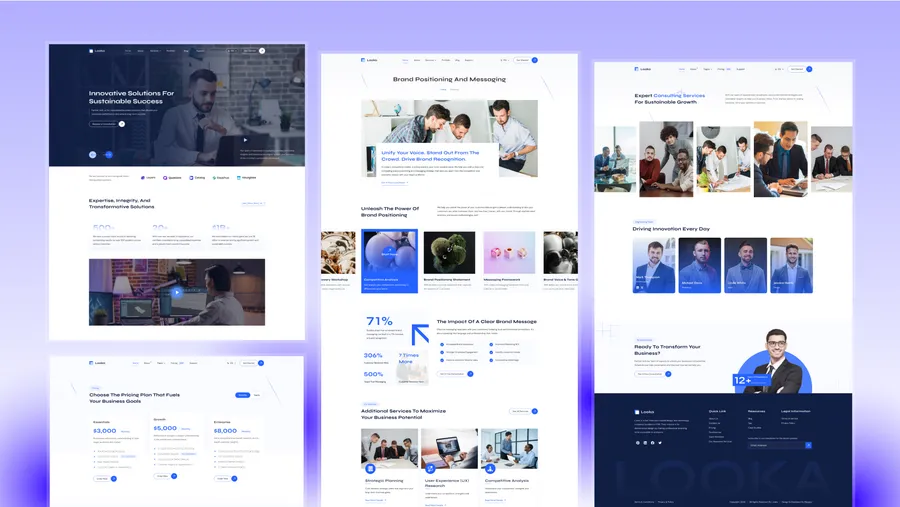
What type of website is Lumio Lite best for?
01Lumio Lite is best for Free business starter sites, Multilingual service landing pages, MVP company websites, Simple agency launches.
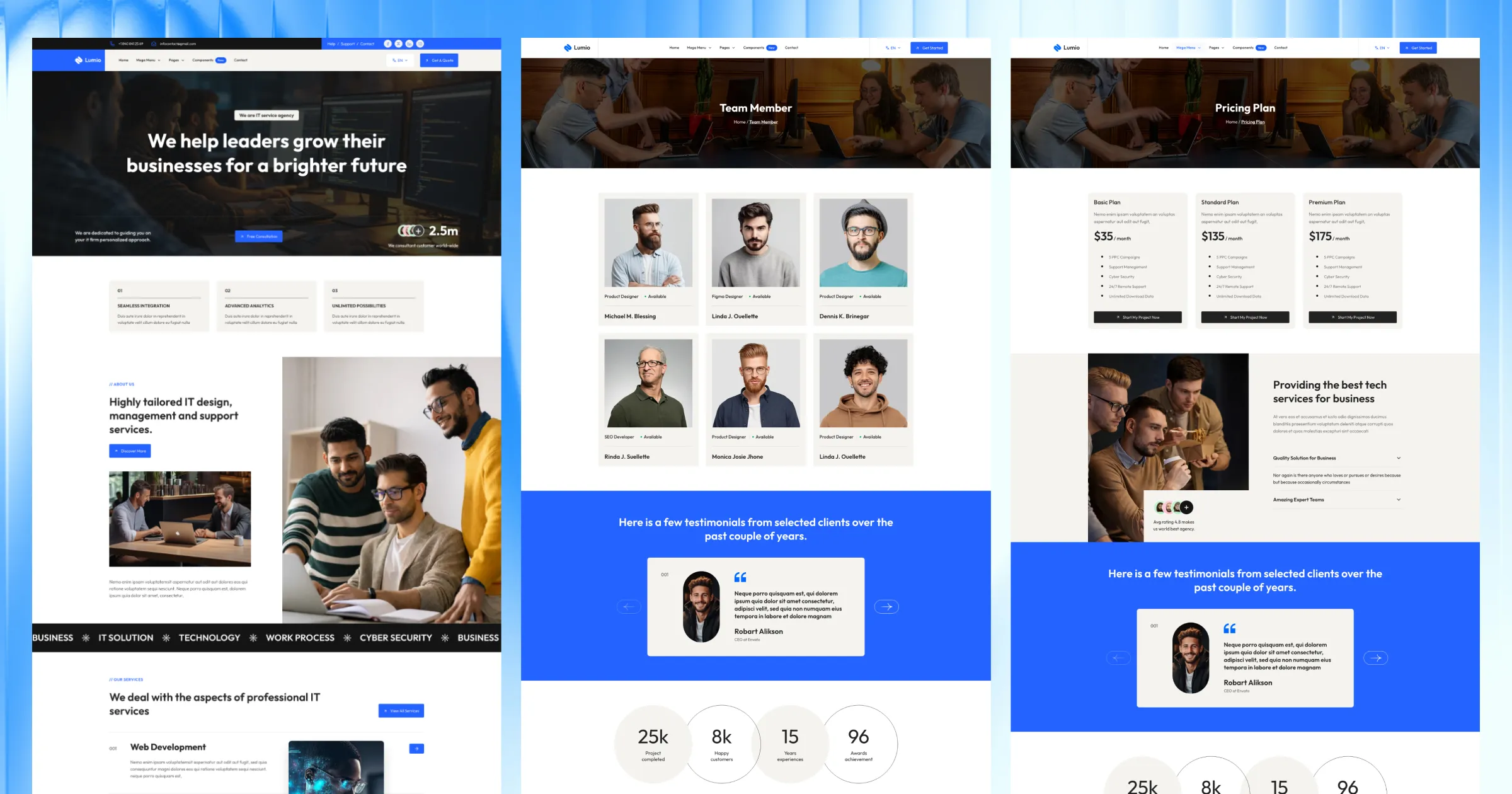
It is lean, but it still includes service pages, strong navigation, configurable forms, and the same clean project structure that makes the full Lumio theme easy to work with.
Lumio Lite focuses on the pages that help most small teams launch.
That makes it a good fit when the first version of the site only needs a sharp company story and clear service pages.
The menu system is already set up for growth.
{
  "name": "Services",
  "hasChildren": true,
  "children": [
    { "name": "Web Development", "url": "/services/" },
    { "name": "Service Single", "url": "/services/custom-service-slug/" }
  ]
}Most of the project setup lives in files that are easy to find.
src/config/config.tomlsrc/config/menu.en.jsonsrc/config/menu.fr.jsonsrc/config/social.jsonsrc/config/fonts.json[settings]
stickyHeader = true
contactFormProvider = "formsubmit.co"That is useful when you want quick edits without hunting through component code.
Lumio Lite includes the multilingual structure from the start.
If the project should stay single-language:
npm run remove-multilingualIf you want to restore the generated multilingual content later:
npm run generate-multilingual-contentThe source project supports:
formsubmit.coformspreenetlifyThat gives you an easy launch path now and room to switch providers later.
Lumio Lite includes MDX support, Shiki code highlighting, and table of contents settings in config. That is useful when service pages also need technical explanations, process details, or code examples.
Lumio Lite ships with built-in instructions for AI coding assistants, so tools like Claude, OpenAI Codex, Cursor, GitHub Copilot, Gemini, and Windsurf can read the theme’s structure, content model, and conventions from the start.
Instead of guessing, your assistant follows the same rules the theme is built on: where sections, content, and schemas live, which shared components to reuse, and how to stay on the design system.
The result is simpler AI-assisted editing with fewer off-pattern changes.
Choose Lumio Lite if you need a free service-business starter that is structured, multilingual-ready, and practical for a real launch.
If you want more home demos, case studies, team pages, pricing, FAQ, and a larger section library, check Lumio Pro.
Lumio Lite is best for Free business starter sites, Multilingual service landing pages, MVP company websites, Simple agency launches.
Lumio Lite is currently available as a free Astro theme.
Yes. Lumio Lite includes multilingual-ready project structure, which helps when the site needs localized routes or content.
Lumio Lite includes service pages, along with 4 core pages.
Choose Lumio Lite when you need a free multilingual starter for a service-led business site and want a cleaner structure than most basic free themes provide.
Pay once. No subscription. Choose 12 months or lifetime downloads on Essential.
Pro and Business include downloads and updates for life.
The price goes up with each new theme release. Buy now and every future theme is included.
For solo creators building one client site or personal project per theme.
+ Local Taxes
Individual themes
value $967
Save $868
(90%)
+ Local Taxes
Individual themes
value $967
Save $848
(88%)
For freelancers and teams working across multiple client projects.
+ Local Taxes
Individual themes + figma
value $1,087
Save $888
(82%)
For studios and teams that want unlimited projects, more seats, and complete access.
+ Local Taxes
Individual themes + figma
value $1,087
Save $788
(72%)
Released 09 Apr, 2026
Choose Lumio if you need more demos, case studies, pricing pages, and a broader section library.
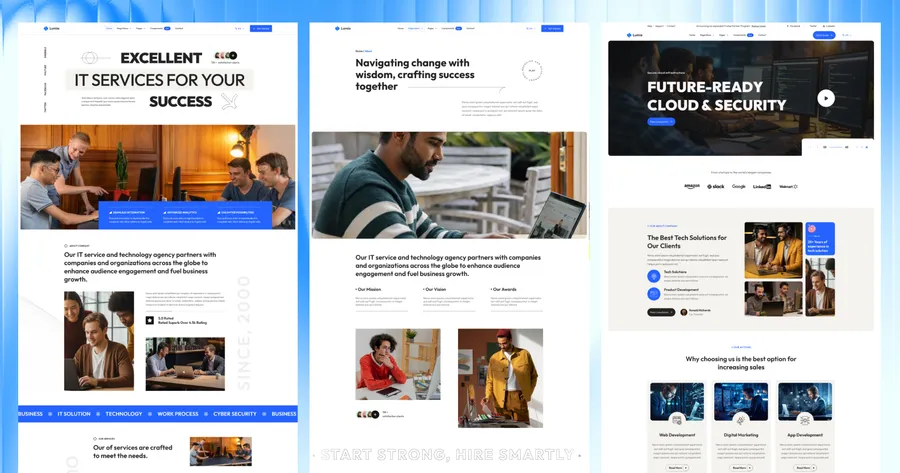
Released 08 July, 2025
Choose Folex Lite if your brand is more creative-agency or portfolio-led than business-corporate.
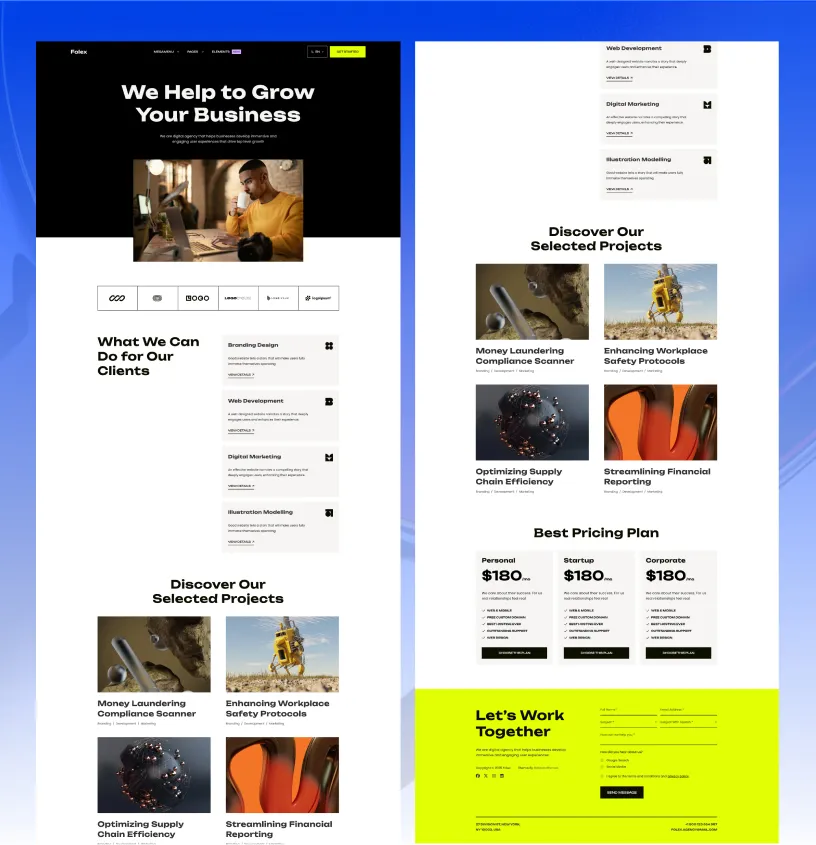
Released 03 Feb, 2025
Choose Looka if you need a more premium consulting or corporate-business presentation.