What type of website is Folex best for?
01Folex is best for Agency websites, Portfolio showcases, Personal brand sites, Multi-demo studio launches.
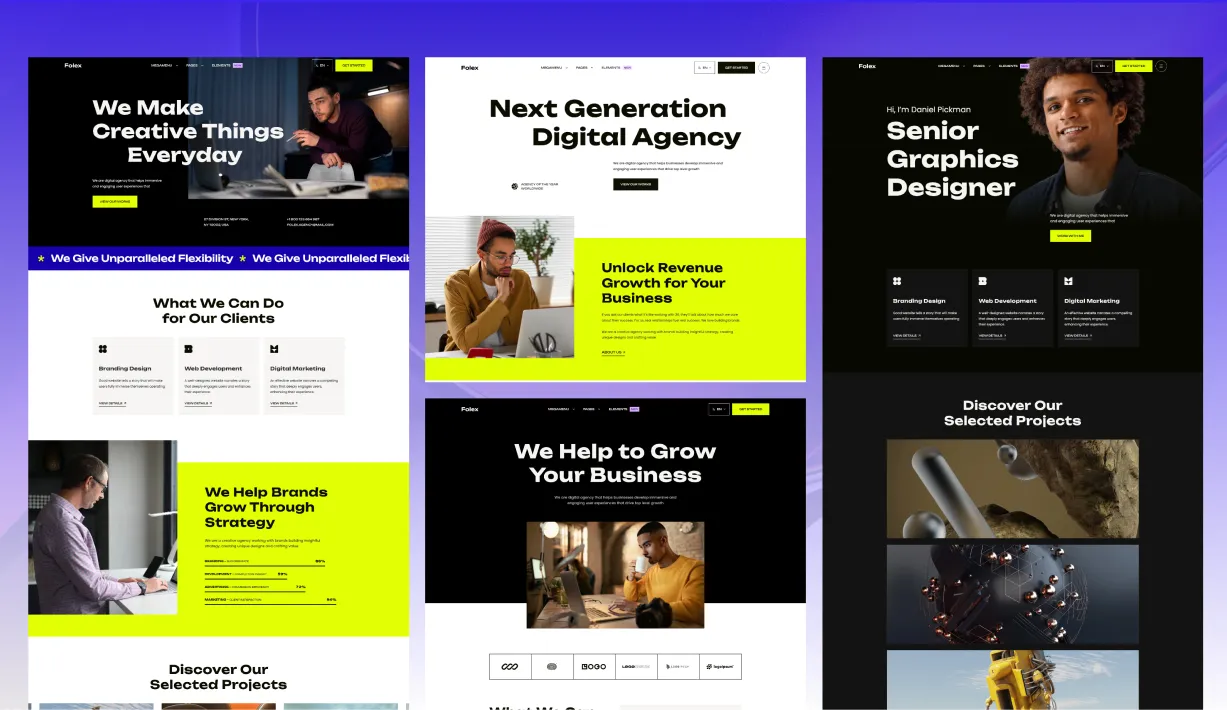
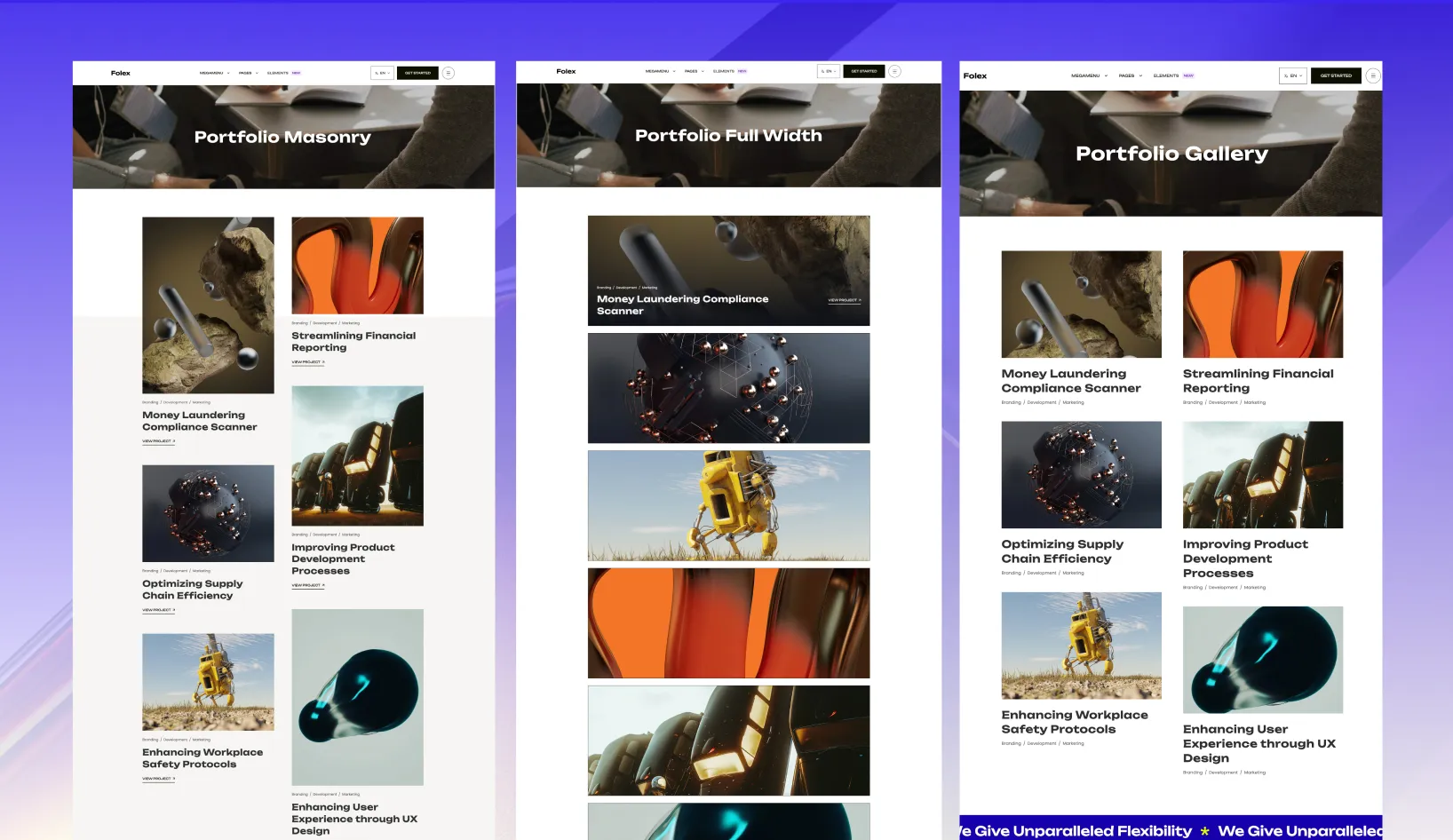
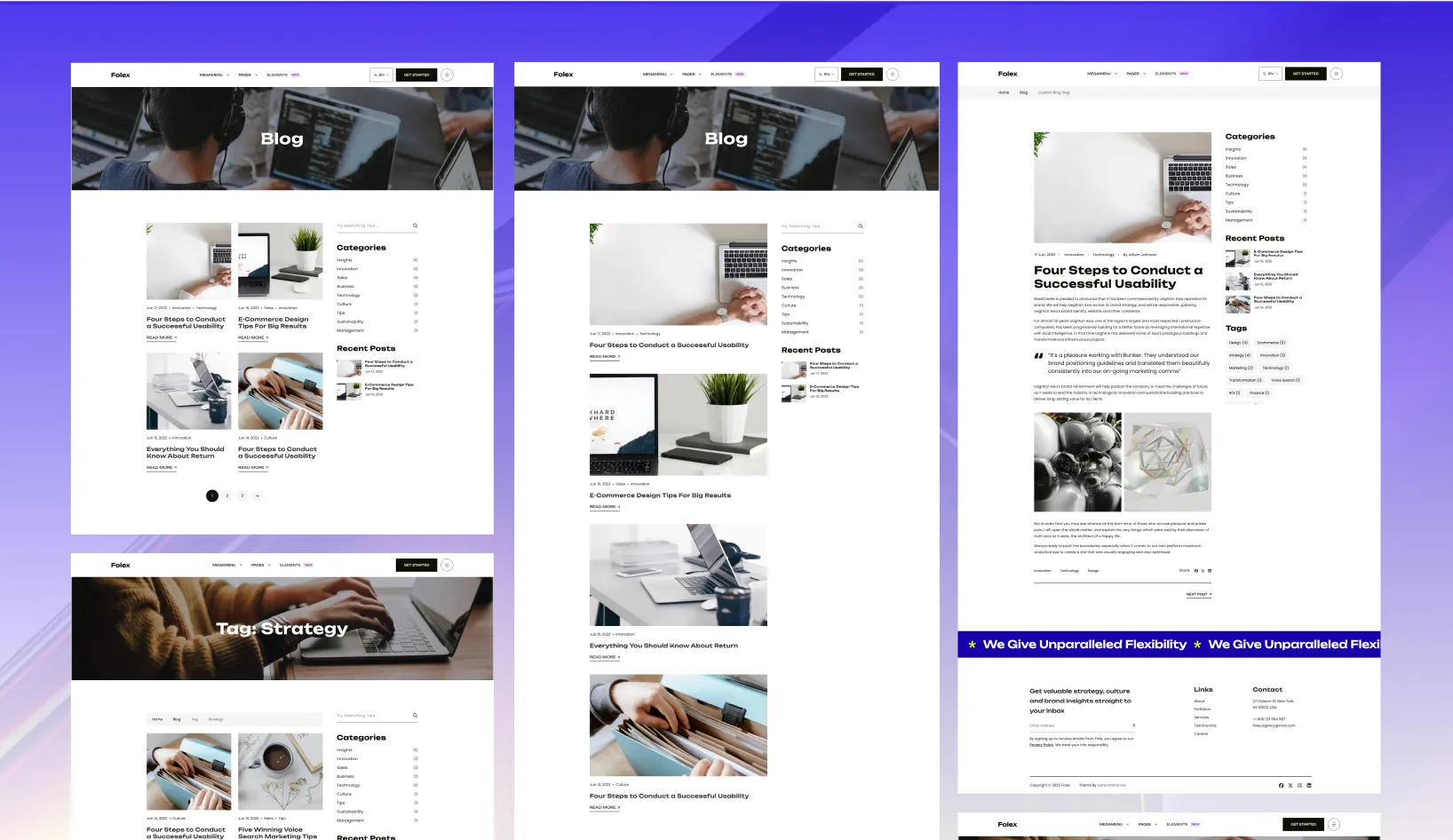
Folex is made for agencies, creative studios, and personal brands that want the site to feel premium before the visitor even scrolls.
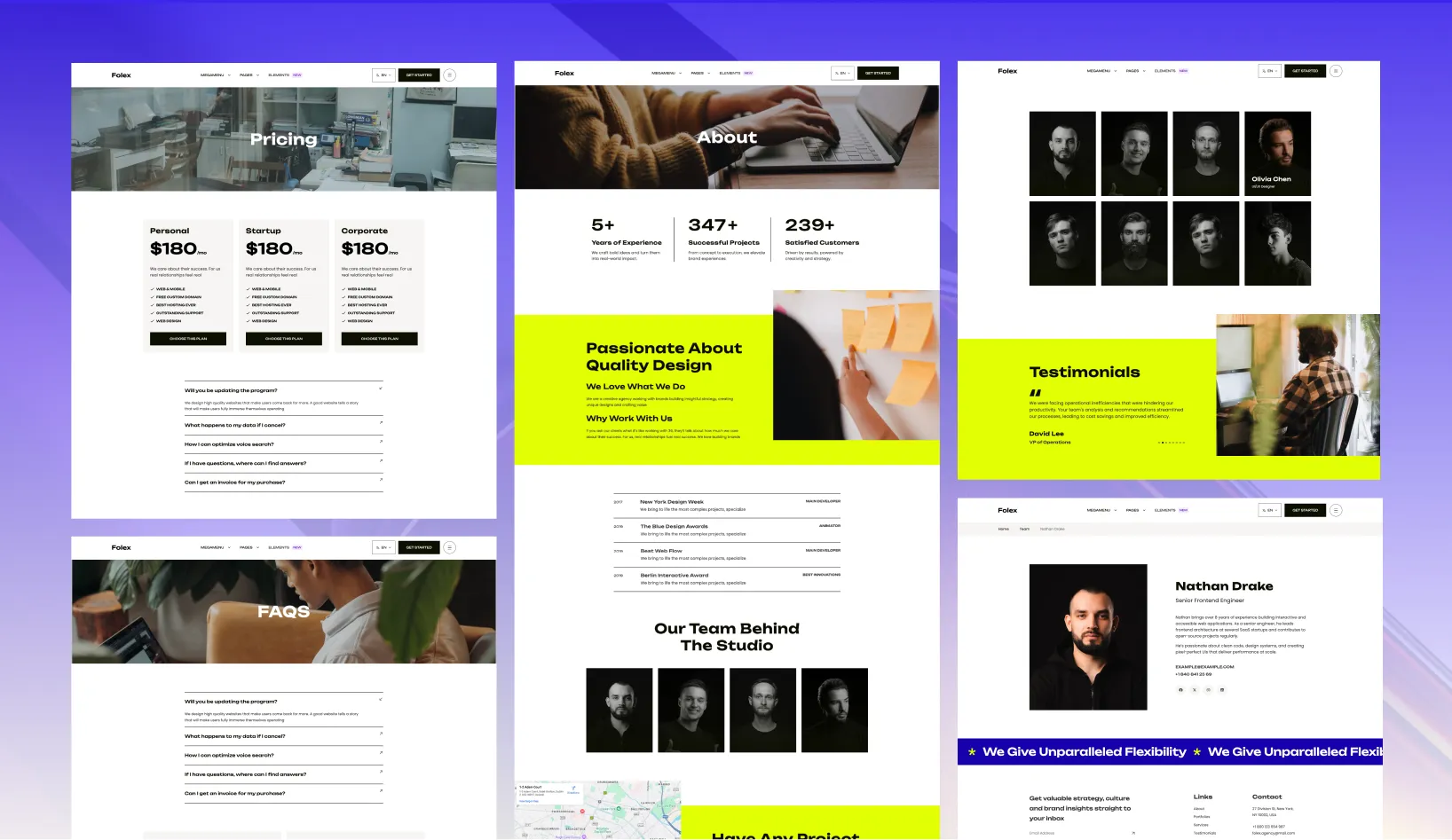
It combines multiple homepage styles, strong portfolio layouts, service pages, team profiles, and a menu system that can handle a large studio site without turning messy.
Folex does not lock you into one homepage direction.
This is useful when the same codebase needs to serve different offers, audiences, or visual directions.
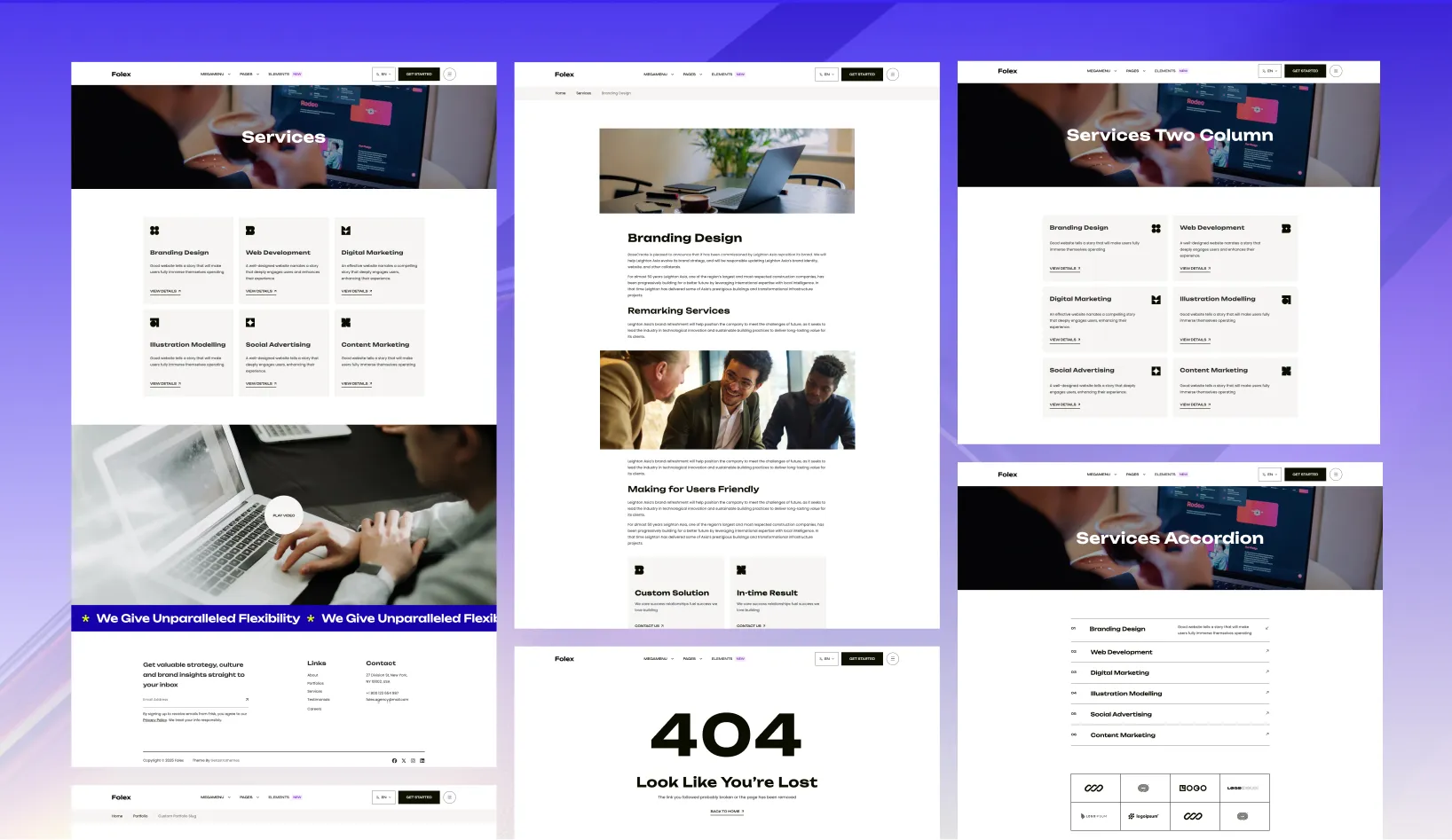
Folex includes a broad page set for service businesses and portfolio-led brands.
Folex is strongest when the sale depends on proof.
You can use it to:
The source project includes a flexible navigation system with:
{
  "name": "Portfolio",
  "hasChildren": true,
  "children": [
    { "name": "Gallery", "url": "/portfolio/gallery/" },
    { "name": "Slider", "url": "/portfolio/slider/" }
  ]
}
That matters when a studio site grows into services, portfolio, blog, team, and support content.
The project is easy to customize because the main controls stay in config files.
src/config/config.tomlsrc/config/menu.en.jsonsrc/config/menu.fr.jsonsrc/config/social.jsonsrc/config/fonts.jsonYou can update the sticky header, contact forms, social links, SEO defaults, fonts, and navigation without digging through many files.
Folex includes English and French structure, but you can simplify the project when the site only needs one language.
npm run remove-multilingualIf you want to rebuild multilingual content again later:
npm run generate-multilingual-contentFolex supports:
formsubmit.coformspreenetlifyThat gives you a practical mix of lead capture and publishing features in one theme.
Folex ships with built-in instructions for AI coding assistants, so tools like Claude, OpenAI Codex, Cursor, GitHub Copilot, Gemini, and Windsurf can read the theme’s structure, content model, and conventions from the start.
Instead of guessing, your assistant follows the same rules the theme is built on: where sections, content, and schemas live, which shared components to reuse, and how to stay on the design system.
The result is simpler AI-assisted editing with fewer off-pattern changes.
Choose Folex if your agency or studio needs a portfolio-led site with enough structure to sell services, show the team, publish content, and handle a larger navigation.
Folex is best for Agency websites, Portfolio showcases, Personal brand sites, Multi-demo studio launches.
Folex is a paid Astro theme designed for teams that need a more complete production-ready starting point.
Yes. Folex includes multilingual-ready project structure, which helps when the site needs localized routes or content.
Folex includes blog support, pricing pages, service pages, portfolio layouts, along with 28 core pages and 21 sections.
Choose Folex when your brand is creative, portfolio-led, or visually driven and you need a website that sells both services and presentation quality.
Pay once with no subscription. Choose yearly or lifetime downloads on Essential.
Pro and Business include downloads and updates for life.
For solo creators building one client site or personal project per theme.
+ Local Taxes Act Quick Before It's Gone! ~ 45% OFF
Individual themes
value $790
Save $691
(87%)
+ Local Taxes Act Quick Before It's Gone! ~ 40% OFF
Individual themes
value $790
Save $671
(85%)
For freelancers and teams working across multiple client projects.
+ Local Taxes Act Quick Before It's Gone! ~ 50% OFF
Individual themes + figma
value $910
Save $711
(78%)
For studios and teams that want unlimited projects, more seats, and complete access.
+ Local Taxes Act Quick Before It's Gone! ~ 40% OFF
Individual themes + figma
value $910
Save $611
(67%)
Released 08 July, 2025
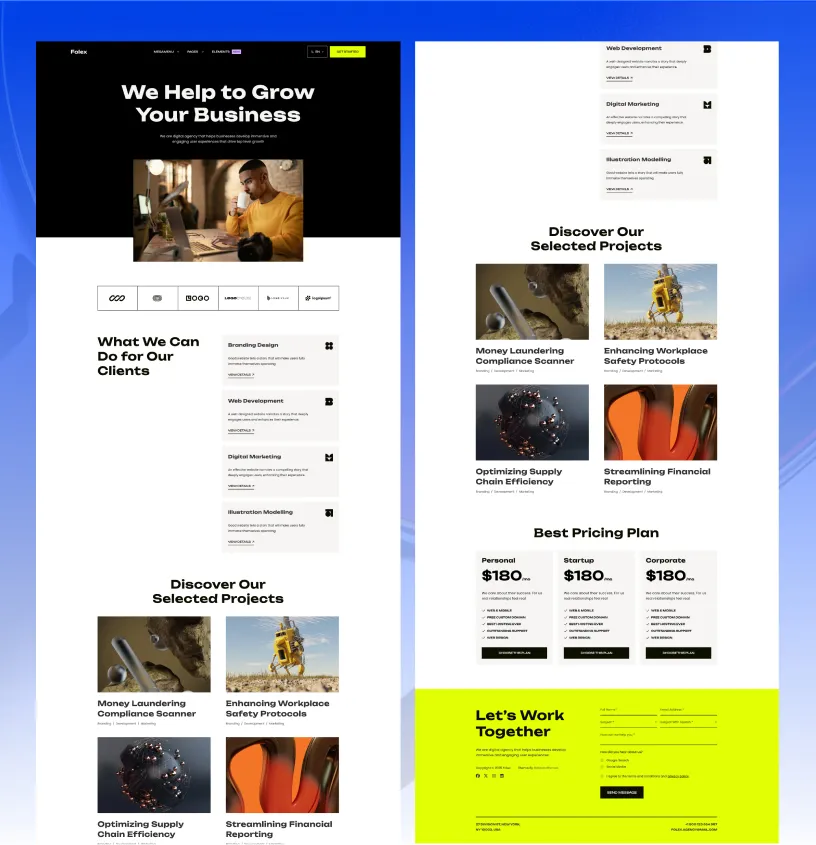
Choose Folex Lite if you want a free, smaller starter before moving to the full agency package.
Released 09 Apr, 2026
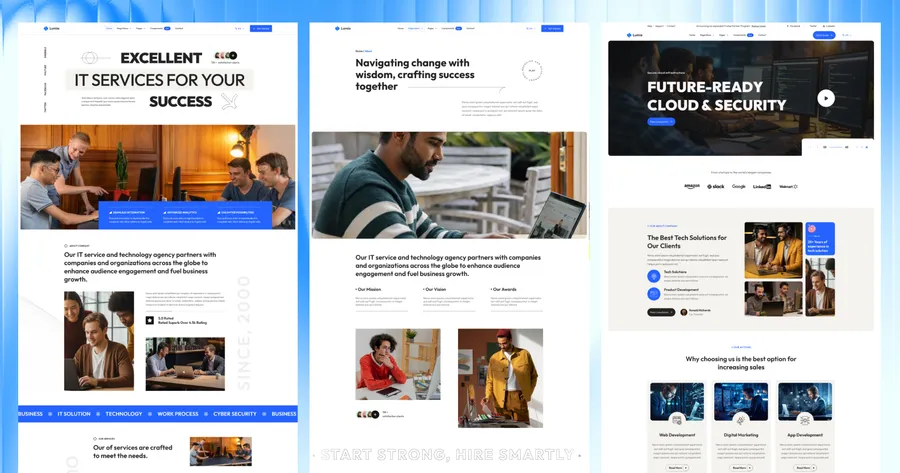
Choose Lumio if your business website needs more service-company structure than portfolio emphasis.
Released 03 Feb, 2025
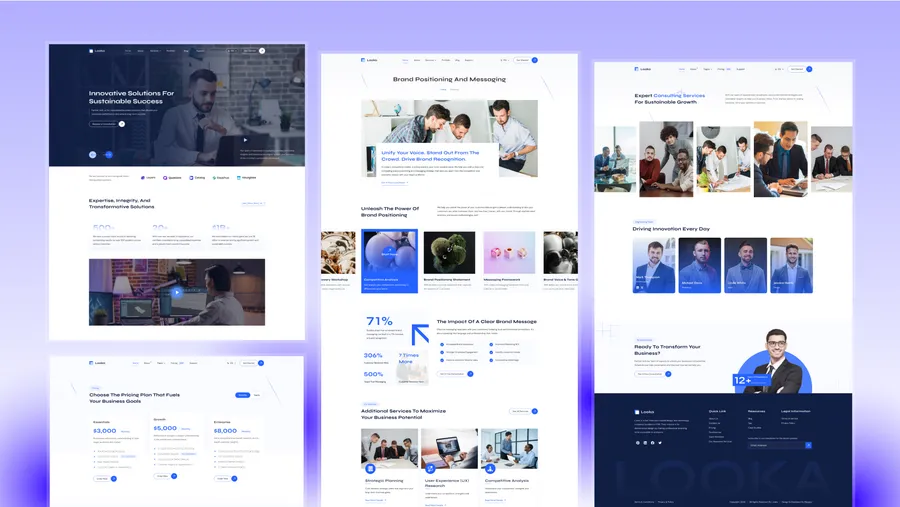
Choose Looka if you want a more corporate consulting tone than a creative agency tone.