Homio is an Astro theme for the website of a home-services company: cleaning first, plus handyman and repairs, window cleaning and carpet cleaning. It is built with Astro and Tailwind CSS and covers services with what’s included, pricing with an instant estimator, a multi-step booking request, service-area pages, reviews, before/after projects, about, team and careers pages, in English and French, light and dark.
Scheduling, payment and dispatch stay in your own process. Homio gives you the pages that show your prices and areas and turn visitors into booking requests.
By The Numbers
- 4 Homepages
- 30 Inner Page Designs
- 34 Section Components
- 21 Sections With 2 To 8 Layouts
- 4 Header Layouts And 4 Footer Layouts
- 10 Sample Services In 5 Trades, 4 Sample Areas And 6 Sample Projects
- 2 Languages: English And French
Four Homepages
Each homepage is built for one kind of home-services business, with its own header, hero, sections and footer:
- Multi-trade home services (
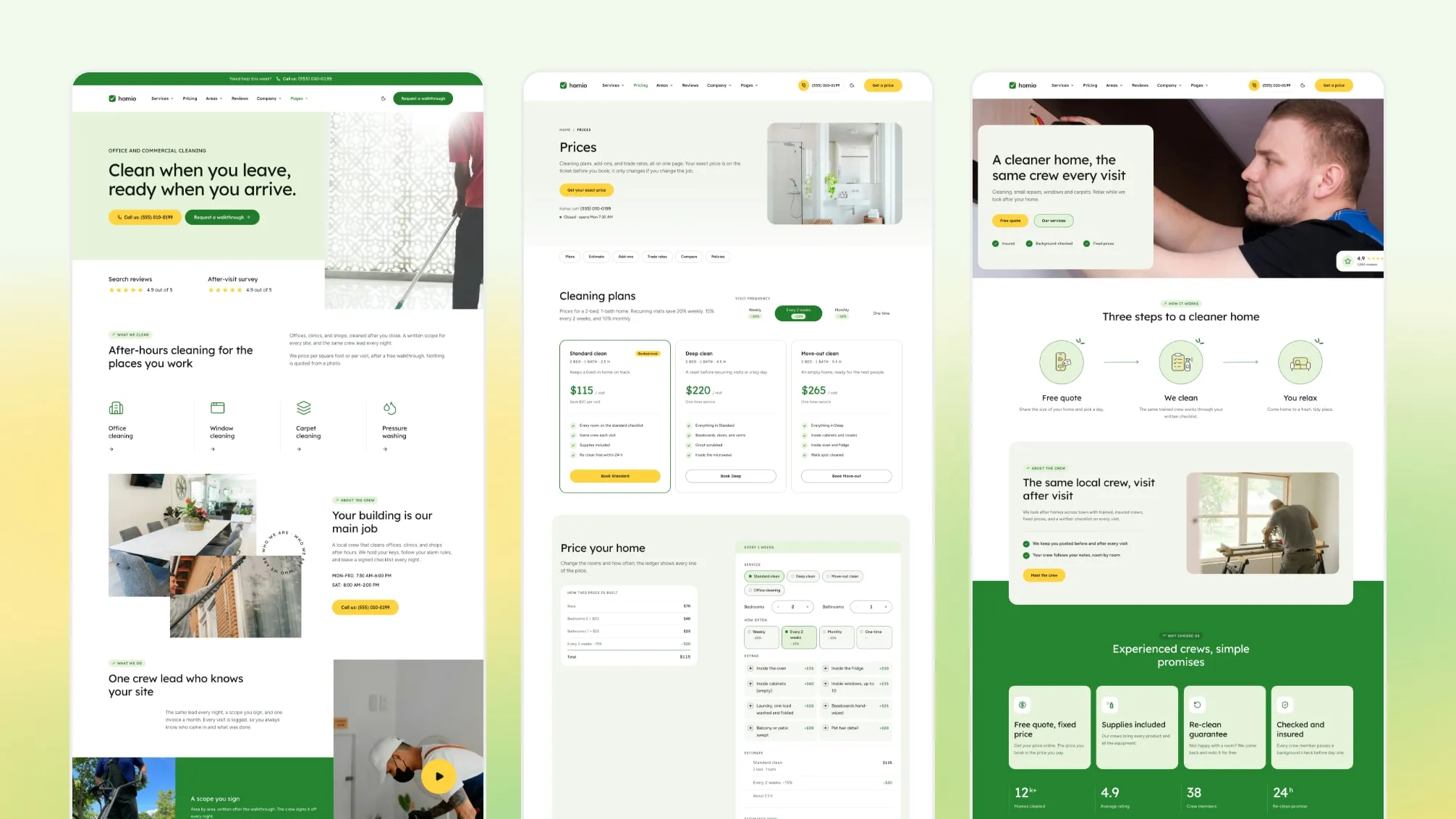
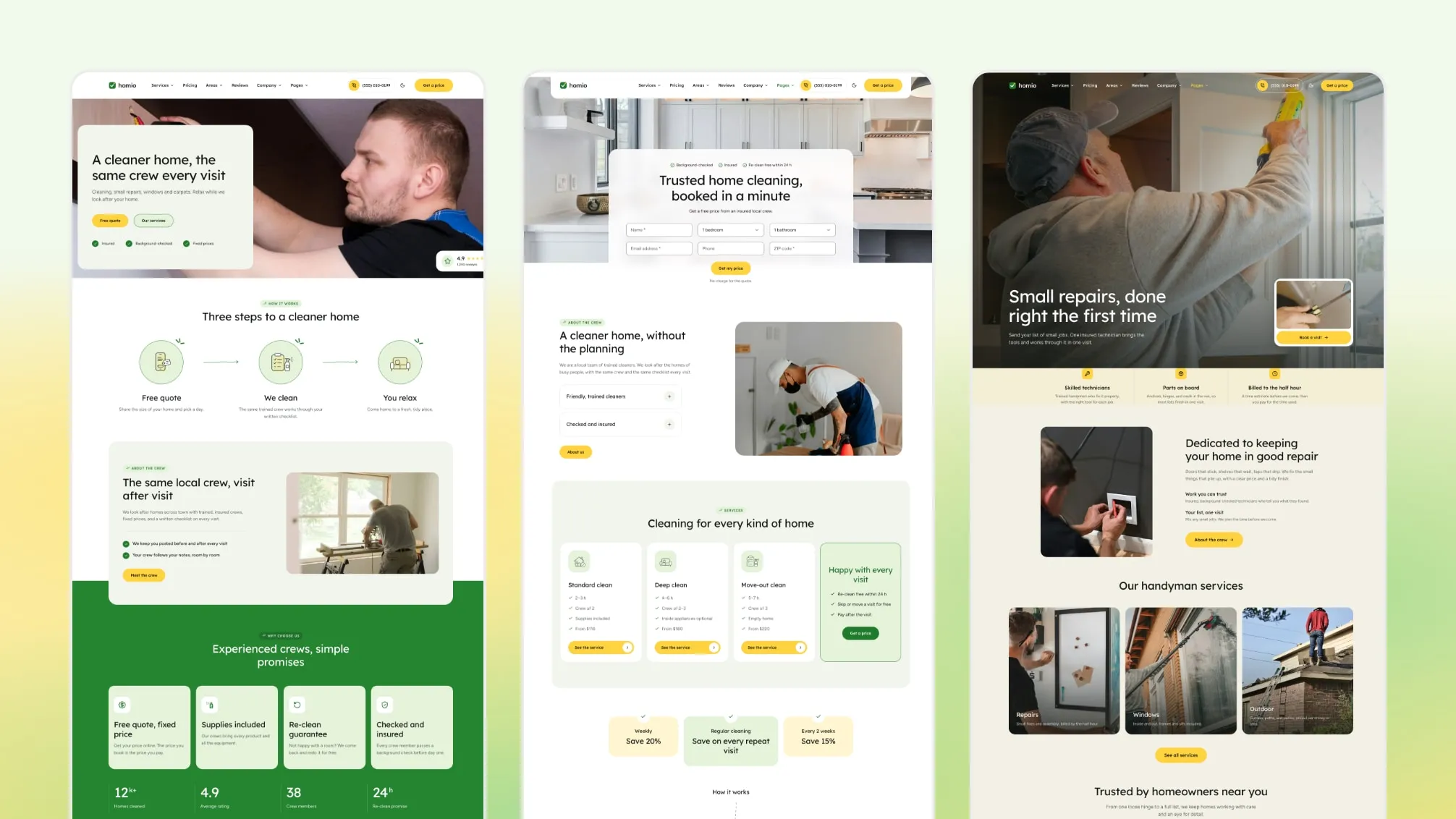
/): a framed photo hero with a rating notch, illustrated steps, a who we are panel with key numbers, service cards, a review carousel, a quote form, FAQ and latest posts.
- Cleaning company (
/home-cleaning/): a photo hero with a quote form card, a services checklist, recurring-plan savings from your price file, a winding steps path, reviews, a booking card, FAQ and the service areas in tabs.
- Commercial cleaning (
/home-commercial/): a split hero, service columns, a photo collage, a feature showcase, a review spotlight with client logos, team portraits and a walkthrough request form. Every button leads to the walkthrough form or the phone.
- Handyman (
/home-handyman/): a full-height photo hero under a transparent header, a trust strip, photo service cards, key numbers, staggered steps, reviews, a before/after gallery, FAQ and a slanted call to action.
Keep the one that fits your business and remove the others, or reuse their sections on your own pages.
Pages Included
Services and prices
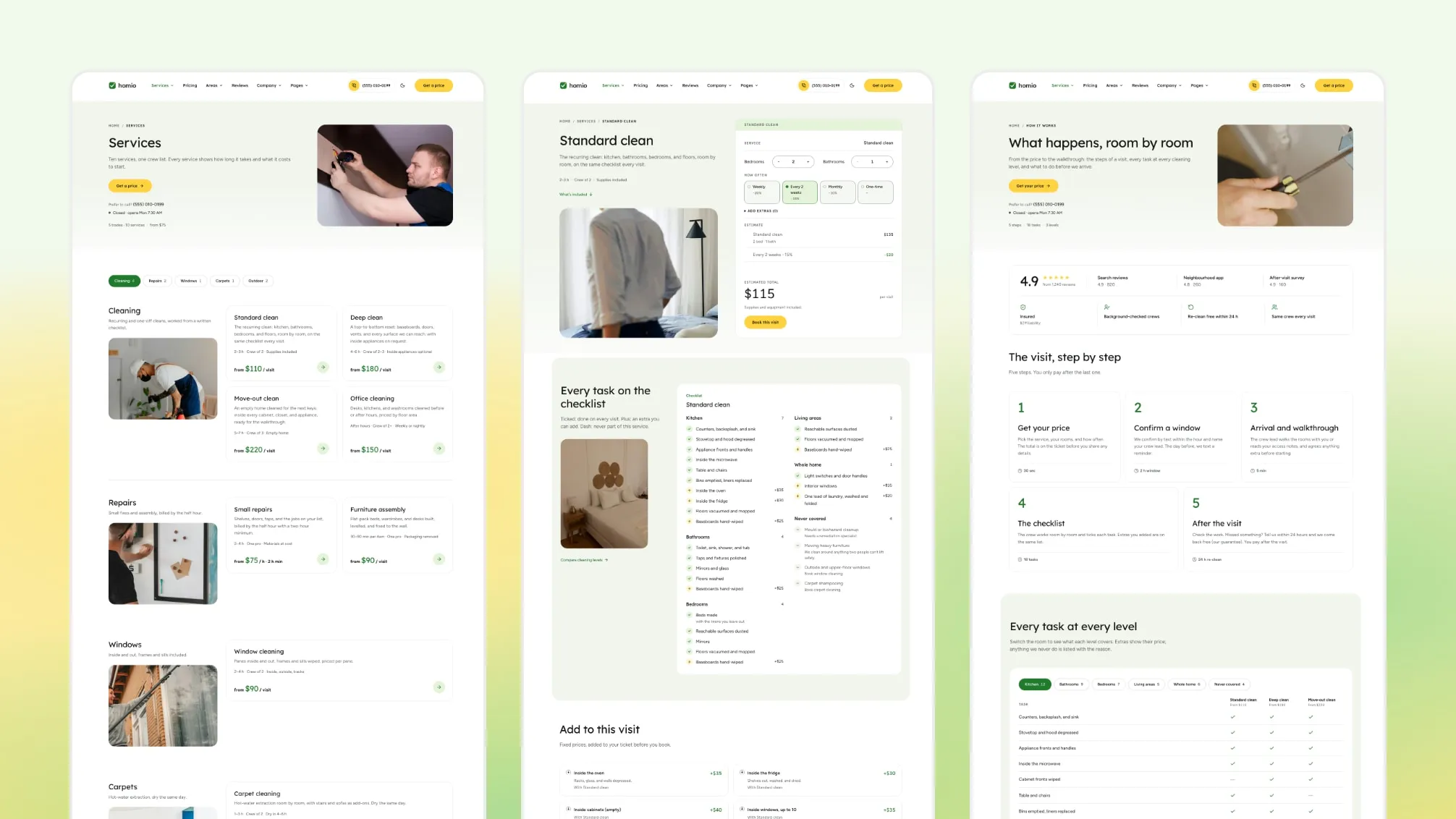
- Services overview grouped by trade, and a page per service with what is and is not included, add-ons and an estimator. Samples cover standard, deep, move-out and office cleaning, handyman work, furniture assembly, windows, carpets, gutters and pressure washing.
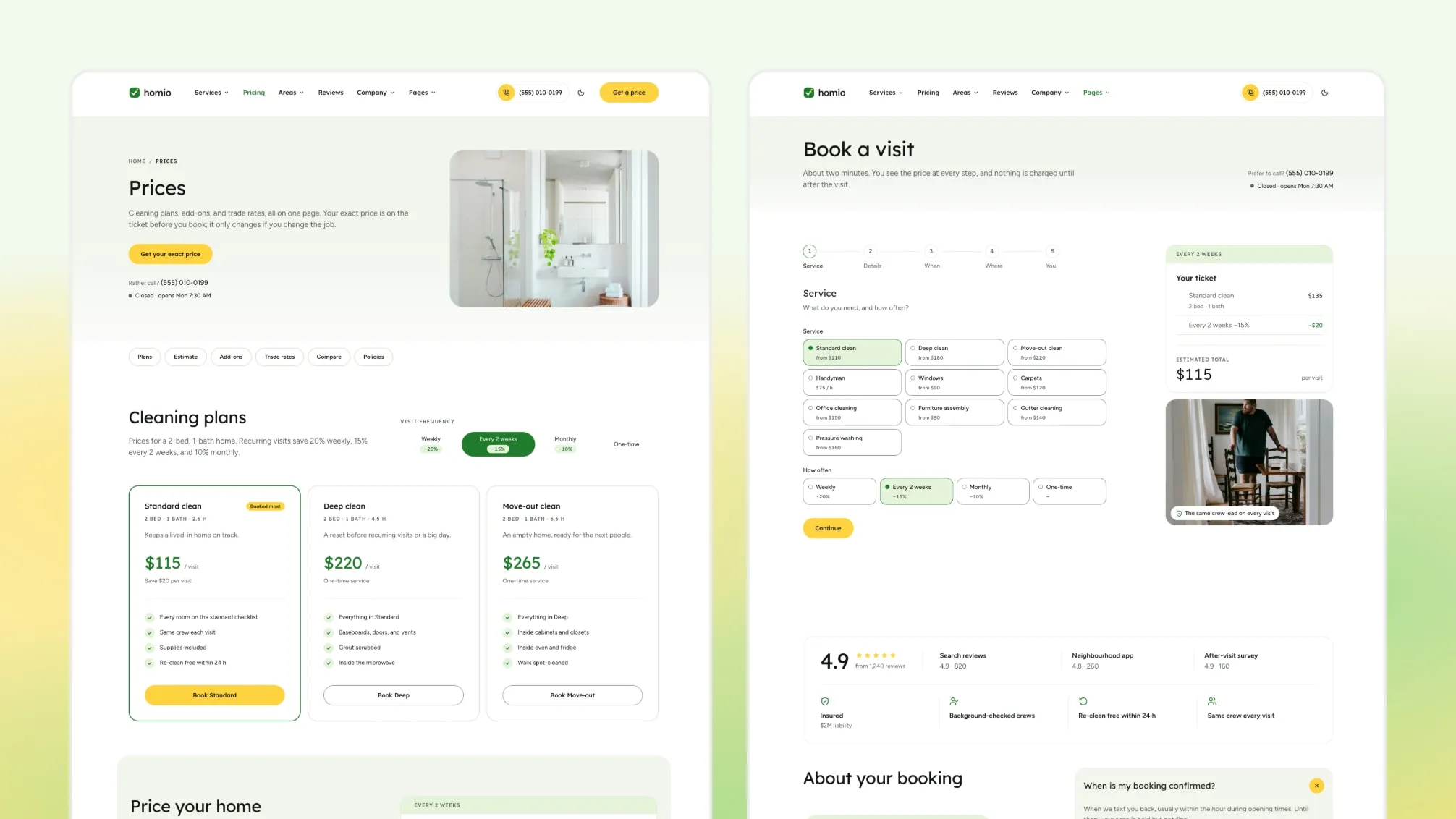
- Pricing page with plans and a visit-frequency toggle, the estimator, add-ons, a trade rate sheet and a what’s-included table. There is no checkout.
- Booking request page with a five-step form that also works without JavaScript, and a thank-you page
- Industries overview and a page per industry, with sample offices, medical offices, retail, short-term rentals, property managers and post-construction pages
Areas and proof
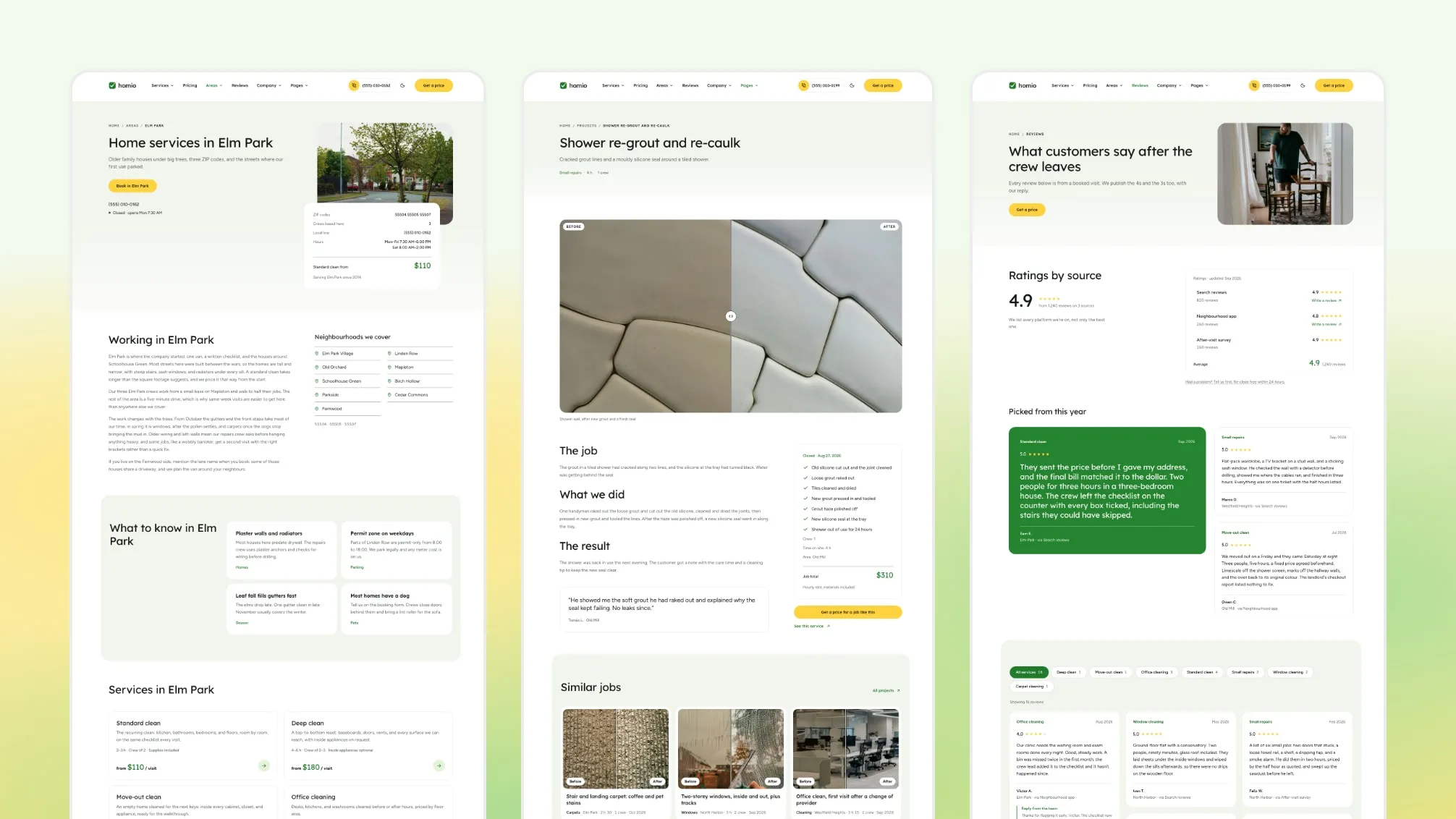
- Service areas overview with an area finder, and a page per area with postal codes, neighborhoods, local phone and hours, prices, reviews and a recent job
- Reviews page with a rating summary, ratings by source and service filters
- Projects overview and a before/after page per project
- How it works, guarantee and FAQ pages
Company
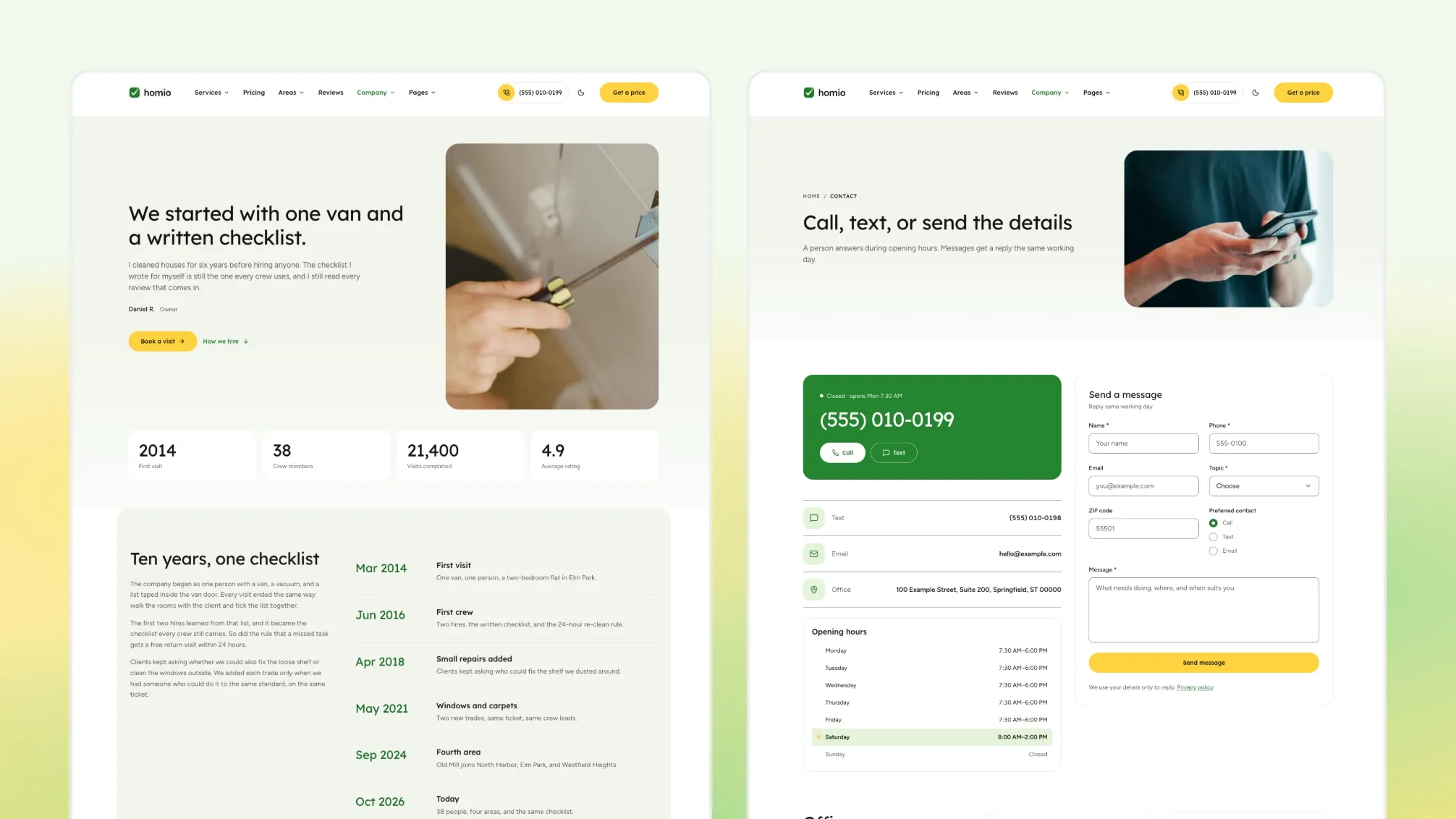
- About, team and contact pages
- Careers with a page per open role
- Gift card and referral pages, each with a request form
Content and legal
- Blog with categories, tags, an author box, related posts, a table of contents, pagination and RSS
- Privacy policy, terms, cookie policy and cancellation policy pages with sample text for your own legal review, and a 404 page in each language
Plus a layout gallery (/elements/) that previews every layout of the multi-layout sections and the page header.
What You Get
- Full Astro source code, deploy configs for Netlify, Vercel and Cloudflare Pages, AI assistant instruction files, a changelog, and demo content in English and French.
- Static output: no server or database needed to host it.
- Demo photos, prices, reviews, areas, figures and text are samples to replace before launch. Sample values in content files are marked
# sample.
Not Included
- Online payments, deposits or checkout. The estimator and plans show prices from your rates.
- Scheduling, dispatch, calendar sync or CRM software. The booking form sends a request to a form service, and you confirm each visit.
- Customer accounts or a client portal.
- A CMS. Content lives in files in your repository.
- Site search and right-to-left languages.
- A Figma file.
- Hosting, a domain or deployment.
What You Can Build With Homio
House cleaning company. Start from /home-cleaning/: the quote form hero, the services checklist, recurring-plan savings, the booking card and the service areas. Extra work: set your rate cards, frequency discounts and minimums in the price file.
Multi-trade home services. Start from /: service cards by trade, reviews, the quote form and a page per service. Extra work: keep the trades you offer and write what each service includes and excludes.
Commercial or office cleaning. Start from /home-commercial/: the walkthrough request form, industry pages, team portraits and the review spotlight. Extra work: replace the sample client logos, industries and figures with your own.
Handyman or small repairs. Start from /home-handyman/: the photo hero, trust strip, before/after gallery and hourly rates. Extra work: set your hourly rate, call-out fee and the jobs you do not take on.
Window, carpet or gutter cleaning. Use the service pages with per-item pricing (panes, rooms, storeys) and the projects pages. Extra work: set your units and prices, and add your own before/after photos.
Change Layouts From Content Files
21 sections come in 2 to 8 layouts: reviews and feature rows (8 each); services (7); steps (6); why us and call to action (5 each); hero, plans, service areas, FAQ and service page hero (4 each); trust strip, before/after and contact (3 each); add-ons, what’s included, numbers, team, logos, booking and blog teaser (2 each). Pick a layout with one options.layout value in the section’s content file, or in a page’s frontmatter block, with no code changes.
heroSection:
  options:
    layout: "split" # default | split | form | band
Section files list their options and allowed values in comments.
Site Settings In One File
Business details, site identity, forms, the estimator, booking rules, header and footer layouts, color scheme, cookie consent, the phone call bar and languages are set in src/config/config.toml. Your company name, phone, email, address and opening hours are set once under [business] and reused on every page. For example (comments shortened):
[settings.booking]
  minLeadDays = 1           # earliest date: today + this many days
  maxDays     = 60          # latest date: today + this many days
  zipPattern  = "^\\d{5}$"  # postal code check
  checkArea   = true        # tell visitors whether their postal code is in a service area
Set your site URL once in config.toml, and every canonical, sitemap and feed URL follows it. Prices live in src/content/pricing/, colors and the type scale in src/styles/theme.css, and menus in src/config/menu.en.json and menu.fr.json.
Where Things Live
src/
  config/          config.toml, menu.en.json, menu.fr.json, social.json, fonts.json, language.json
  content/         Markdown and MDX for every page, in english/ and french/ folders
    pricing/       rate cards, visit frequencies and add-ons
    services/      one file per service, with what's included
    areas/         one file per service area, with postal codes
    sections/      default content for each section
  layouts/         page layouts, 34 section components, widgets and cards
  pages/[...lang]/ routes for both languages
  sections.schema.ts  section fields and layout options
  styles/theme.css    colors and type scale
Page text, images, buttons, menus and section options live in Markdown, TOML and JSON files, not in components. A page can override any section’s content through a named block in its frontmatter while the section keeps its shared defaults.
Built-In Site Features
- Light and dark mode: follows the visitor’s system setting, with a toggle.
- Job ticket cards that show the estimate, the booking summary, service facts, area details and project details. The estimate code carries over to the booking request.
- SEO basics built in: canonical and Open Graph tags, a generated share image per page, a sitemap,
robots.txt and an RSS feed. Set your site URL in config.toml first.
- JSON-LD structured data for your local business, services and prices, service areas, breadcrumbs, FAQ, blog posts and job postings. Delete or replace the sample careers entries before launch so no sample job ads are published.
- Hreflang tags for both languages.
- Cookie consent banner: scripts you mark as analytics or marketing run only after the visitor accepts that category.
- Services and Areas mega menus, an optional announcement bar, and a Call / Get a price bar on phones.
- Contact, booking, gift card and referral forms that post to Formsubmit, Formspree or Netlify Forms, chosen in
config.toml. Newsletter forms connect to Mailchimp.
- Respects the reduced-motion setting for animations and smooth scrolling.
- Generates llms.txt, llms-full.txt and a Markdown copy of pages, which some AI tools and coding agents can read.
robots.txt switches to allow or block AI search crawlers and AI training crawlers separately, and an optional IndexNow script.
Homio ships instruction files for AI coding tools: AGENTS.md, plus CLAUDE.md for Claude Code, GEMINI.md for Gemini CLI, rules for Cursor, GitHub Copilot and Windsurf, and SKILLS.md with step-by-step recipes.
What each tool reads on its own:
- Codex:
AGENTS.md
- Cursor:
.cursor/rules/theme-architecture.mdc and AGENTS.md
- Windsurf:
.windsurf/rules/theme-architecture.md and AGENTS.md
- GitHub Copilot:
.github/copilot-instructions.md and AGENTS.md
- Claude Code:
CLAUDE.md, which imports AGENTS.md
- Gemini CLI:
GEMINI.md, which imports AGENTS.md
- SKILLS.md: no tool reads it on its own. Mention it in your request.
Most changes are edits to Markdown, TOML and JSON files. Ask your assistant to update the English and French files. Some things stay with you: form accounts, your domain and host, legal text, prices and service areas, reviews, logos and photos, and a final look at every page in the browser.