Can I keep my docs on Mintlify, Docusaurus or Starlight?
01Yes. Kivo has no docs system of its own. Set docsUrl in src/config/config.toml and the /docs/ landing page and its links point to your docs site, wherever it is hosted.
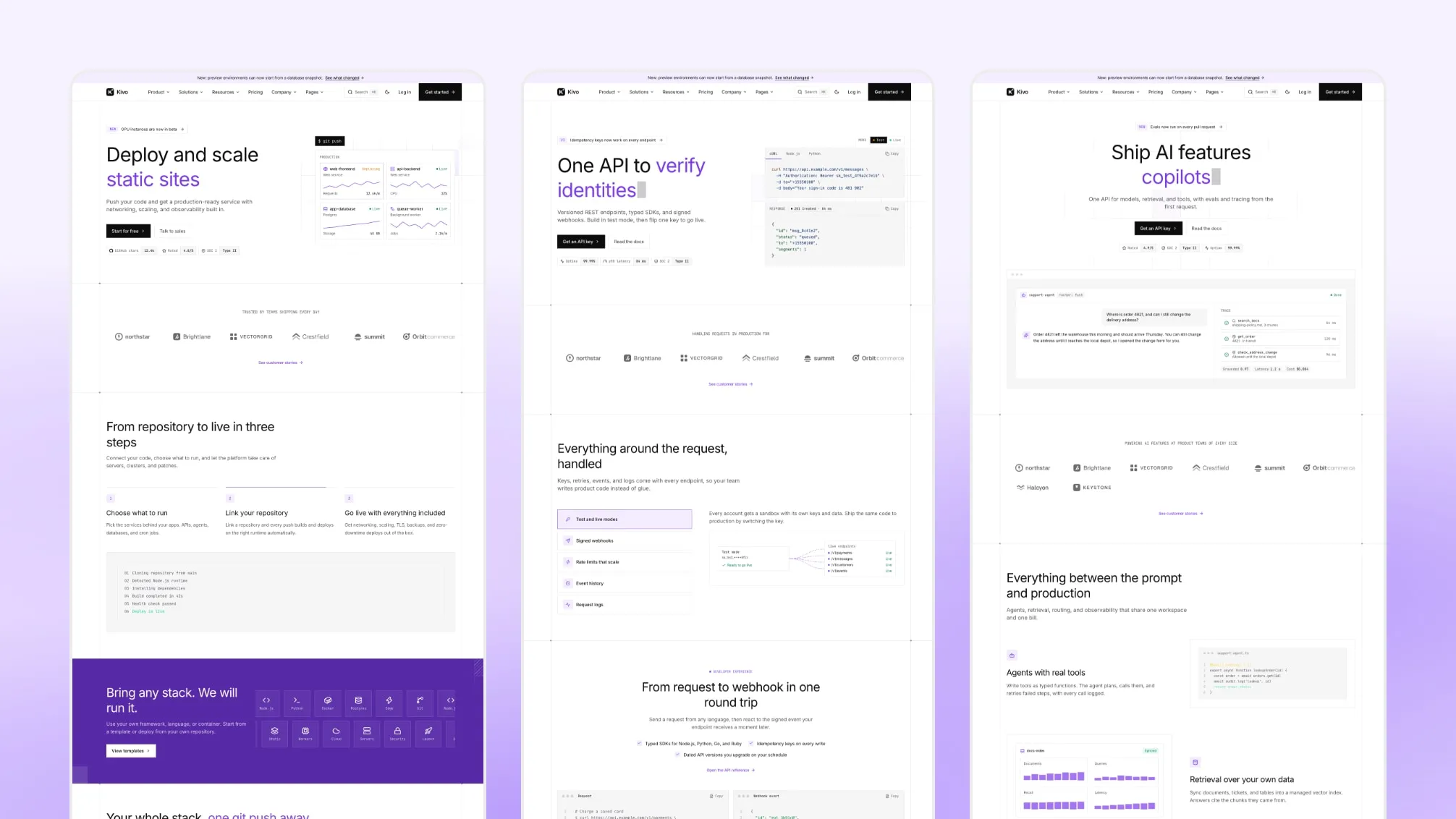
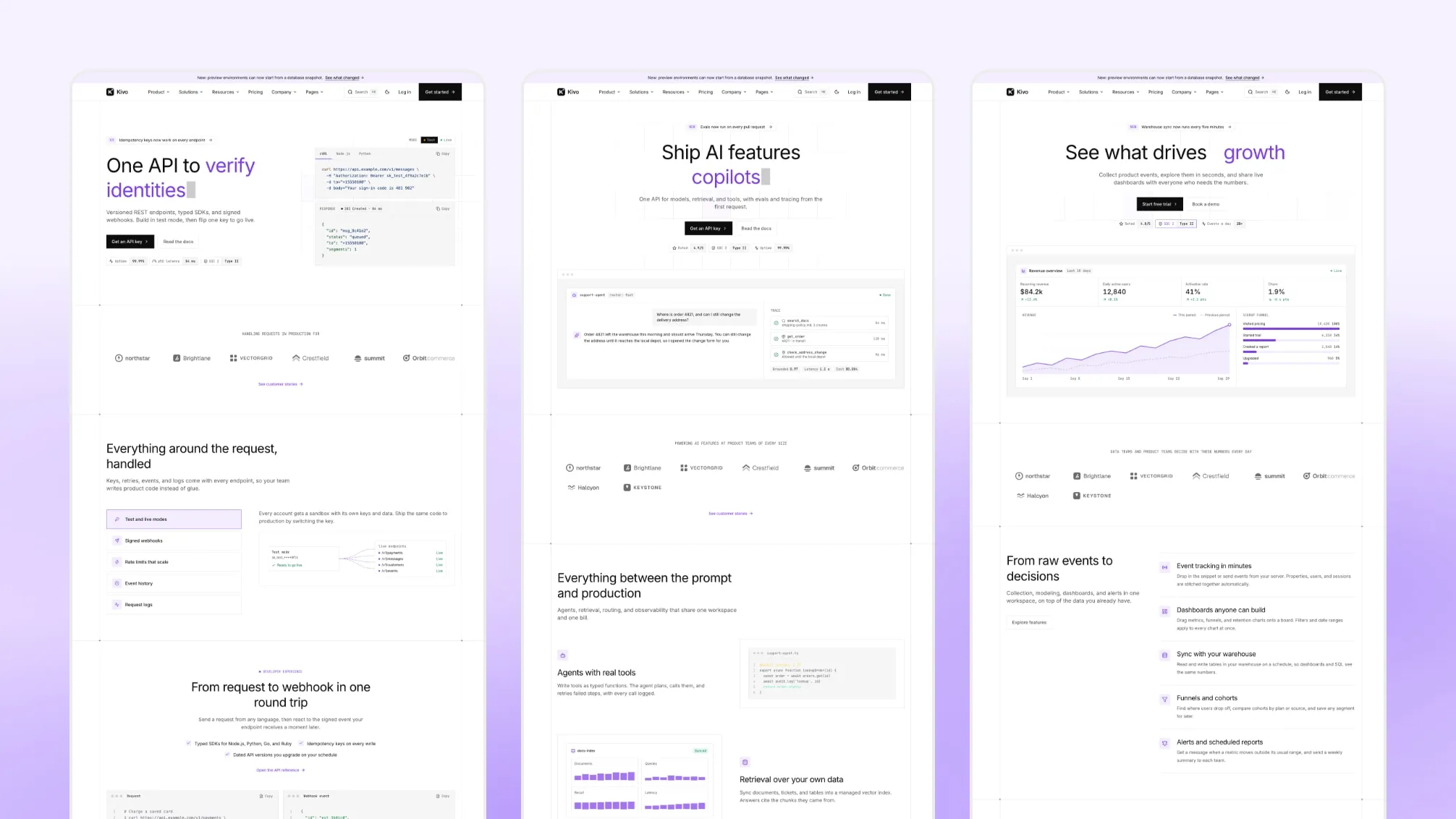
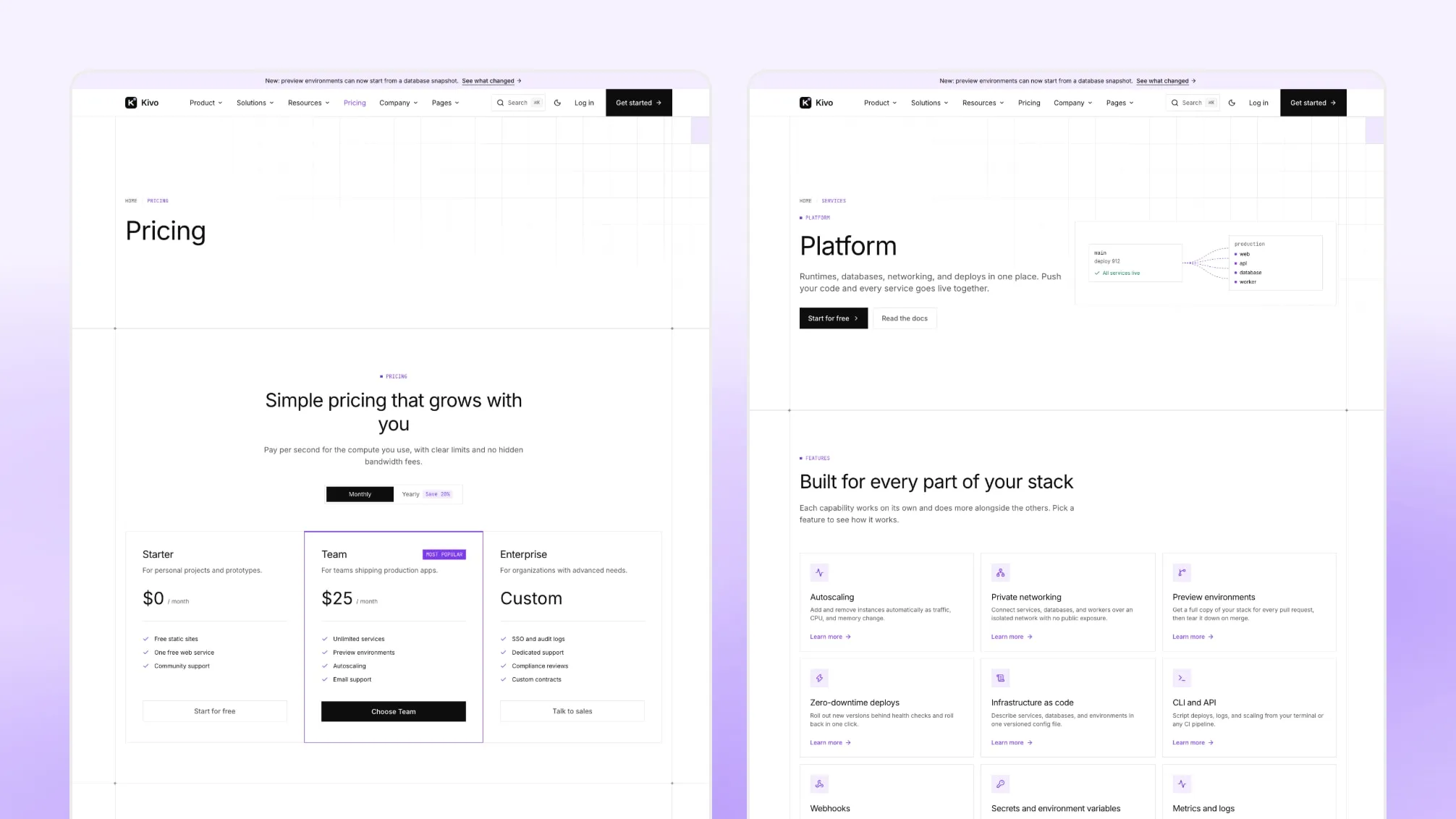
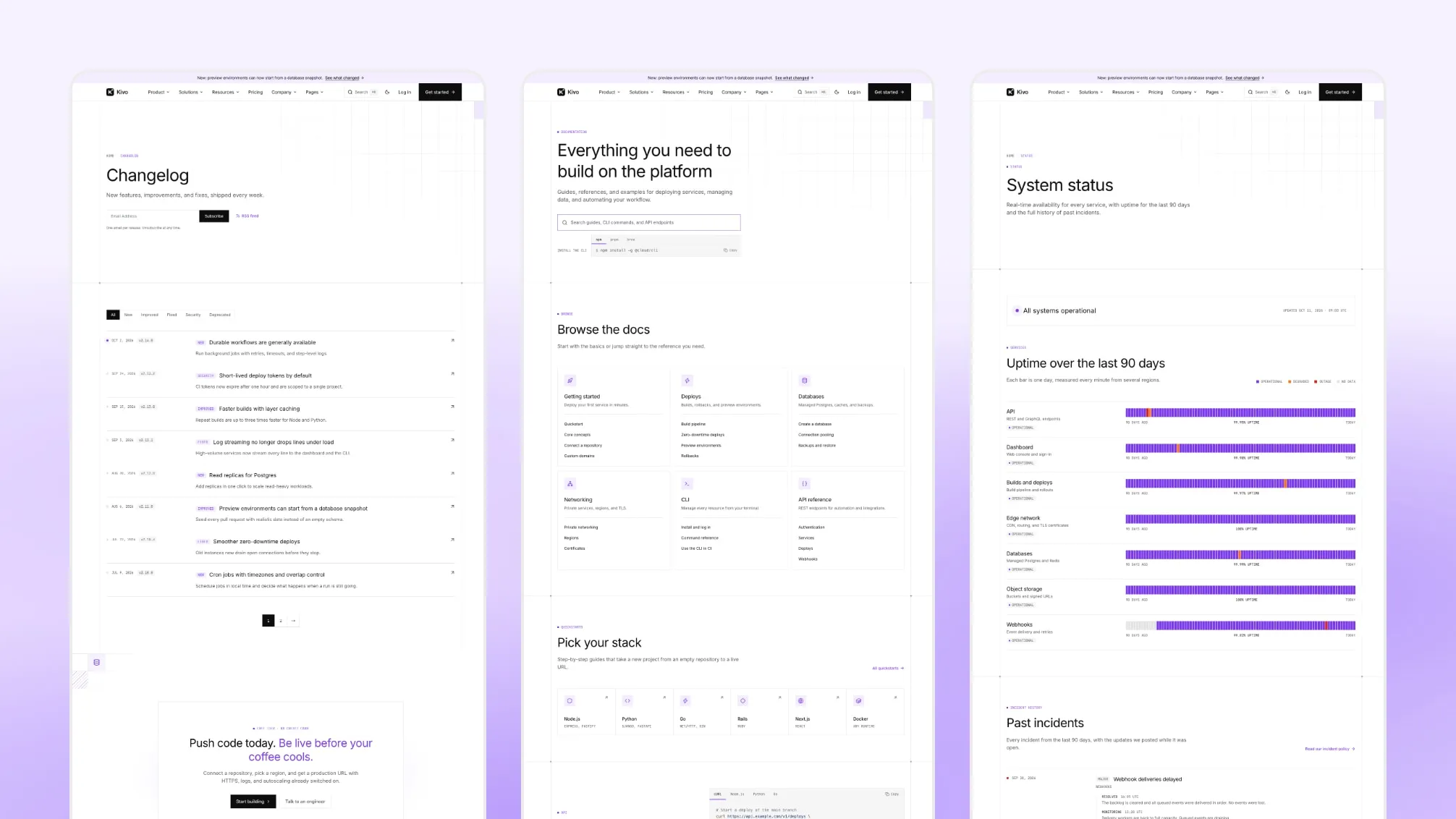
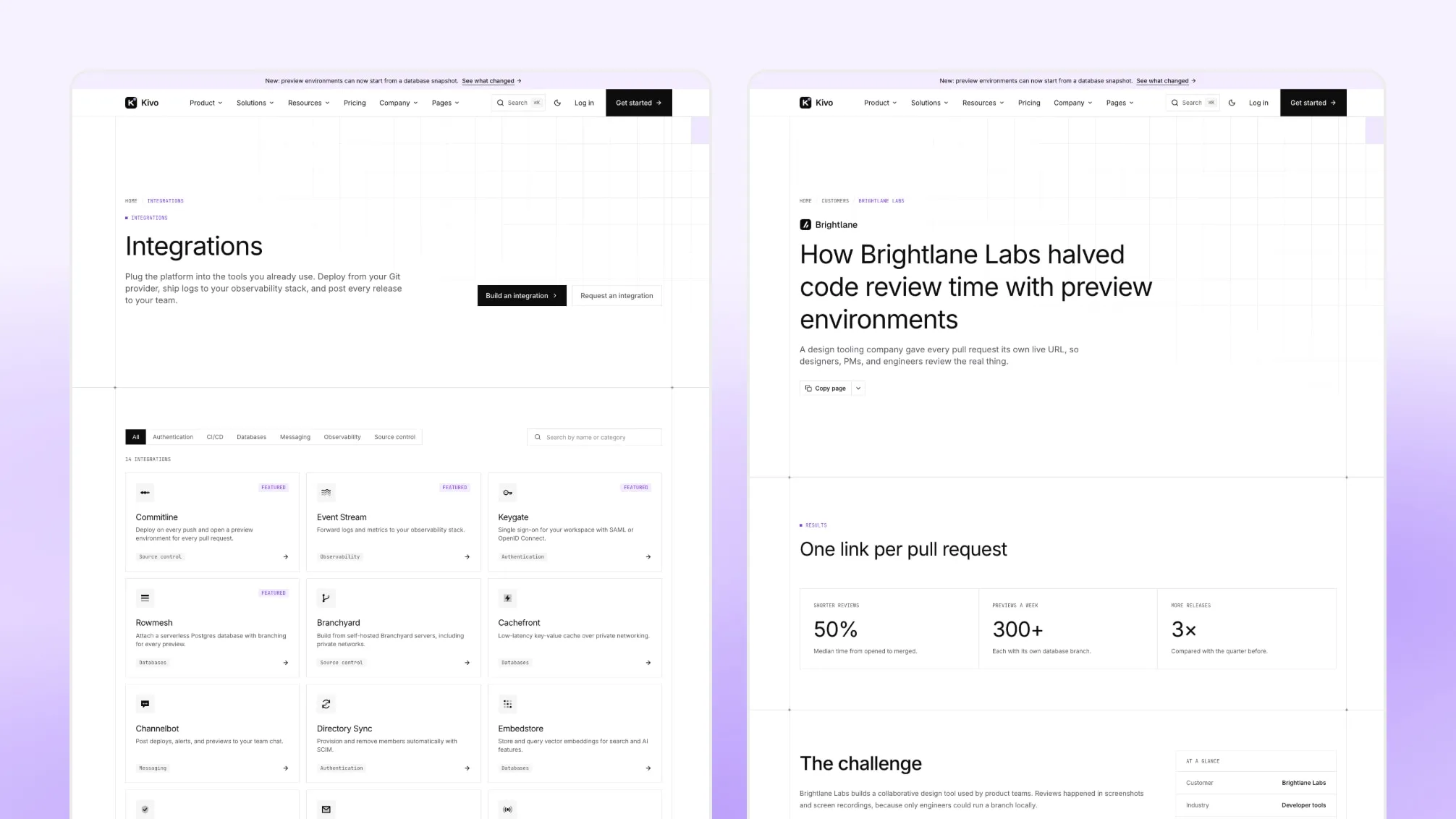
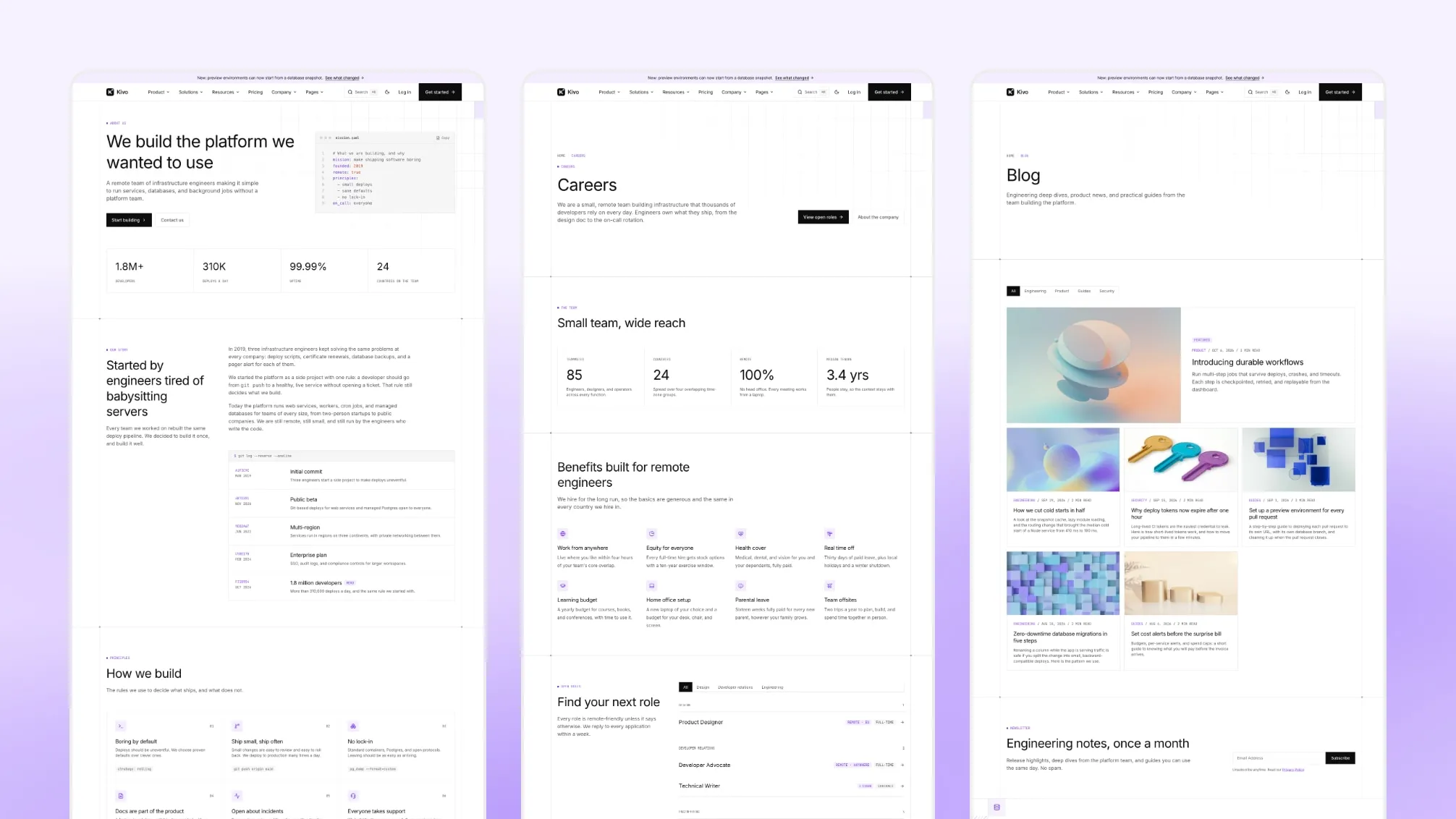
Kivo is an Astro theme for the marketing site of a developer-facing software product: a cloud platform, an API, an AI product, an analytics tool or a dev tool. It is built with Astro and Tailwind CSS and covers the company site around the product, from four homepage directions to pricing, changelog, integrations, customer stories, security, status and careers pages, in English and French, light and dark.
Product documentation, sign-in and billing stay in your own tools. Kivo gives you a docs landing page that links to your docs site, and sign-in screens to connect to your auth provider.
Each homepage is a different composition of the same sections, with its own sample product:
/): deploy hero, platform overview, metrics, code tabs, regions, templates, security, plans, FAQ and changelog./home-api/): a code hero with a request and a streamed response, feature tabs, side-by-side code samples and a usage-based pricing estimator./home-ai/): an animated agent run in the hero, alternating features, steps, a scrolling quote wall and usage-based pricing./home-analytics/): a dashboard hero, sticky feature panels, metrics, a customer spotlight and compact pricing.Keep the one that fits your product and remove the others, or reuse their sections on your own pages.
Product
Company
Content
Developer and trust
Account and legal
Plus a layout gallery (/elements/) that previews the layouts of 13 sections and the page header, with the value to copy for each.
API product site. Start from /home-api/: a code hero with a sample request and response, code tabs, a usage-based pricing estimator, the docs landing page and the changelog. Extra work: your API reference stays on your docs site, and the sign-up button needs your auth provider.
AI product site. Start from /home-ai/: an animated agent run in the hero, usage-based pricing, the integrations directory and the security page. Extra work: the agent run is scripted sample content, so replace it with your own product’s steps and screenshots.
Data or analytics SaaS. Start from /home-analytics/: a dashboard hero, metrics, a customer spotlight, compact pricing and customer stories. Extra work: the dashboard is sample markup, not live data; swap in your own figures and screens.
Developer cloud or infrastructure platform. Start from /: a deploy hero, regions, templates, compare pages, the status page and the security page. Extra work: the status page is static, and the regions and compliance badges are samples. Replace them with your real ones, or link the status page to your provider.
Dev tool or CLI company. Use the main homepage and switch its hero to the animated terminal (one enable value in the hero’s content file), then add code blocks with package manager tabs, the docs landing page, the changelog with RSS and the community page. Extra work: install commands, docs and release notes are yours to write.
Needs development for any of these: sign-in and accounts, billing and checkout, a documentation system, live status data, and any in-app dashboard. Kivo is the marketing site in front of them.
14 sections come in 2 to 5 layouts each: hero, feature grid and code tabs (5 each); customer quotes, plans, call to action and feature index (4 each); changelog list (3); steps, FAQ, changelog, feature hero, contact and logo strip (2 each). Pick a layout with one layout value in the section’s content file, or in a page’s frontmatter block, with no code changes.
This is how the API homepage sets its hero and pricing (src/content/homepage/english/home-api.md, other fields left out):
heroSaas:
  options:
    layout: "code" # default | centered | screenshot | code | form

plansSection:
  options:
    layout: "usage" # default | usage | single | compact
Section files list their options and allowed values in comments. astro check validates page files and names the file and field when a value is wrong. Section default files and the contact, FAQ and pricing files are not schema-checked, so check those pages in the browser.
Site identity, header and footer layouts, search, forms, docs URL, cookie consent, animation and languages are set in src/config/config.toml. For example (comments shortened):
[settings.layout]
  header = "default" # default | simple | centered
  footer = "default" # default | minimal | large

[settings.search]
  enable = true
  exclude = [] # path prefixes left out of the index
Set your site URL once in config.toml, and every canonical, sitemap and feed URL follows it. Colors, type scale and breakpoints are set in one file, src/styles/theme.css, with light and dark palettes. Menus are in src/config/menu.en.json and menu.fr.json.
src/
  config/          config.toml, menu.en.json, menu.fr.json, social.json, fonts.json, language.json
  content/         Markdown and MDX for every page, in english/ and french/ folders
    sections/      default content for each section
  layouts/         page layouts, 52 section components, widgets and cards
  pages/[...lang]/ routes for both languages
  sections.schema.ts  section fields and layout options
  styles/theme.css    colors, type scale and breakpoints
Page text, images, buttons, menus and section options live in Markdown, TOML and JSON files, not in components. A page can override any section’s content through a named block in its frontmatter while the section keeps its shared defaults.
robots.txt and RSS feeds. Set your site URL in config.toml first.config.toml. Newsletter forms connect to Mailchimp.robots.txt switches to allow or block AI search crawlers and AI training crawlers separately.Kivo ships instruction files for AI coding tools: AGENTS.md, plus CLAUDE.md for Claude Code, GEMINI.md for Gemini CLI, rules for Cursor, GitHub Copilot and Windsurf, and SKILLS.md with step-by-step recipes.
What each tool reads on its own, according to its documentation:
AGENTS.md.cursor/rules/theme-architecture.mdc and AGENTS.md.windsurf/rules/theme-architecture.md and AGENTS.md.github/copilot-instructions.md; also AGENTS.md in the coding agent, Copilot CLI and VS Code ChatCLAUDE.md, which imports AGENTS.mdGEMINI.md, which imports AGENTS.mdMost changes are edits to Markdown, TOML and JSON files. Ask your assistant to update the English and French files. Some things stay with you: form and newsletter accounts, your domain and host, legal text, product facts and prices, logos and photos, and a final look at every page in the browser.
Three prompts from the Kivo docs prompt library:
Read AGENTS.md and SKILLS.md, then look at src/config/config.toml, src/pages/[...lang]/index.astro,
and src/content/sections/english/hero-saas.md. Summarize in 10 bullet points how this Astro theme is
organized: where text lives, how pages pick their sections, how a page overrides a section
(named blocks), and how options.layout works. Don't change any files yet.
Set these layouts on the main homepage: hero "[centered | screenshot | code | form]", features
"[alternating | tabs | sticky | bento]", pricing "[usage | single | compact]", testimonials
"[marquee | spotlight | metrics]". Set options.layout in the matching named blocks of
src/content/homepage/english/-index.md and french/-index.md (add a block if it is missing).
Then set [settings.layoutSwitcher] enable = false in src/config/config.toml.Review this site before launch and give me a checklist of what is still demo content. Check:
[site] baseUrl in src/config/config.toml, contactFormAction, [settings.subscription] formAction,
[settings.layoutSwitcher], social links in src/config/social.json, the "Pages" menu, the legal
pages in src/content/pages/, placeholder links ("#") in the menus, and any remaining demo brand
names. Don't change files: list the file and line for each item.Yes. Kivo has no docs system of its own. Set docsUrl in src/config/config.toml and the /docs/ landing page and its links point to your docs site, wherever it is hosted.
Yes. The plans section has a usage layout: a calculator that adds metered usage to the featured plan's monthly price. The other layouts are default, single and compact, and the pricing page adds a monthly and yearly toggle and a plan comparison table.
The log in, sign-up and password reset pages are designs with no auth code. Point each OAuth button's url to your provider's sign-in endpoint and the form's action to your backend or your provider's hosted page.
Not by itself. /status/ is a static template with sample services, 90-day uptime bars and incidents. Edit it by hand, or link to your status provider instead.
Yes. The API hero's code layout types each request sample and streams the JSON response below it. Code blocks elsewhere have syntax highlighting, a copy button and npm, pnpm, yarn and bun tabs.
AGENTS.md (Codex, Cursor, Windsurf and GitHub Copilot's coding agent), CLAUDE.md for Claude Code and GEMINI.md for Gemini CLI, which both import AGENTS.md, plus rules for Cursor, Copilot and Windsurf. SKILLS.md has step-by-step recipes; mention it in your request.
The contact form posts to Formsubmit, Formspree or Netlify Forms, chosen in config.toml with your endpoint. Newsletter forms post to your Mailchimp list. Until you set them, the dev server shows a setup notice and the build prints a warning.
One script removes French and the site builds in English only. To add a language, add it to src/config/language.json, then copy and translate the English content, menu and interface files; SKILLS.md has the steps. Right-to-left languages are not supported.
Node.js and npm (package.json lists the supported Node.js version). Install with npm ci, preview with npm run dev and build with npm run build. Site search works on the built site, not in the dev server.
Pay once. No subscription. Choose 12 months or lifetime downloads on Essential.
Pro and Business include downloads and updates for life.
For solo creators building one client site or personal project per theme.
Limited Time 45% OFF Act now before it's gone
+ Local Taxes
Individual themes value $1,105
Save vs. buying separately $1,006 (91%)
Limited Time 40% OFF Act now before it's gone
+ Local Taxes
Individual themes value $1,105
Save vs. buying separately $986 (89%)
For freelancers and teams working across multiple client projects.
Limited Time 50% OFF Act now before it's gone
+ Local Taxes
Individual themes + Figma value $1,225
Save vs. buying separately $1,026 (84%)
For studios and teams that want unlimited projects, more seats, and complete access.
Limited Time 40% OFF Act now before it's gone
+ Local Taxes
Individual themes + Figma value $1,225
Save vs. buying separately $926 (76%)
Released 04 Oct, 2025
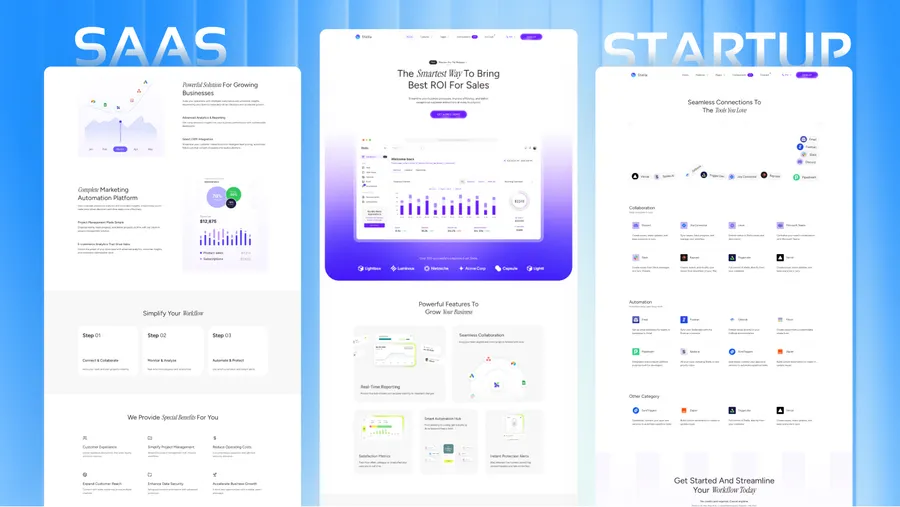
Choose Stella if your SaaS is not developer-facing and you want a general B2B product-marketing site with a matching Figma file.
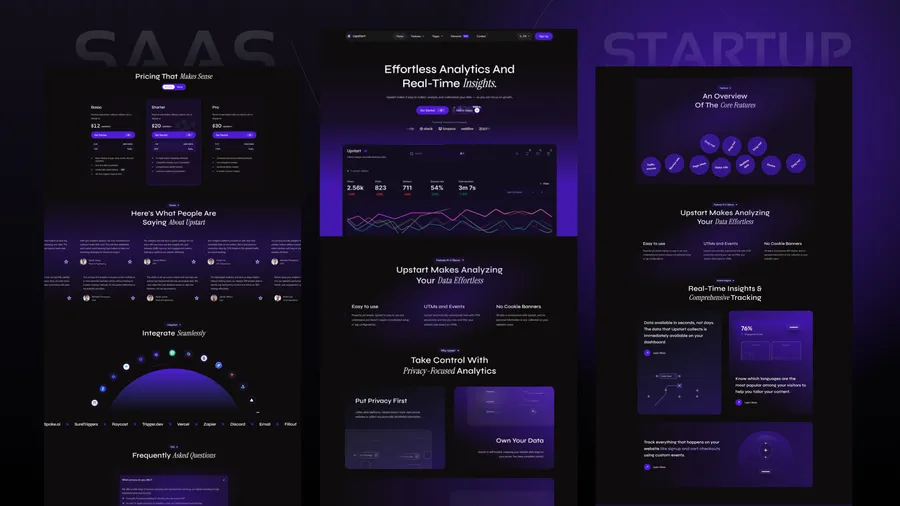
Released 26 March, 2025
Choose Upstart if you are still pre-launch and want a smaller page set focused on features, pricing, FAQ and sign-up.
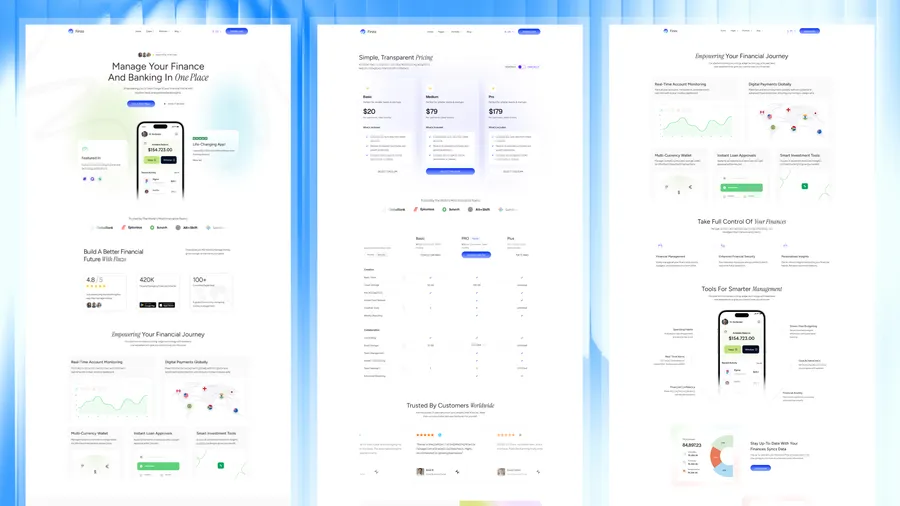
Released 09 Dec, 2025
Choose Finzo if you are building a consumer or business banking or finance app and want finance-specific visuals and copy.
Released 25 Jul, 2026
Choose Veltro if you sell software development or agency services rather than a software product.