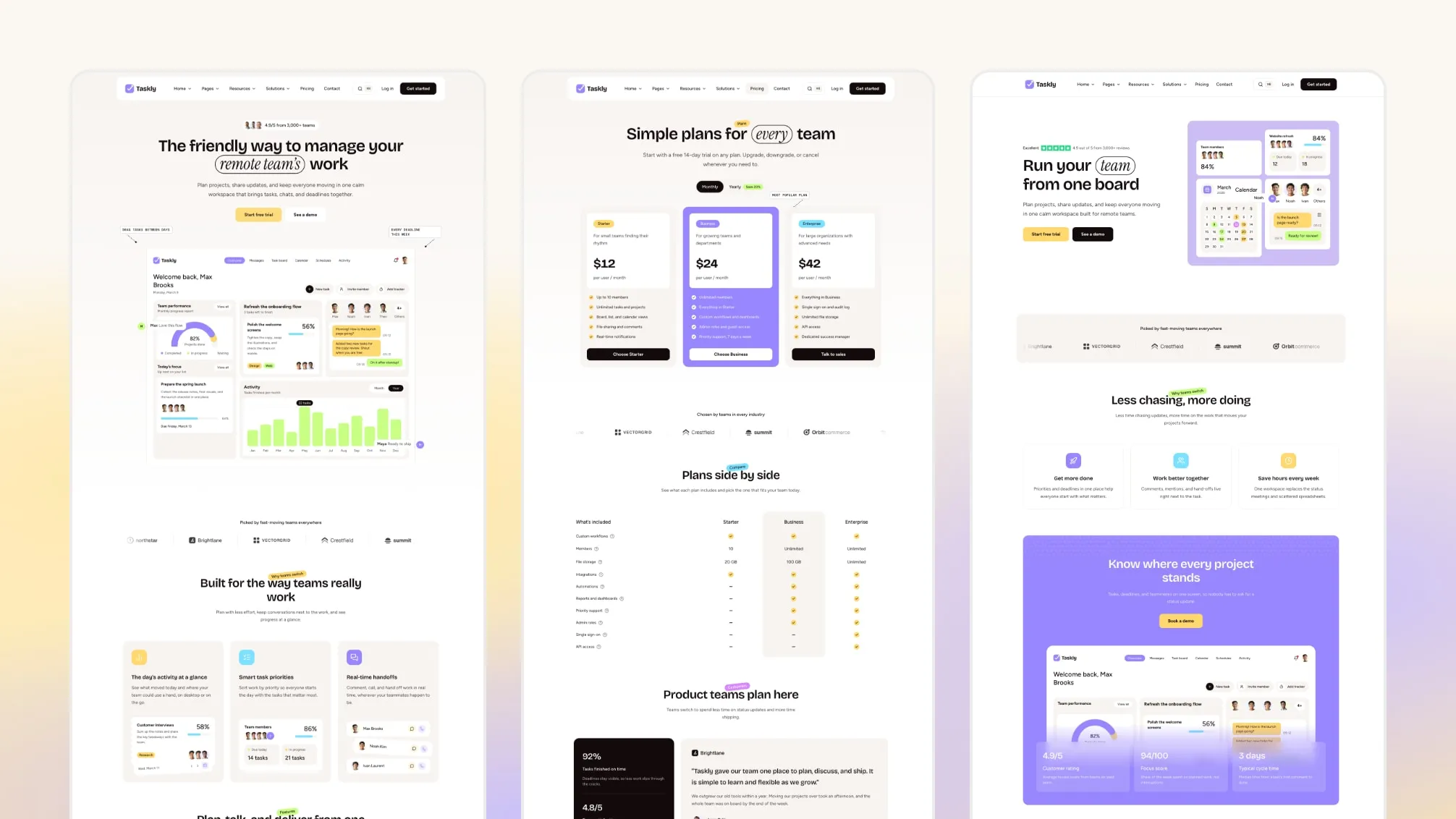
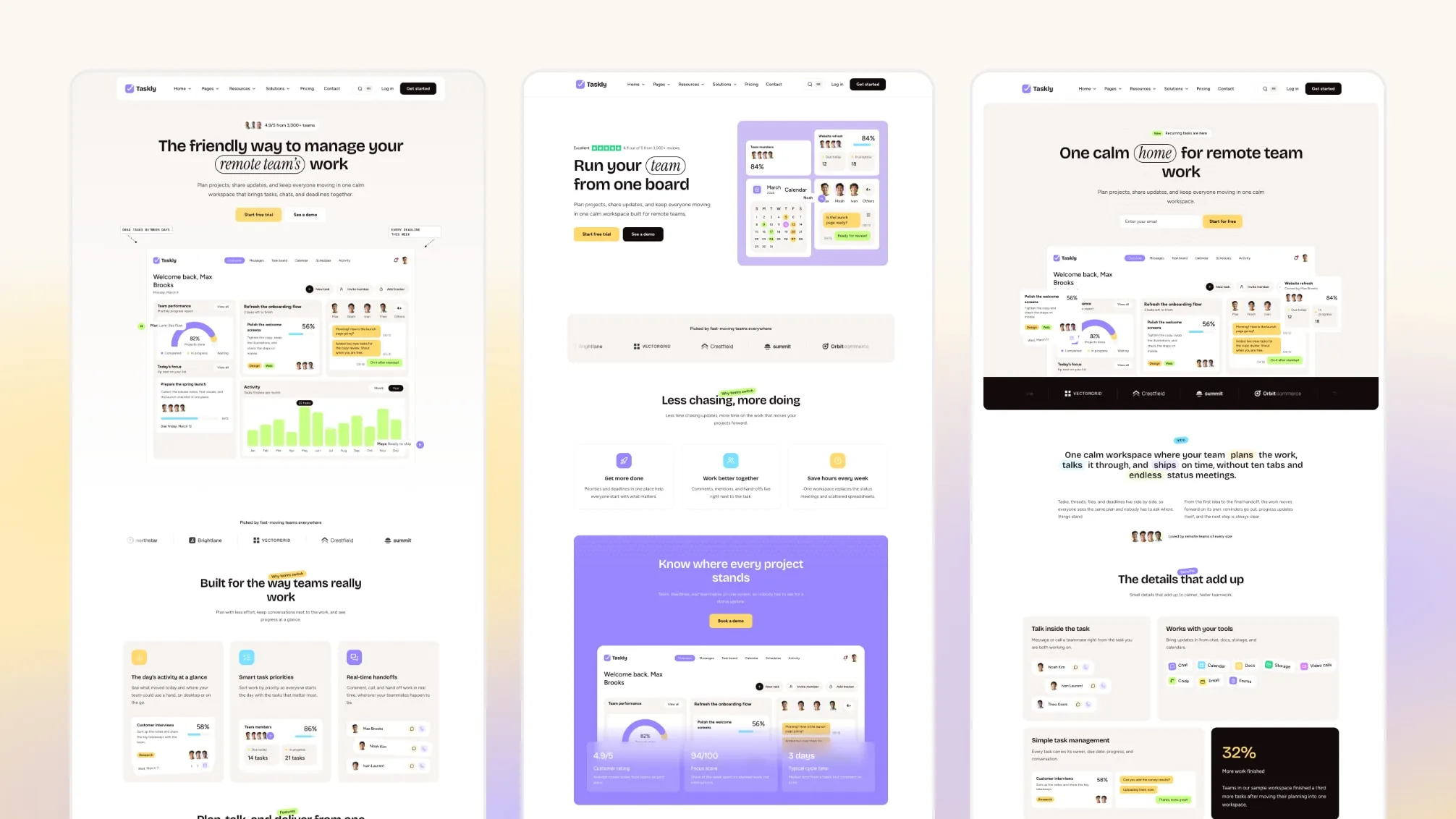
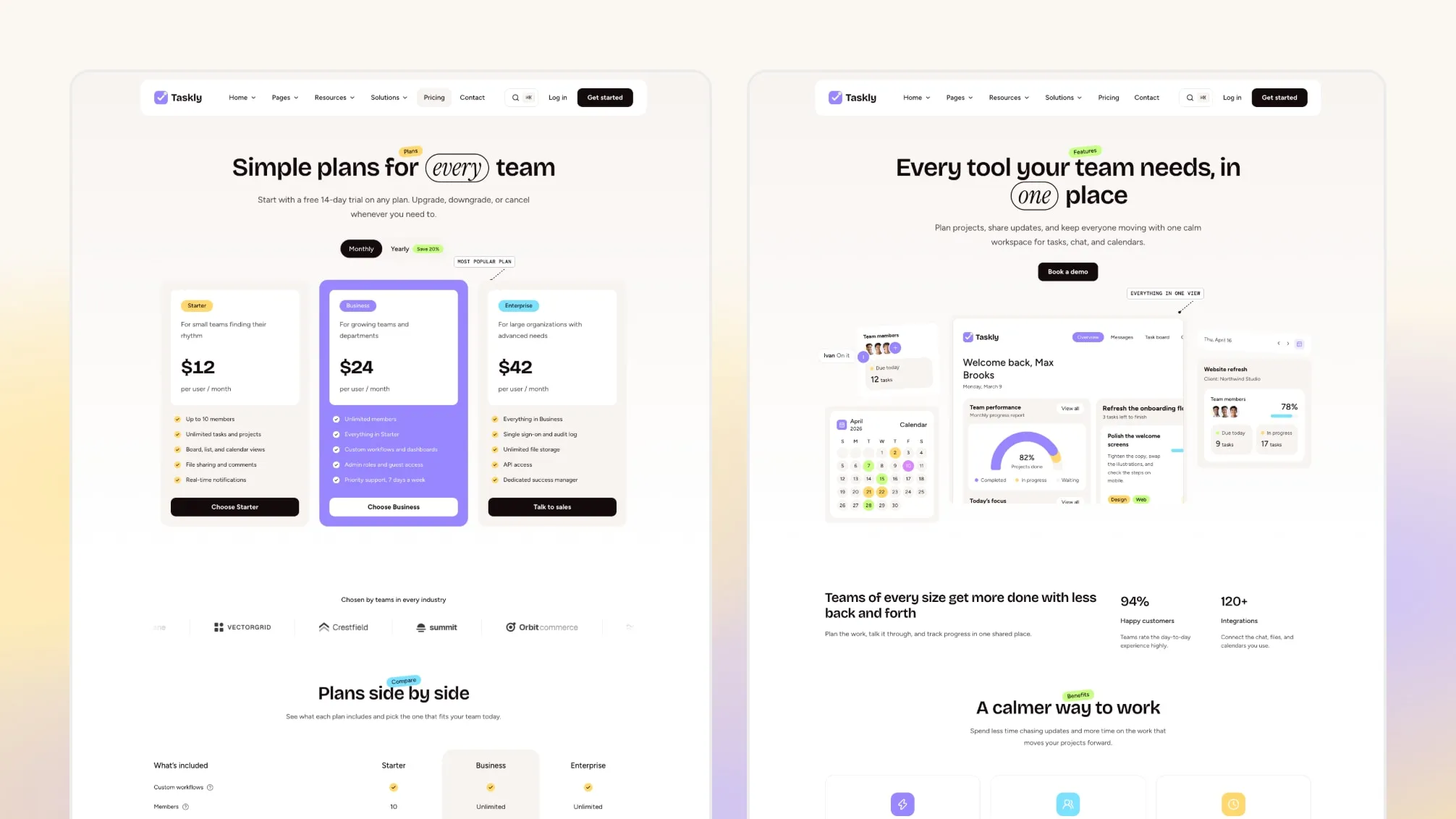
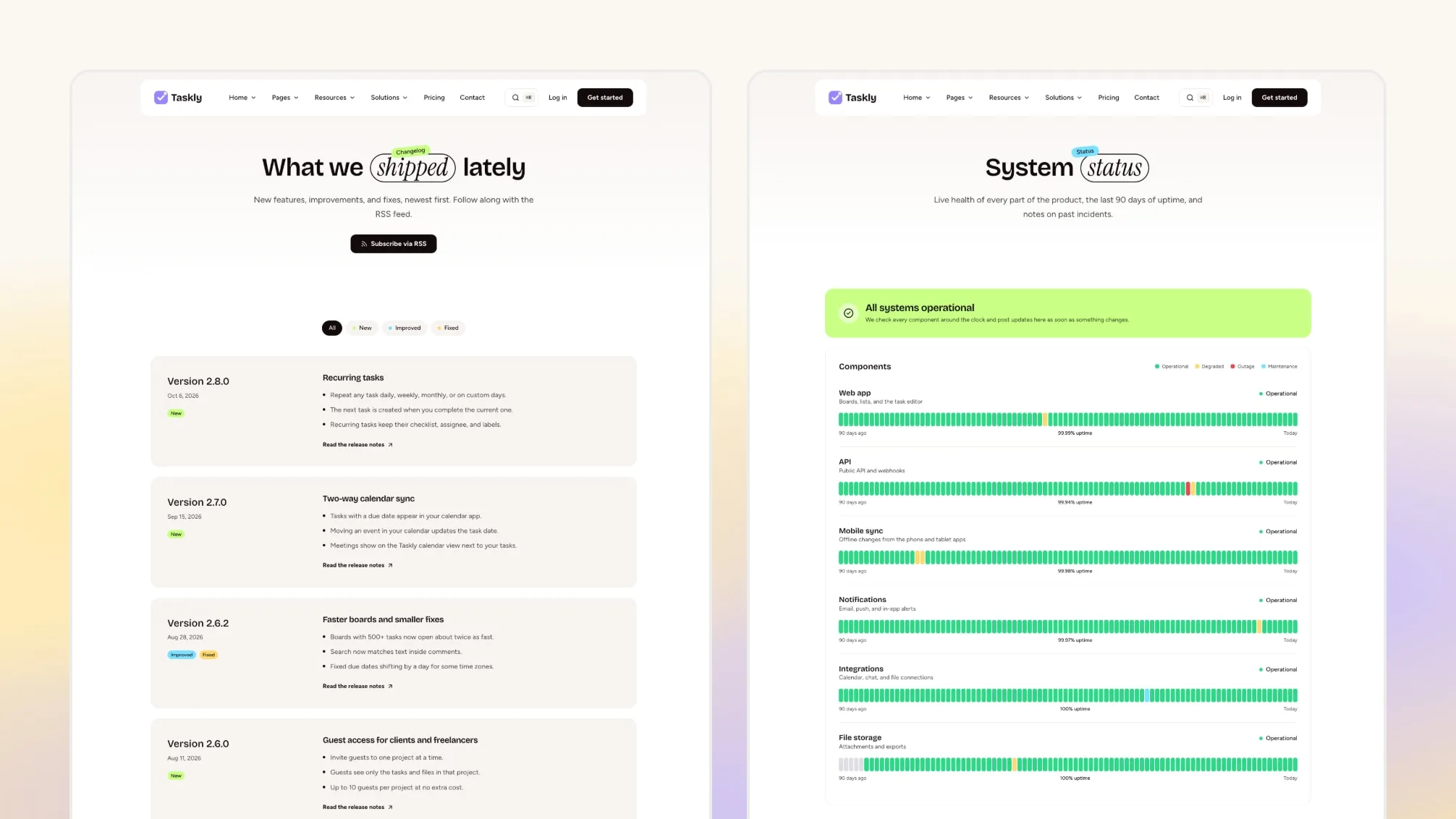
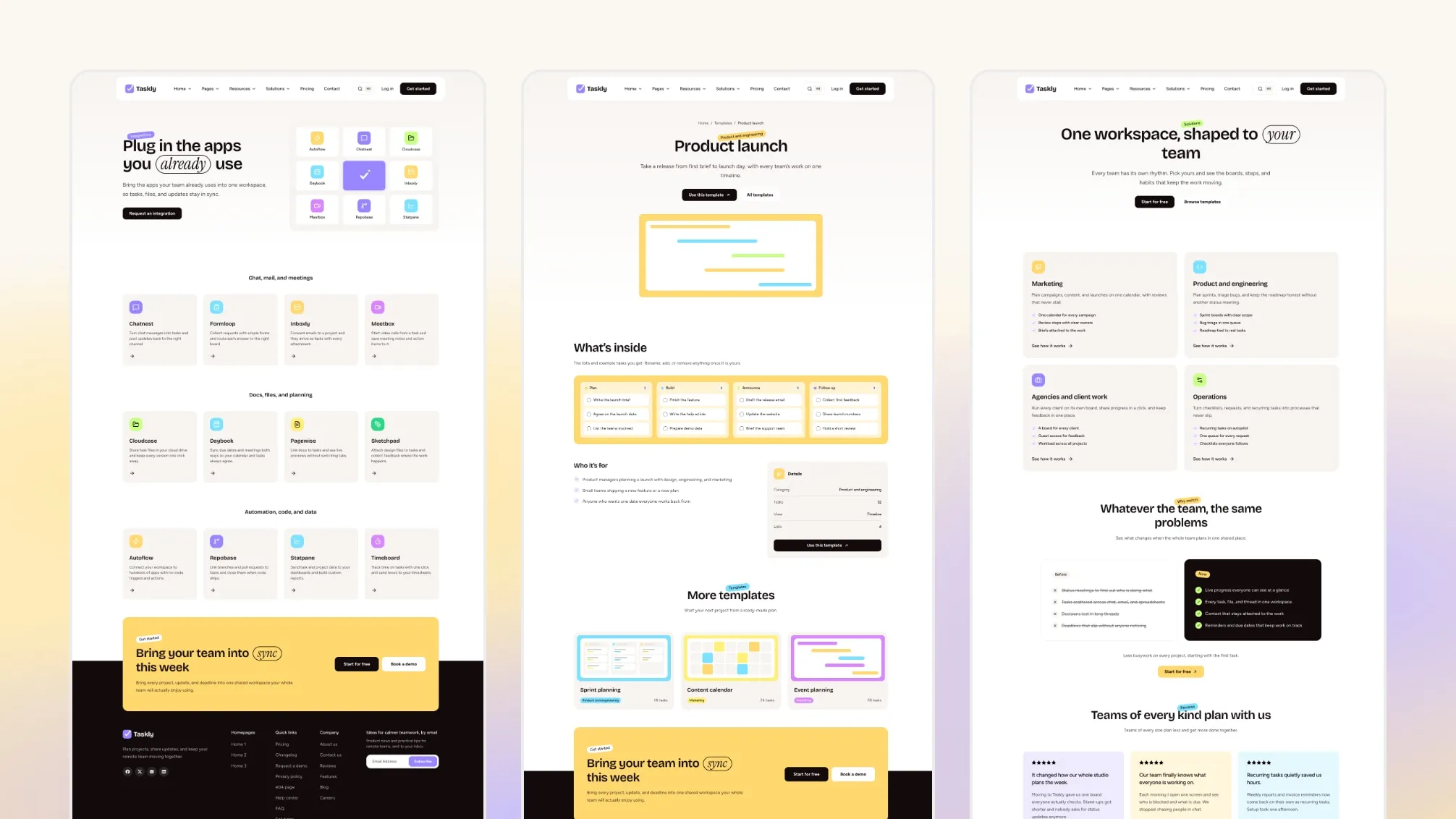
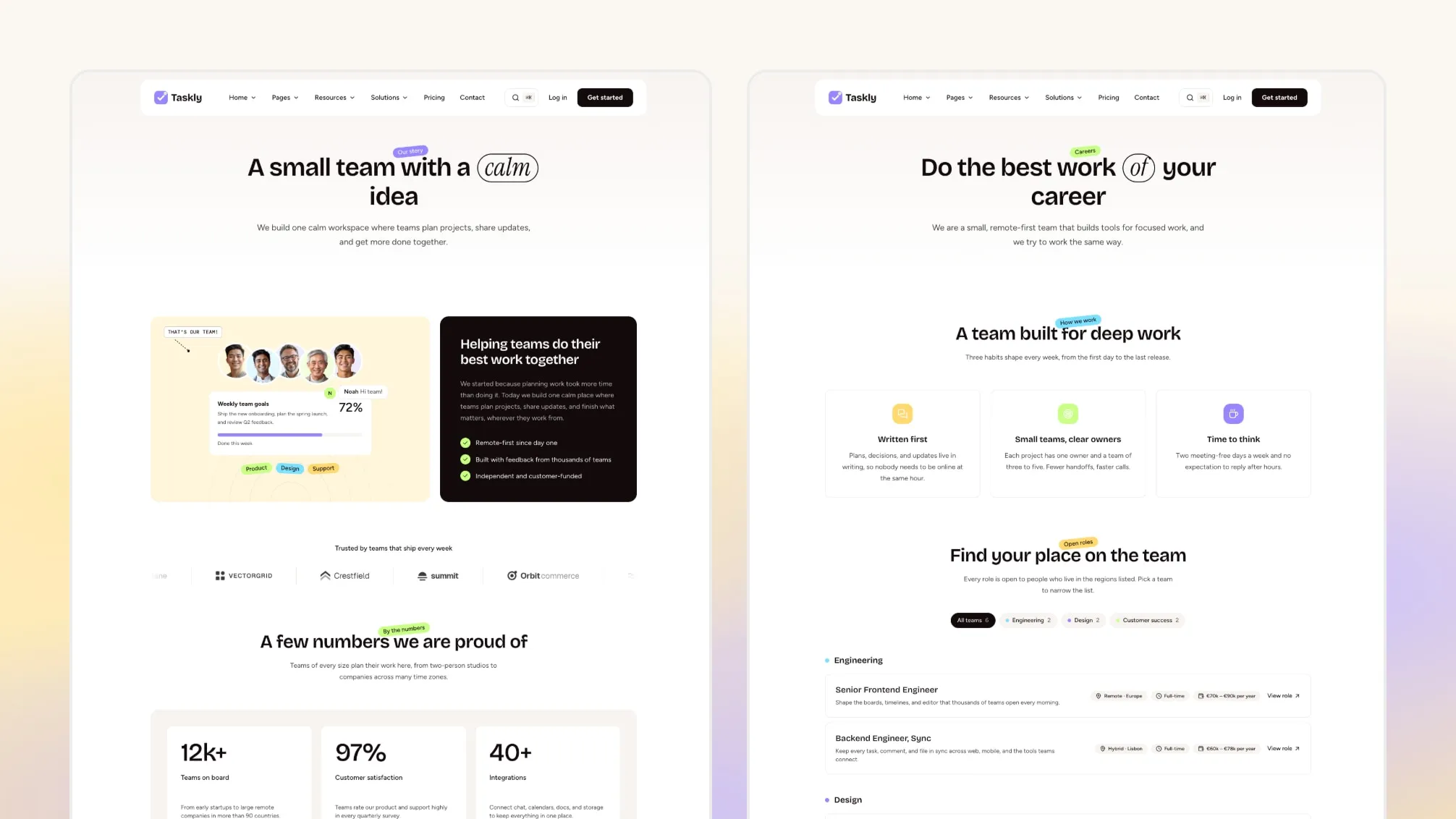
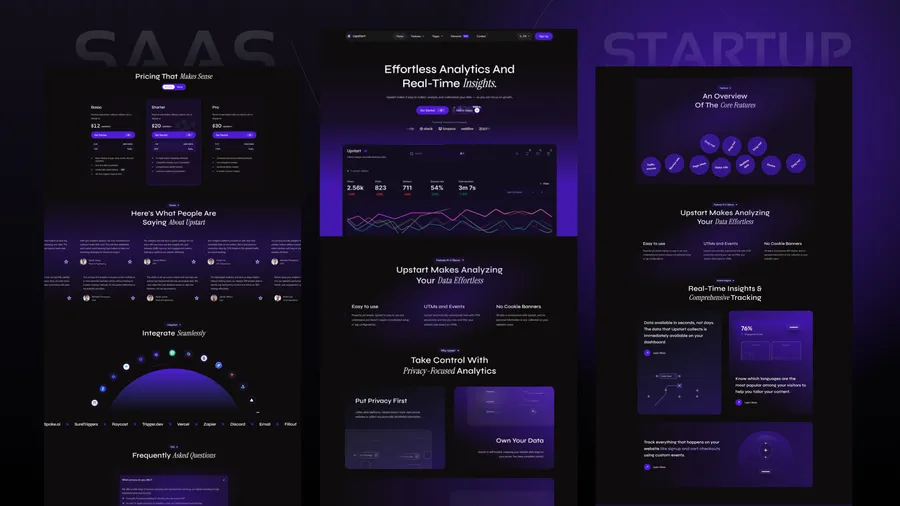
Taskly is an Astro theme for the marketing site of a task-management, project-planning or team-collaboration product. It is built with Astro and Tailwind CSS and covers the company site around the product, from three homepages with a coded product dashboard to pricing, integrations, solutions by team, a project template gallery, a help center, a status page and careers, in English and French.
Your app, sign-in and billing stay in your own stack. Taskly gives you the pages that explain the product and send visitors to sign up or book a demo.
By The Numbers
- 3 Homepages
- 30 Inner Page Designs
- 47 Section Components
- 9 Sections With 2 Or 3 Layouts
- 6 Coded Product Mockups
- 2 Languages: English And French
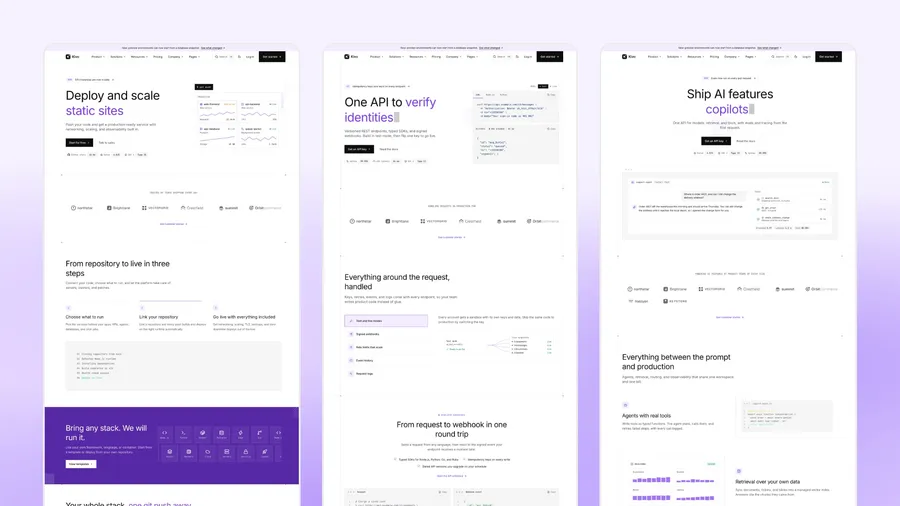
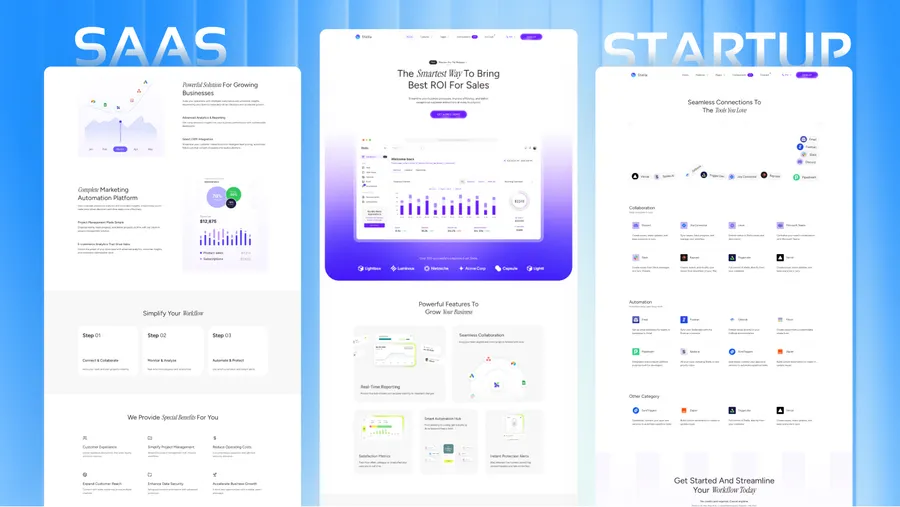
Three Homepages
Each homepage is a different composition of the same sections:
- Homepage 1 (
/): a hero with the coded dashboard, logo strip, feature cards, integrations, product overview, reviews, pricing with a monthly and yearly switch, FAQ, a call to action, and a dark footer with the site name set large across the bottom.
- Homepage 2 (
/home-2/): a split hero, a stats panel, solution tabs by team, proof points, the latest blog posts, and a cream footer that opens with a newsletter signup card.
- Homepage 3 (
/home-3/): a hero with a sign-up form, alternating feature rows, scrolling review cards, an integrations cloud, and a footer of pastel cards that includes the latest changelog release.
Inner pages use a fourth, standard dark footer. Any page can switch footers with one footerLayout value in its frontmatter (default, wordmark, newsletter or tiles).
Keep the one that fits your product and remove the others, or reuse their sections on your own pages.
Pages Included
Product
- Features page
- Pricing page with a monthly and yearly toggle and a plan comparison table. Plans link to your sign-up or contact page; there is no billing integration.
- Integrations directory and a detail page per integration (sample entries to replace)
- Solutions overview and a page per team, such as product and engineering, marketing, operations and agencies
- Project template gallery and a page per template, with a coded board, list, calendar or timeline preview
Company
- About page and reviews page
- Careers with a page per role
- Contact page and a request-a-demo page
Content and support
- Blog with author cards, categories, tags, pagination and RSS
- Changelog with release pages, tags, pagination and RSS
- Help center landing page with search, topic cards and popular articles that link to your docs
- FAQ page
- A system status page template with sample services, uptime bars and incidents. Edit it by hand or link to your status provider.
Account and legal
- Log in, sign-up and password reset page designs (UI only: connect them to your own auth)
- Privacy, terms and cookie policy pages with placeholder text for your own legal review, and a 404 page in each language
Plus a layout gallery (/elements/) that previews every layout of each section with several looks.
What You Get
- Full Astro source code, deploy configs for Netlify, Vercel and Cloudflare Pages, AI assistant instruction files, a changelog, and demo content in English and French.
- Static output: no server or database needed to host it.
- Demo images, logos, reviews, prices and text are samples to replace before launch.
Not Included
- Your app. The dashboard, chat and calendar are coded mockups with sample data, not a working product.
- Sign-in, accounts and billing. The auth pages and pricing are page designs; there is no auth or checkout code.
- Help articles or a documentation system. The help center links to your own docs.
- A CMS. Content lives in files in your repository.
- Live status data, and newsletter providers other than Mailchimp.
- Dark mode. Taskly ships one light palette.
- A Figma file.
- Hosting, a domain or deployment.
What You Can Build With Taskly
Task or project management app. Start from /: the coded dashboard in the hero, feature cards, pricing with a plan comparison and the template gallery. Extra work: rename the sample projects and tasks in dashboard-mockup.md to match your product.
Team workspace or collaboration tool. Start from /home-2/: solution tabs by team, the solutions pages, the integrations directory and the reviews page. Extra work: replace the sample integrations and team pages with the ones you support.
Productivity app with a free plan or trial. Start from /home-3/: the sign-up form in the hero, feature rows, scrolling reviews and the sign-up page. Extra work: connect the forms to your own auth.
Agency or client work tool. Use the agencies solution page, project templates and the request-a-demo page. Extra work: the templates are samples, so write your own boards and tasks.
Needs development for any of these: sign-in and accounts, billing and checkout, help articles, live status data, and the app itself. Taskly is the marketing site in front of them.
Change Layouts From Content Files
9 sections come in 2 or 3 layouts: hero, logo strip, integrations and FAQ (3 each); features, feature rows, why-us cards, reviews and pricing (2 each). The page header has 2 layouts too. Pick a layout with one layout value in the section’s content file, or in a page’s frontmatter block, with no code changes.
This is how the third homepage sets its hero and reviews (src/content/homepage/english/home-3.md, other fields left out):
heroSection:
  layout: "signup" # default | split | signup

testimonialsSection:
  layout: "marquee" # columns | marquee
Section files list their options and allowed values in comments, and /elements/ previews each layout.
Site Settings In One File
Site identity, search, forms, cookie consent, the announcement bar, animation and languages are set in src/config/config.toml. For example (comments shortened):
[settings.search]
  enable  = true
  exclude = [] # path prefixes left out of the index

[settings.announcementBar]
  enable = true # false removes the bar from every page
Set your site URL once in config.toml, and every canonical, sitemap and feed URL follows it. Colors, radii, breakpoints and the type scale are set in src/styles/theme.css. Menus are in src/config/menu.en.json and menu.fr.json.
Design
- Pastel palette: sun yellow for the main buttons, lilac for links and the featured plan, near-black ink for headings, warm cream for cards, and seven pastels (sun, lime, sky, lilac, orchid, mint and lemon) that content files pick by name.
- Four footer layouts: dark, dark with a large wordmark, cream with a newsletter card, and white with pastel cards.
- Bricolage Grotesque for headings, Figtree for body text, DM Mono for small labels, and an italic serif pill for one highlighted word in titles.
- Coded product mockups: dashboard, team chat, calendar, conversation list, gauge and template previews, decorated with comment pins and annotation labels.
Where Things Live
src/
  config/          config.toml, menu.en.json, menu.fr.json, social.json, fonts.json, language.json
  content/         Markdown for every page, in english/ and french/ folders
    sections/      default content for each section
    widgets/       dashboard mockup data, cookie banner, announcement bar
  layouts/         page layouts, 47 section components, mockups and cards
  pages/[...lang]/ routes for both languages
  sections.schema.ts  section fields and layout options
  styles/theme.css    colors, radii, type scale and breakpoints
Page text, images, buttons, menus and section options live in Markdown, TOML and JSON files, not in components. A page can override any section’s content through a named block in its frontmatter while the section keeps its shared defaults.
Built-In Site Features
- Site search (⌘K) powered by Pagefind, built with your site and covering both languages.
- Mega menu with columns, a featured card and nested flyouts, which turns into an accordion on phones.
- Announcement bar above the header that visitors can close.
- SEO basics built in: canonical and Open Graph tags, a generated share image per page, a sitemap,
robots.txt and RSS feeds. Set your site URL in config.toml first.
- JSON-LD structured data for your organization, website, pages, blog posts, FAQ and job postings. Delete or replace the sample careers entries before launch so no sample job ads are published.
- Hreflang tags for both languages.
- Cookie consent banner: scripts you mark as analytics or marketing run only after the visitor accepts that category.
- MDX shortcodes for posts: callouts, steps, tabs, code tabs, file trees, keyboard keys and more.
- Respects the reduced-motion setting for animations and smooth scrolling.
- Contact form that posts to Formsubmit, Formspree or Netlify Forms, chosen in
config.toml. Newsletter forms connect to Mailchimp.
- Generates llms.txt, llms-full.txt and a Markdown copy of each page, which some AI tools and coding agents can read.
- A Copy page and Ask AI menu that opens ChatGPT, Claude, Perplexity or Grok with a link to the page.
robots.txt switches to allow or block AI search crawlers and AI training crawlers separately.- Optional IndexNow script that tells Bing and other participating search engines which pages changed.
Taskly ships instruction files for AI coding tools: AGENTS.md, plus CLAUDE.md for Claude Code, GEMINI.md for Gemini CLI, rules for Cursor, GitHub Copilot and Windsurf, and SKILLS.md with step-by-step recipes (add a section or page, reorder the homepage, add a language, rebrand).
What each tool reads on its own:
- Codex:
AGENTS.md
- Cursor:
.cursor/rules/theme-architecture.mdc and AGENTS.md
- Windsurf:
.windsurf/rules/theme-architecture.md and AGENTS.md
- GitHub Copilot:
.github/copilot-instructions.md and AGENTS.md
- Claude Code:
CLAUDE.md, which imports AGENTS.md
- Gemini CLI:
GEMINI.md, which imports AGENTS.md
- SKILLS.md: no tool reads it on its own. Mention it in your request.
Most changes are edits to Markdown, TOML and JSON files. Ask your assistant to update the English and French files. Some things stay with you: form and newsletter accounts, your domain and host, legal text, product facts and prices, logos and photos, and a final look at every page in the browser.