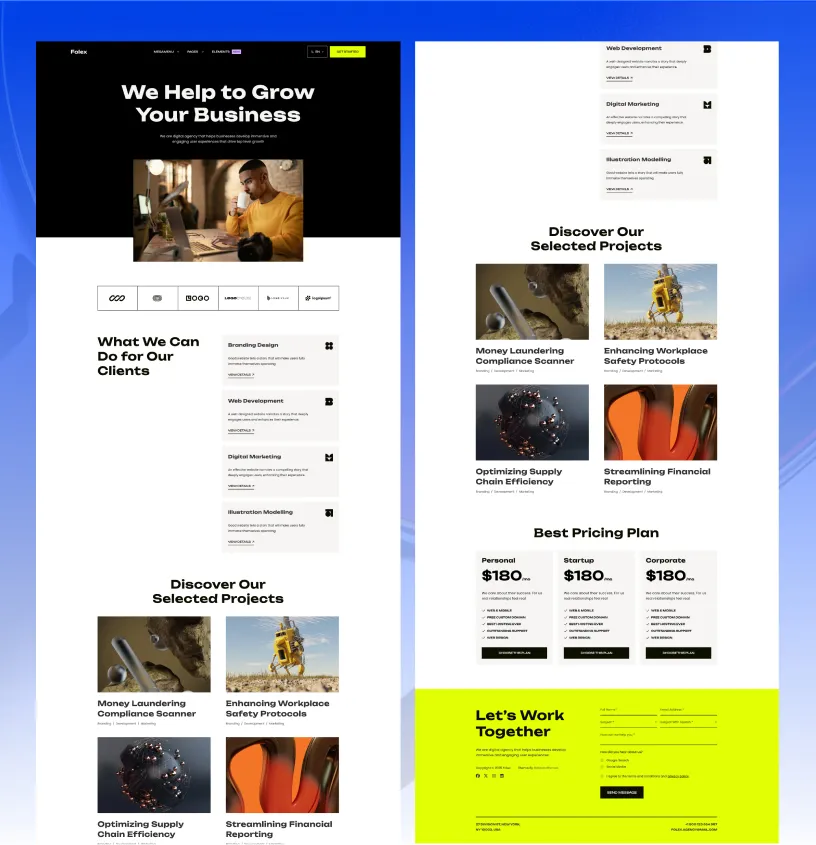
What type of website is Techlo Lite best for?
01Techlo Lite is best for Free IT company starter sites, Managed services and cybersecurity firm websites, Software studio landing sites, Tech consultancy sites with a blog.
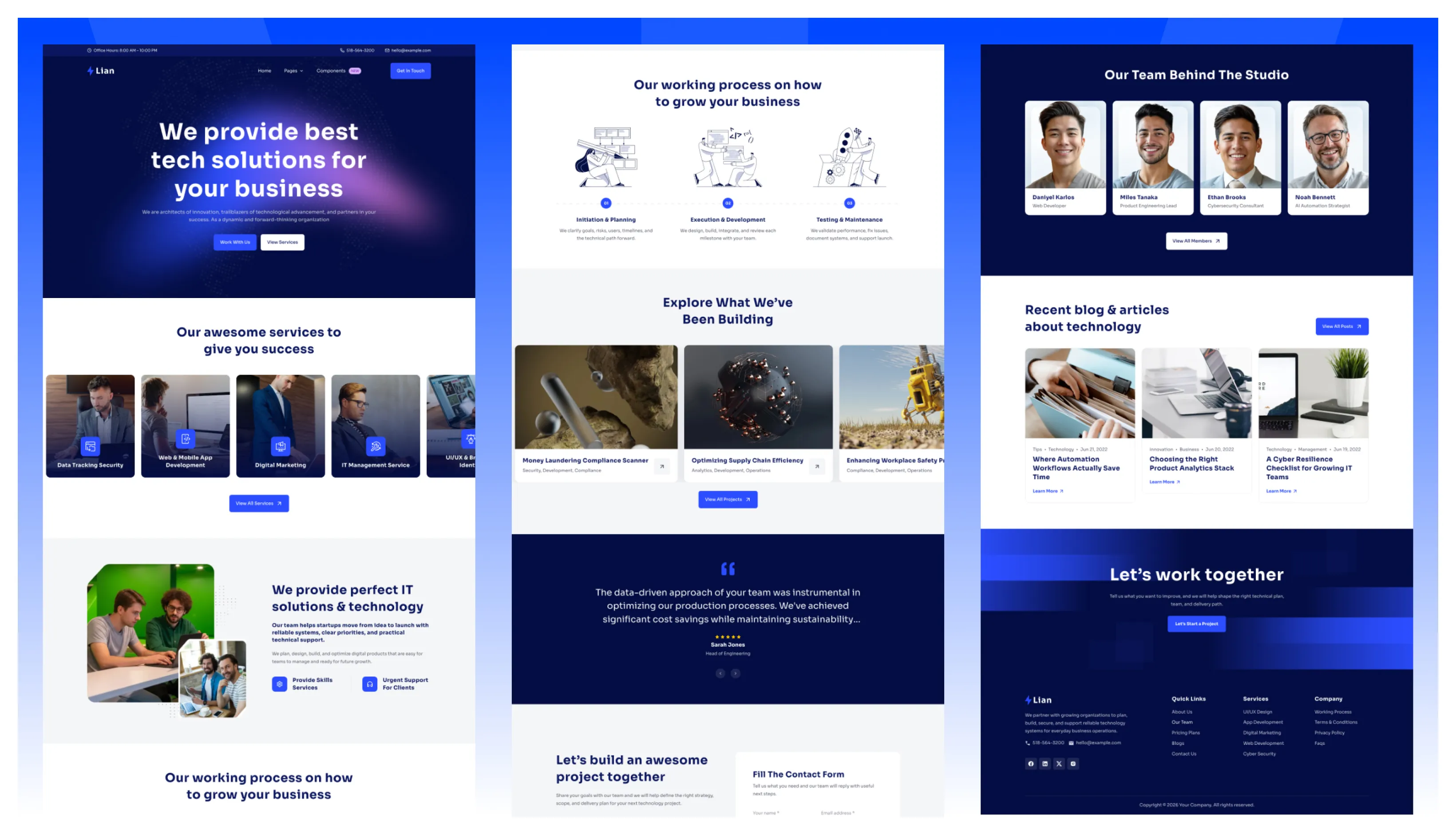
Start with a focused site instead of an empty landing page: introduce your offer, publish useful articles, and give prospective clients a clear way to learn who is behind the work.
The Lite edition shares Techlo’s visual system, while keeping the route set deliberately small. Choose the full theme when a project needs portfolio, pricing, FAQ, or several homepage options from the outset.
Techlo Lite keeps the setup simple while still giving you a real technology-site structure.
The source project keeps the route set focused:
That is enough for a real IT services website on day one, with room to grow later.
Unlike most free starters, Techlo Lite ships a complete blog system:
Even the free version includes the stronger menu system from the pro theme.
You edit the header structure in JSON instead of touching header logic.
{
  "name": "Services",
  "hasChildren": true,
  "children": [
    { "name": "Services", "url": "/services/" },
    { "name": "Service Single", "url": "/services/custom-service-slug/" }
  ]
}The important settings stay easy to find.
src/config/config.tomlsrc/config/menu.en.jsonsrc/config/menu.fr.jsonsrc/config/social.jsonYou can control the sticky header, smooth scrolling, animations, and contact form provider from one file.
[settings]
stickyHeader = true
contactFormProvider = "formsubmit.co"Techlo Lite includes English and French structure, but you are not forced to keep it.
If the project only needs one language:
npm run remove-multilingualThat is useful for quick launches where the second language would only slow down content work.
The source project supports three form submission paths:
formsubmit.coformspreenetlifyThat gives you a practical starter path for small launches and a cleaner upgrade path later.
Techlo Lite ships with built-in instructions for AI coding assistants, so tools like Claude, OpenAI Codex, Cursor, GitHub Copilot, Gemini, and Windsurf can read the theme’s structure, content model, and conventions from the start.
Instead of guessing, your assistant follows the same rules the theme is built on: where sections, content, and schemas live, which shared components to reuse, and how to stay on the design system.
The result is simpler AI-assisted editing with fewer off-pattern changes.
Choose Techlo Lite if you need a free technology starter that already handles services, team, and blog content without adding a large page library.
If you want three homepages, a projects portfolio, pricing, FAQ, and the full technology page library, move to Techlo Pro.
Techlo Lite is best for Free IT company starter sites, Managed services and cybersecurity firm websites, Software studio landing sites, Tech consultancy sites with a blog.
Techlo Lite is currently available as a free Astro theme.
Yes. Techlo Lite includes multilingual-ready project structure, which helps when the site needs localized routes or content.
Techlo Lite includes blog support, service pages, along with 12 core pages.
Choose Techlo Lite when you run a technology business and want a free starter that already includes services, team, and blog content instead of a single landing page.
Pay once with no subscription. Choose yearly or lifetime downloads on Essential.
Pro and Business include downloads and updates for life.
For solo creators building one client site or personal project per theme.
+ Local Taxes Act Quick Before It's Gone! ~ 45% OFF
Individual themes
value $790
Save $691
(87%)
+ Local Taxes Act Quick Before It's Gone! ~ 40% OFF
Individual themes
value $790
Save $671
(85%)
For freelancers and teams working across multiple client projects.
+ Local Taxes Act Quick Before It's Gone! ~ 50% OFF
Individual themes + figma
value $910
Save $711
(78%)
For studios and teams that want unlimited projects, more seats, and complete access.
+ Local Taxes Act Quick Before It's Gone! ~ 40% OFF
Individual themes + figma
value $910
Save $611
(67%)
Released 29 Jun, 2026
Choose Techlo if you need three homepages, a projects portfolio, pricing, FAQ, and the full technology page library.
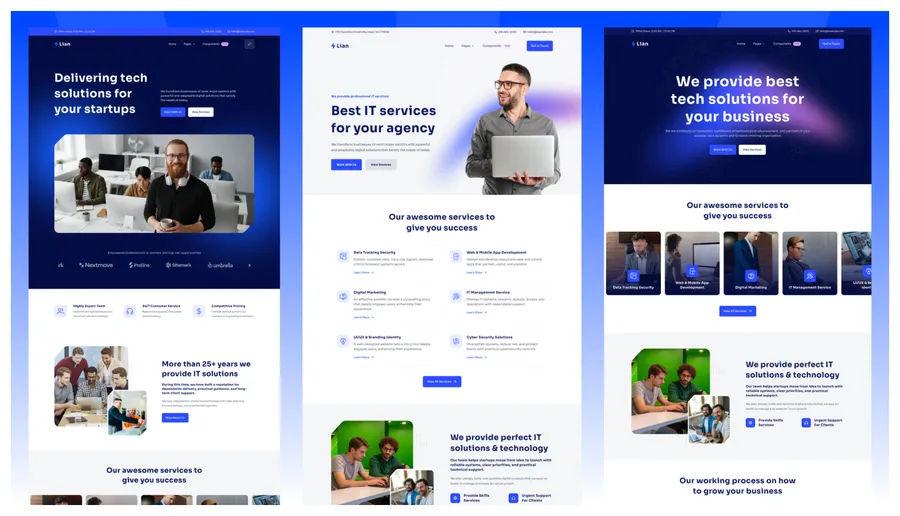
Released 12 Apr, 2026
Choose Lumio Lite if your business is broader consulting services rather than IT and software delivery.
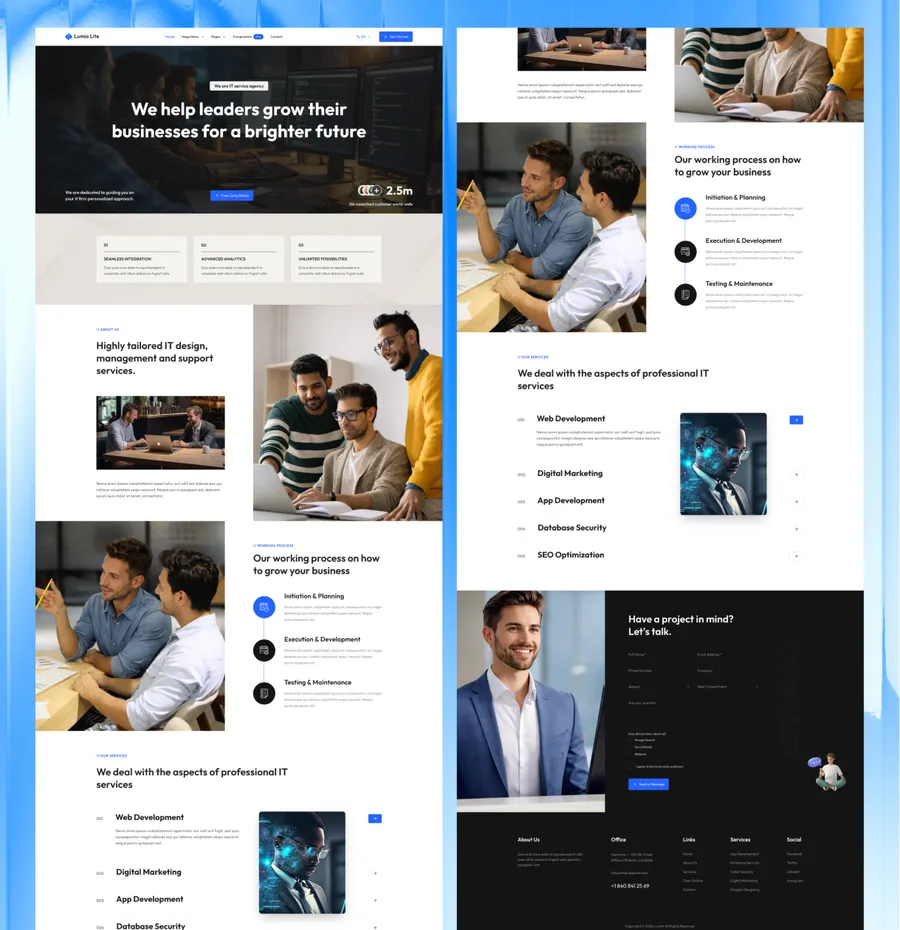
Released 08 July, 2025
Choose Folex Lite if your site is portfolio-led and creative rather than service-led.