Of the free options, the official Tina Astro Starter is the reference setup and the only one with click-to-edit, Blahg is the best-maintained blog theme on Astro 7, and Openblog has the most stars but runs on Astro 4. Six of the ten ship no license file, which matters for client work.
Jump to the quick-picks table to compare all ten. Our 15 paid themes with a Tina edition come after them. Related: Sanity Astro themes, RTL ready Astro themes, theme licenses, installing an Astro theme, Astro against WordPress.
Picks by what you are building
- Reference setup to copyTina Astro StarterAstro 6,
@tinacms/astro0.8.0, click-to-edit - Blog you will keep for yearsBlahgAstro 7, MIT, 623 stars
- Blog with the most finished designOpenblog1,021 stars, GPL-3.0, Astro 4
- Link-in-bio pageLTreebio, links and posts as three Tina collections
- Images on a CDNAstro Tina Cloudinary Startermedia handled by Cloudinary
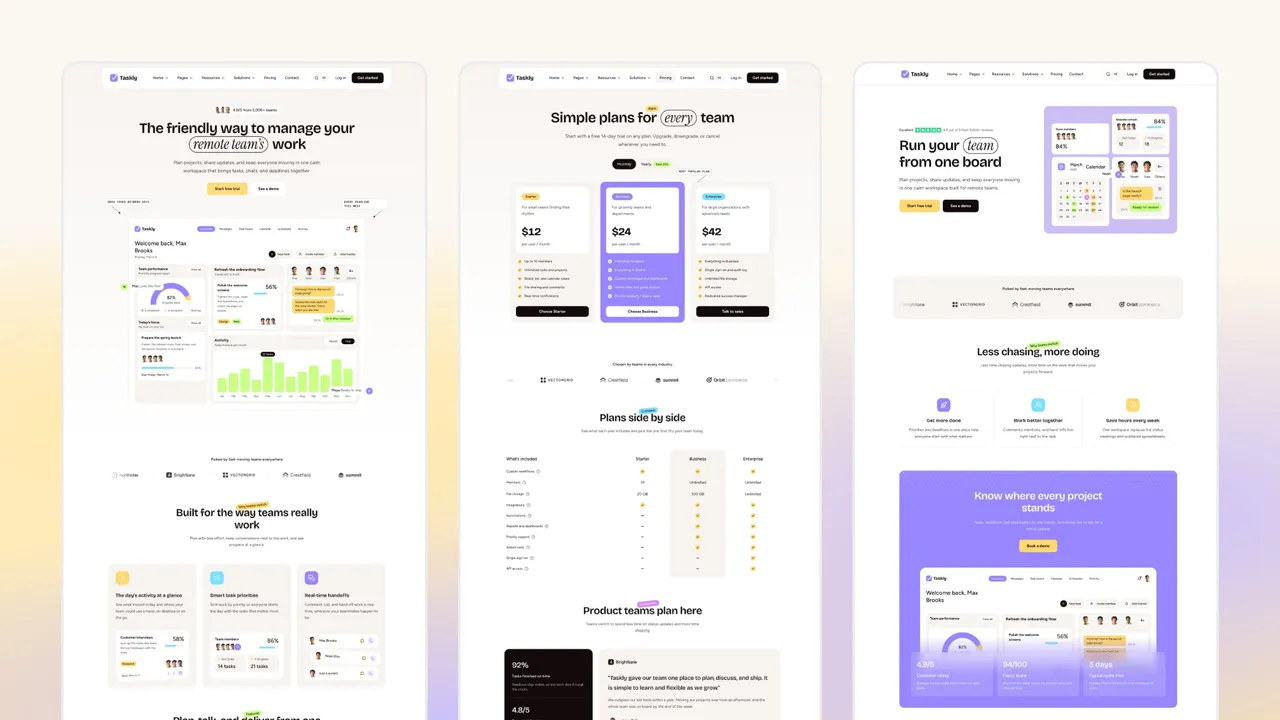
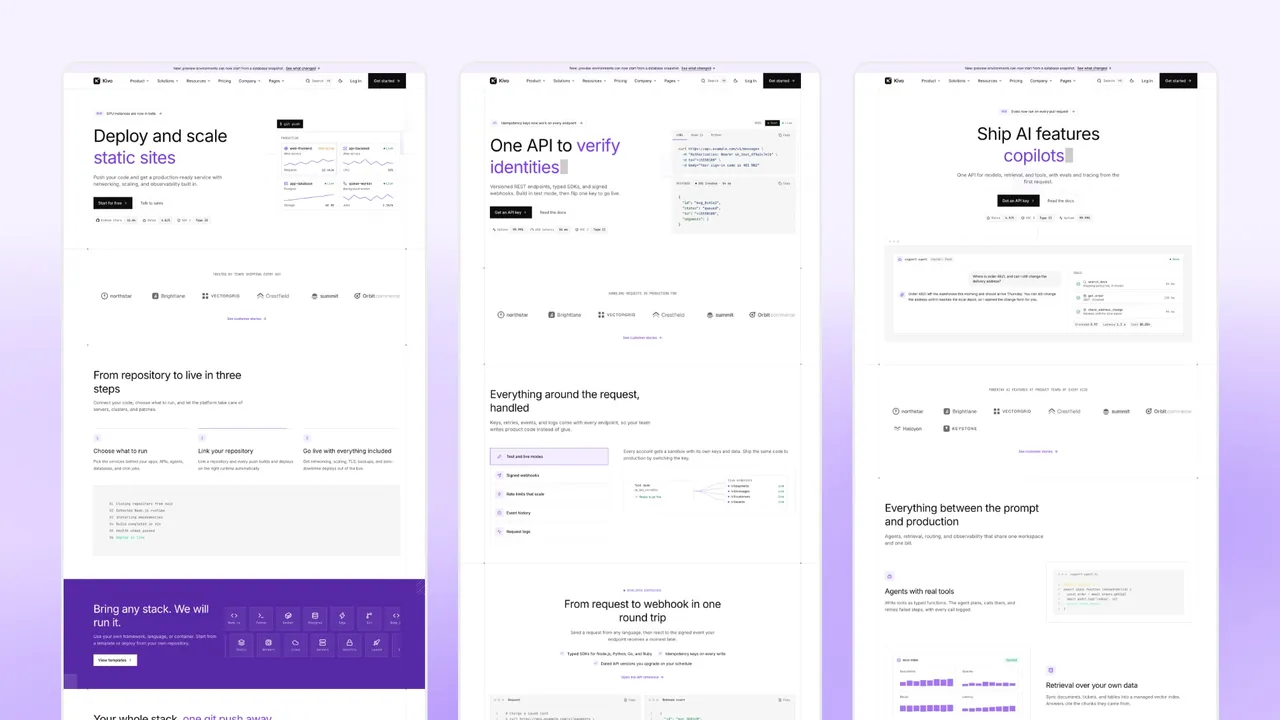
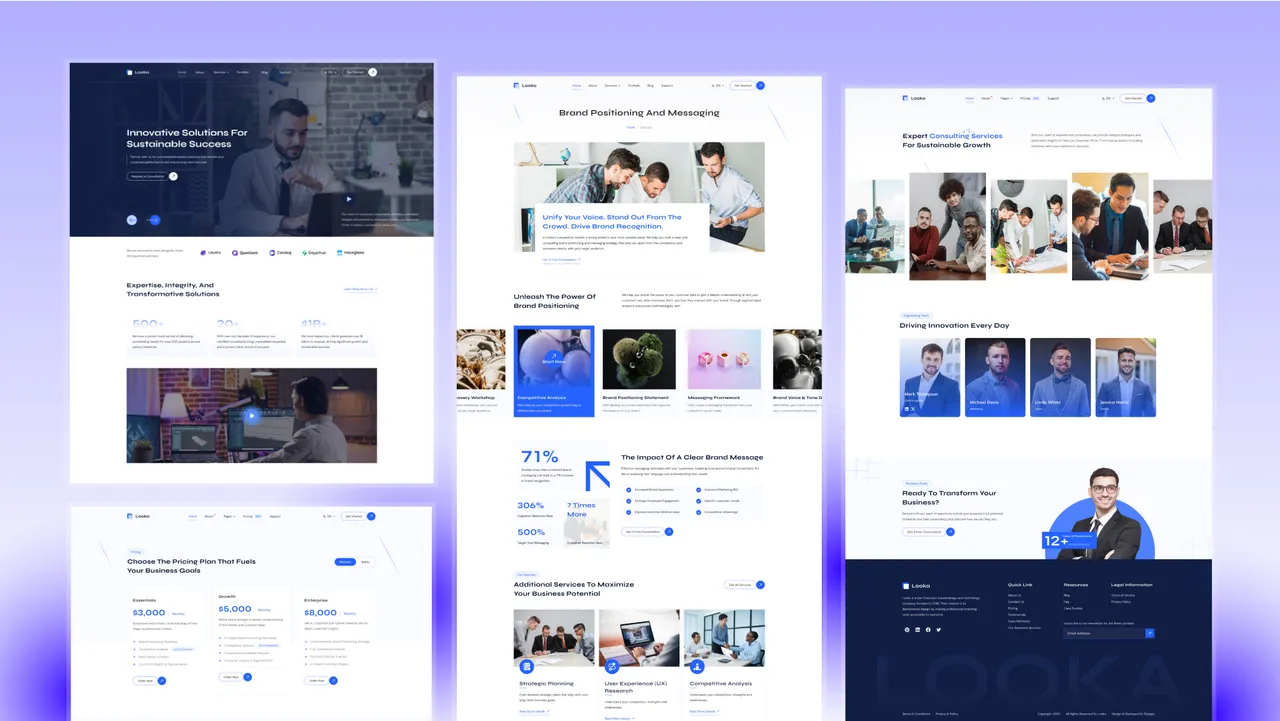
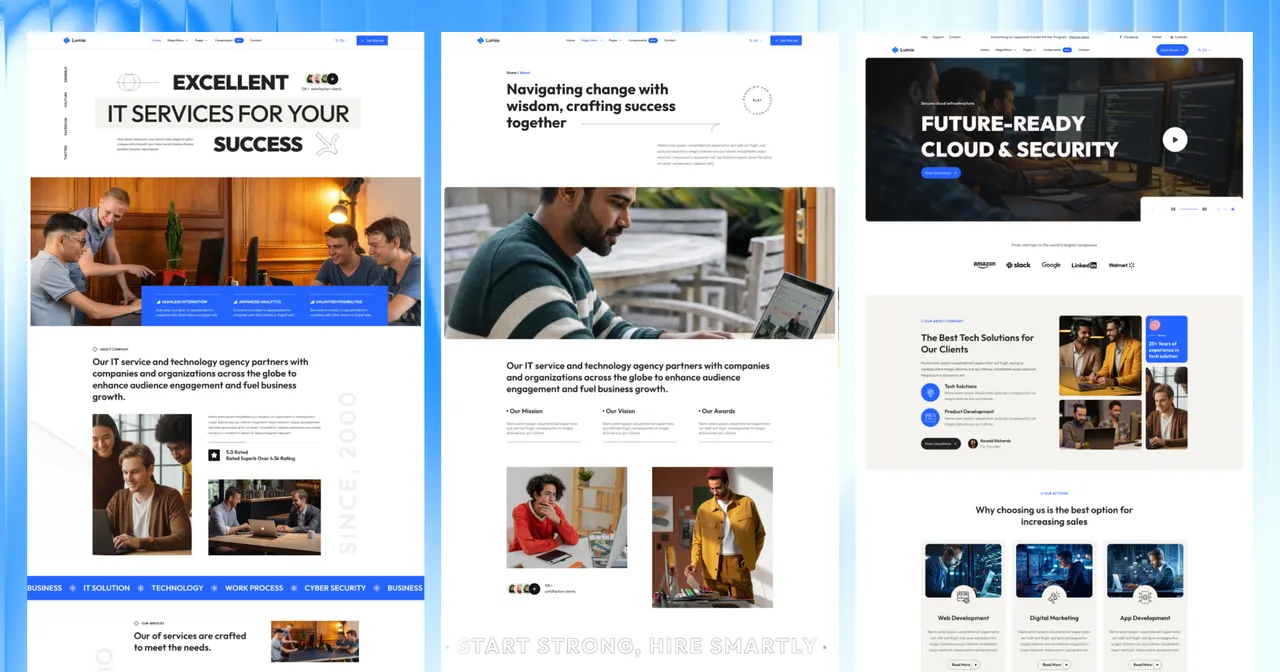
- A client site someone else editsour Tina editions15 themes, 15 to 37 pages
Quick picks: all 10 free TinaCMS Astro themes compared
Facts read from the GitHub API on November 8, 2026. “Astro” is the major version in each repository’s package.json, “Last commit” is the latest commit by a person, and “Editing” says whether the repository depends on @tinacms/astro, the package that makes text in the live preview clickable, or only on tinacms and @tinacms/cli, which give the /admin form UI. Select a name to jump to its entry.
| Theme | Best for | Astro | License | Stars | Last commit | Editing | Demo |
|---|---|---|---|---|---|---|---|
| Tina Astro Starter | The reference setup | 6 | None | 83 | Nov 2026 | Click-to-edit | Demo |
| Openblog | A finished blog design | 4 | GPL-3.0 | 1,021 | Jan 2025 | Form UI | Demo |
| Blahg | A blog on current Astro | 7 | MIT | 623 | Jun 2026 | Form UI | Demo |
| LTree | Link-in-bio page | 3 | None | 36 | Jun 2025 | Form UI | Demo |
| Tina Astro Starter (Revenciel) | Reading a worked schema | 2 | None | 22 | Jul 2023 | Form UI | None |
| astro-v2-blog | Following a book | 2 | None | 8 | Aug 2023 | Form UI | Demo |
| astro-tina | The smallest example | 4 | MIT | 4 | Jun 2024 | Form UI | Demo |
| Astro Tina Cloudinary Starter | Images on a CDN | 4 | MIT | 0 | Apr 2024 | Form UI | Demo |
| astro-ltree | LTree’s earlier version | 3 | None | 4 | Dec 2023 | Form UI | None |
| vercel-blog-theme | One-click Vercel blog | 4 | None | 1 | Sep 2024 | Form UI | None |
6 of the 10 free repositories have no license file
Tina Astro Starter, LTree, Tina Astro Starter (Revenciel), astro-v2-blog, astro-ltree and vercel-blog-theme have no LICENSE file. By default that means the author keeps all rights, which is stricter than MIT or GPL-3.0. Ask for written permission before you put one under a client site. Openblog’s GPL-3.0 is also worth reading: it is a copyleft license, so distributing a modified copy means releasing it under GPL-3.0 as well, and handing a repository to a client counts. Our guide to Astro theme licenses sets out what triggers that obligation.
What “ships with Tina” actually means
Two different setups both get called a Tina theme.
The form UI is the older and more common one. You run tinacms dev -c "astro dev", open /admin, pick a file from a sidebar and edit its fields. Nine of the ten free picks work this way: none of them depends on @tinacms/astro, so clicking text on the page itself does not open a field.
Click-to-edit is what Tina’s current Astro package adds. With @tinacms/astro the live preview renders the real page, and each piece of text carries a field marker, so clicking a heading opens the heading’s field and the page updates as you type. Tina’s own guide describes it as visual editing that needs no React in your page tree (tina.io/docs/frameworks/astro, read November 8, 2026). Among the free repositories only the official starter uses it, on version 0.8.0.
Either way, Tina writes to the Markdown, MDX or JSON files already in the project. Nothing is stored in a database, and the site still builds as static Astro output.
The 10 free TinaCMS Astro themes
1. Tina Astro Starter

The repository Astro’s own CMS page and Tina’s setup guide both link to, maintained by the Tina team.
- License
- None
- Astro version
- Astro 6
- Tina packages
@tinacms/astro0.8.0,tinacms3.15- GitHub stars
- 83
- Last commit
- Nov 1, 2026
Its tina/config.ts splits the schema into three files: a blog collection, a page collection and a global config collection. That split is the part worth copying, because a single config file gets unreadable once a theme has more than a few content types.
Pros
- The only free repository with click-to-edit visual editing
- On Astro 6 with current Tina packages, updated this month
/admin/answers on the deployed demo, so you can try the editor before cloning
Cons
- No LICENSE file, so your right to reuse it is not stated
- It is a starter, not a design: one blog, one page type, no styling to speak of
2. Openblog
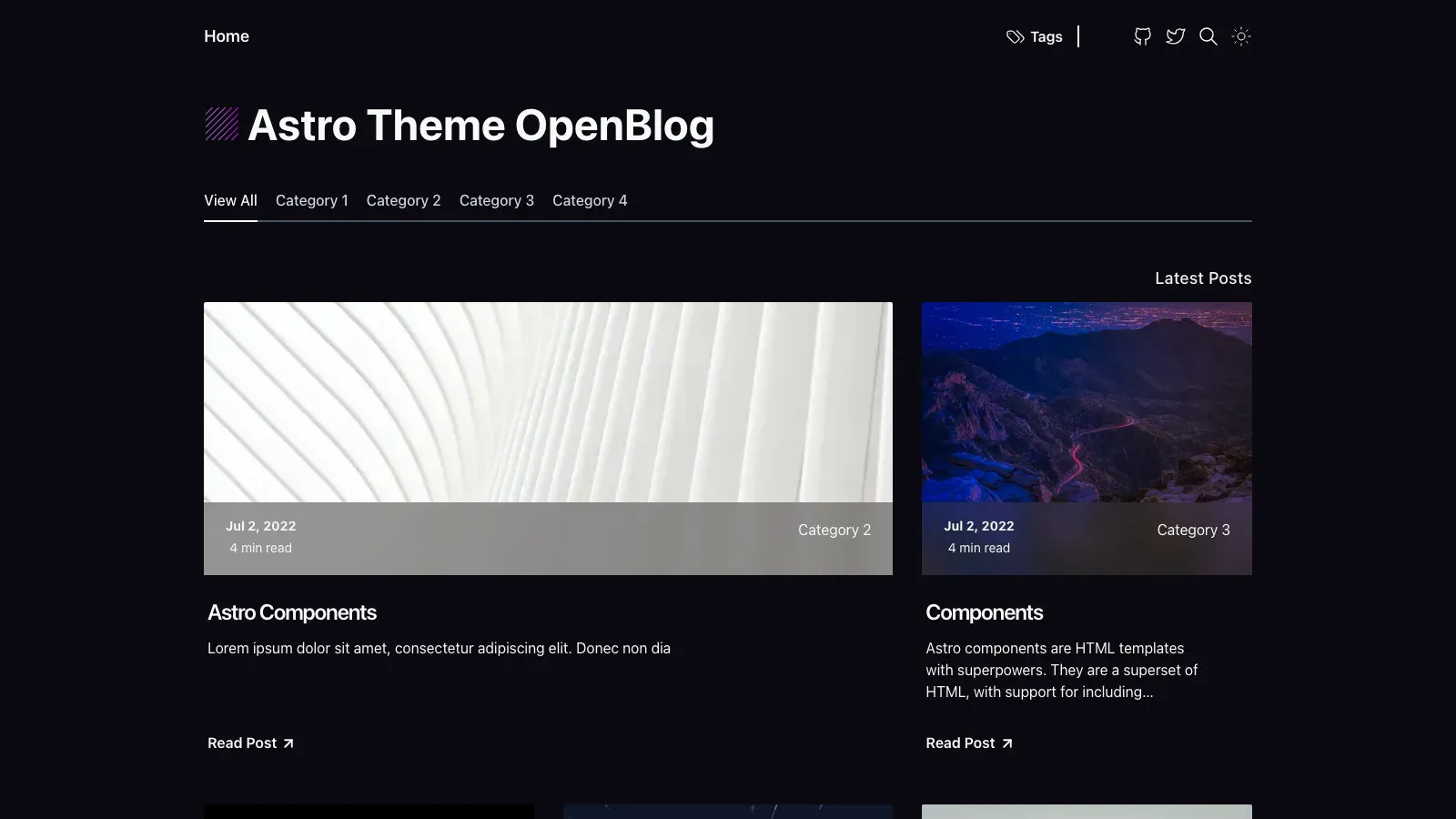
The most-starred Astro theme with Tina in it, and the only one of the ten that looks finished out of the box.
- License
- GPL-3.0
- Astro version
- Astro 4.0.8
- Tina packages
tinacms1.5,@tinacms/cli1.5- GitHub stars
- 1,021
- Last commit
- Jan 14, 2025
Tina models one post collection against src/content/blog, in MDX, with cover image, category, description, publication date, draft flag, tags and a rich-text body that can embed the theme’s own button component.
Pros
- A complete blog design: cards, categories, tags, dark mode
- The widest Tina field coverage of the free picks, drafts included
Cons
- Astro 4 and Tina 1.5, with no commit by a person since January 2025
/admin/returns 404 on the deployed demo, so the editor is local only until you wire up Tina Cloud- GPL-3.0 is copyleft: distributing a modified copy means releasing it under GPL-3.0 too
3. Blahg
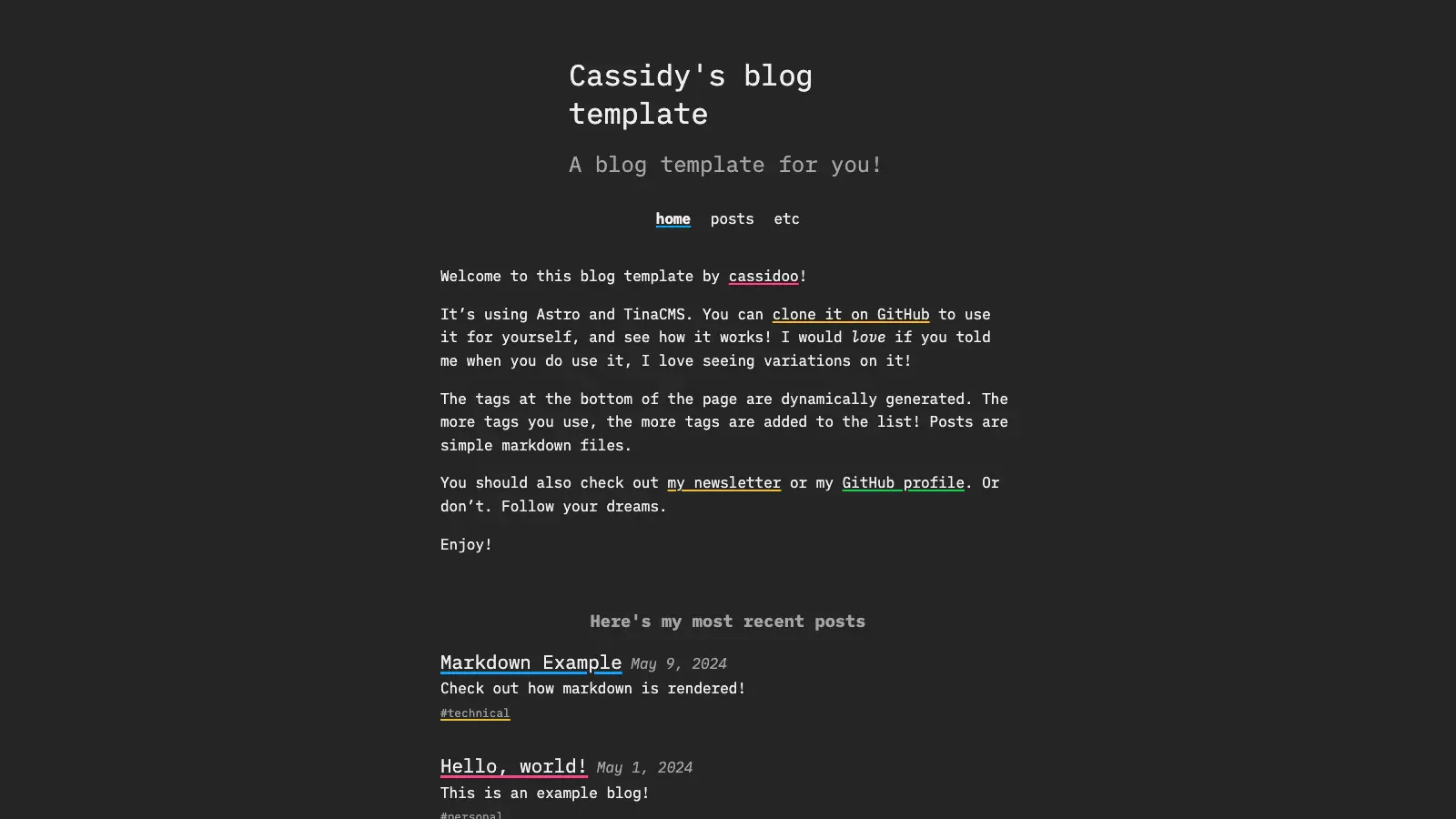
Cassidy Williams’ blog theme, and the only free pick already on Astro 7.
- License
- MIT
- Astro version
- Astro 7.0.3
- Tina packages
tinacms2.10,@tinacms/cli2.5- GitHub stars
- 623
- Last commit
- Jun 29, 2026
Its tina/config.js has two collections: site settings as JSON (title, subtitle) and posts, with title, slug, description and a fixed tag list.
Pros
- Astro 7 and Tina 2, the newest pairing of the free picks after the official starter
- MIT, so client work is straightforward
/admin/answers on the deployed demo
Cons
- One author’s personal blog, so the design is deliberately plain
- Tags are a fixed list in the config; adding one means editing code
4. LTree
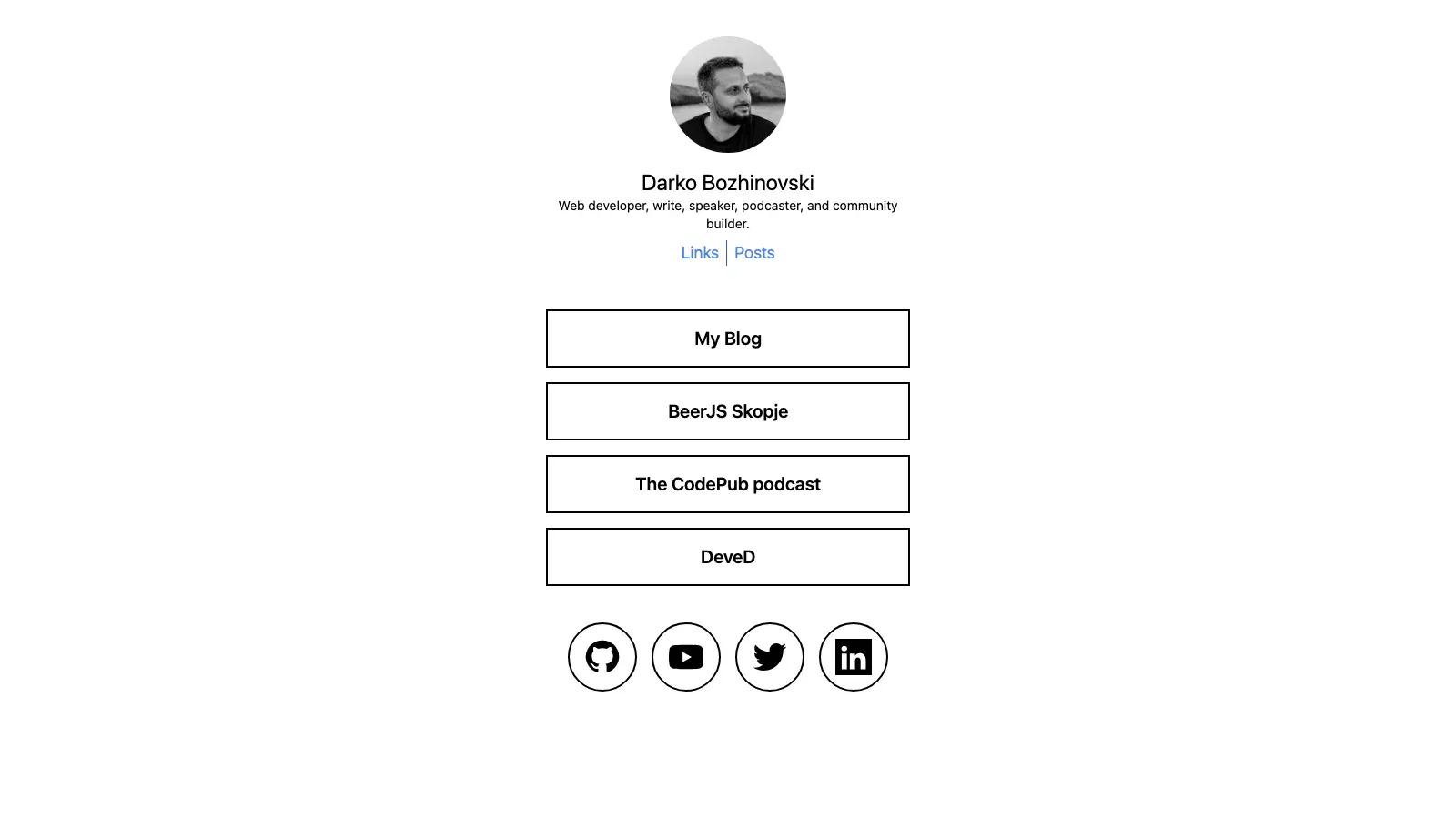
A Linktree and link-in-bio page in one, with Tina on top.
- License
- None
- Astro version
- Astro 3.6
- Tina packages
tinacms1.5,@tinacms/cli1.5- GitHub stars
- 36
- Last commit
- Jun 2, 2025
Three collections, which is the right shape for this kind of page: bio (name, description, avatar), link and post. The author’s write-up explains the integration and how to turn it on in production through Tina Cloud.
Pros
- A whole page type that no other free pick covers
- Tina’s forms map one to one onto what you would actually change
Cons
- Astro 3, two majors behind, and no commit since June 2025
- No LICENSE file
5. Tina Astro Starter (Revenciel)
A personal sandbox, and the most detailed Tina schema of the free picks.
- License
- None
- Astro version
- Astro 2.6
- GitHub stars
- 22
- Last commit
- Jul 19, 2023
Worth opening for its siteConfig collection alone: logo, favicon, tagline and a nav-link builder with internal and external link types and per-item labels. It is a good reference for how far Tina’s field options go.
Pros
- Shows site settings and menus modelled properly, not just posts
Cons
- Astro 2 and a pre-release Tina build from 2023; treat it as reading material
- No demo and no LICENSE file
6. astro-v2-blog
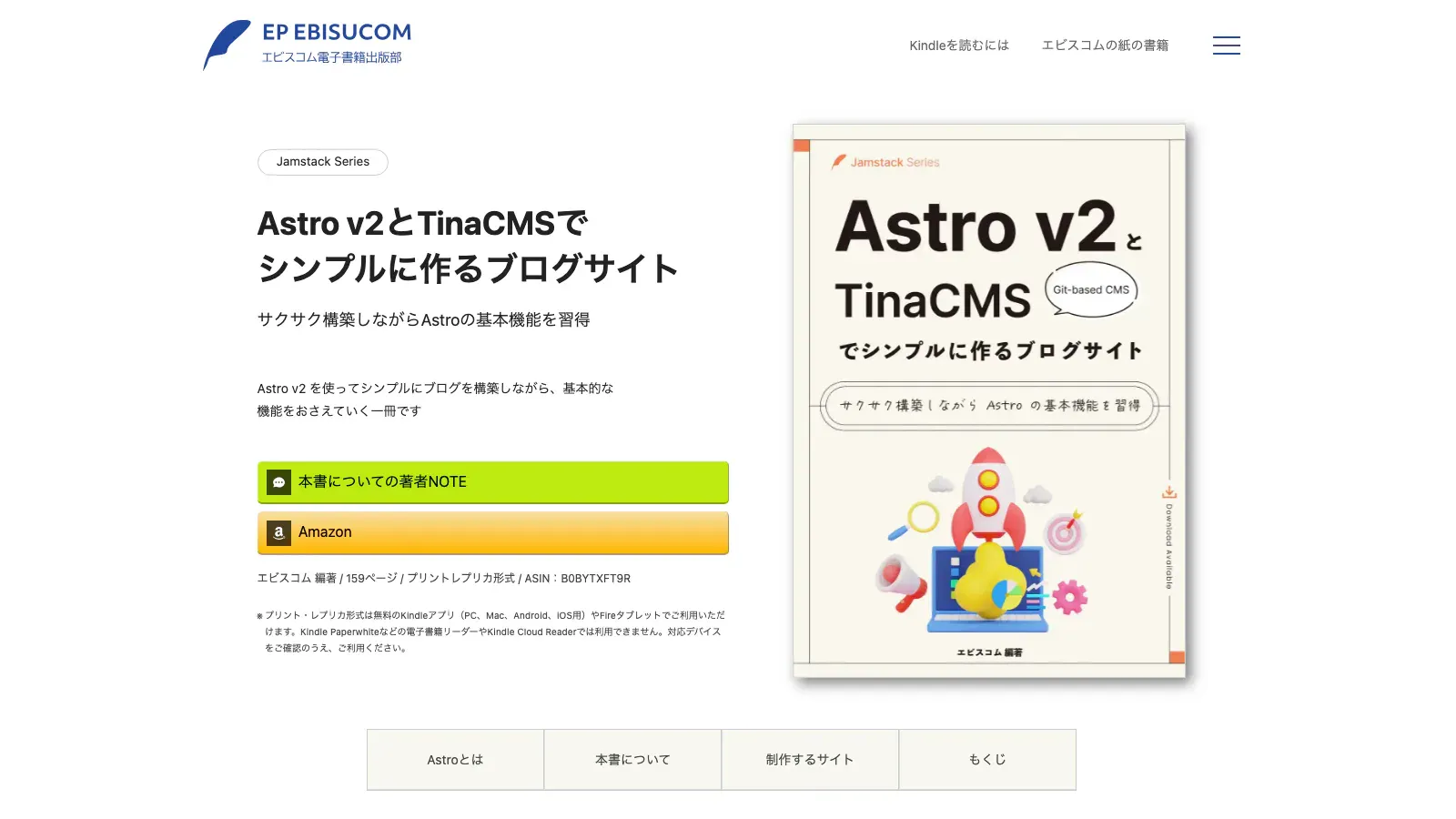
The download for a Japanese book on building a blog with Astro v2 and TinaCMS. The Tina project is the my-blog-tinacms folder.
- License
- None
- Astro version
- Astro 2.1
- GitHub stars
- 8
- Last commit
- Aug 13, 2023
Pros
- Complete worked project with the book’s explanation behind it
Cons
- Astro 2 with
@astrojs/image, long since replaced - Content and documentation are in Japanese
- No LICENSE file
7. astro-tina
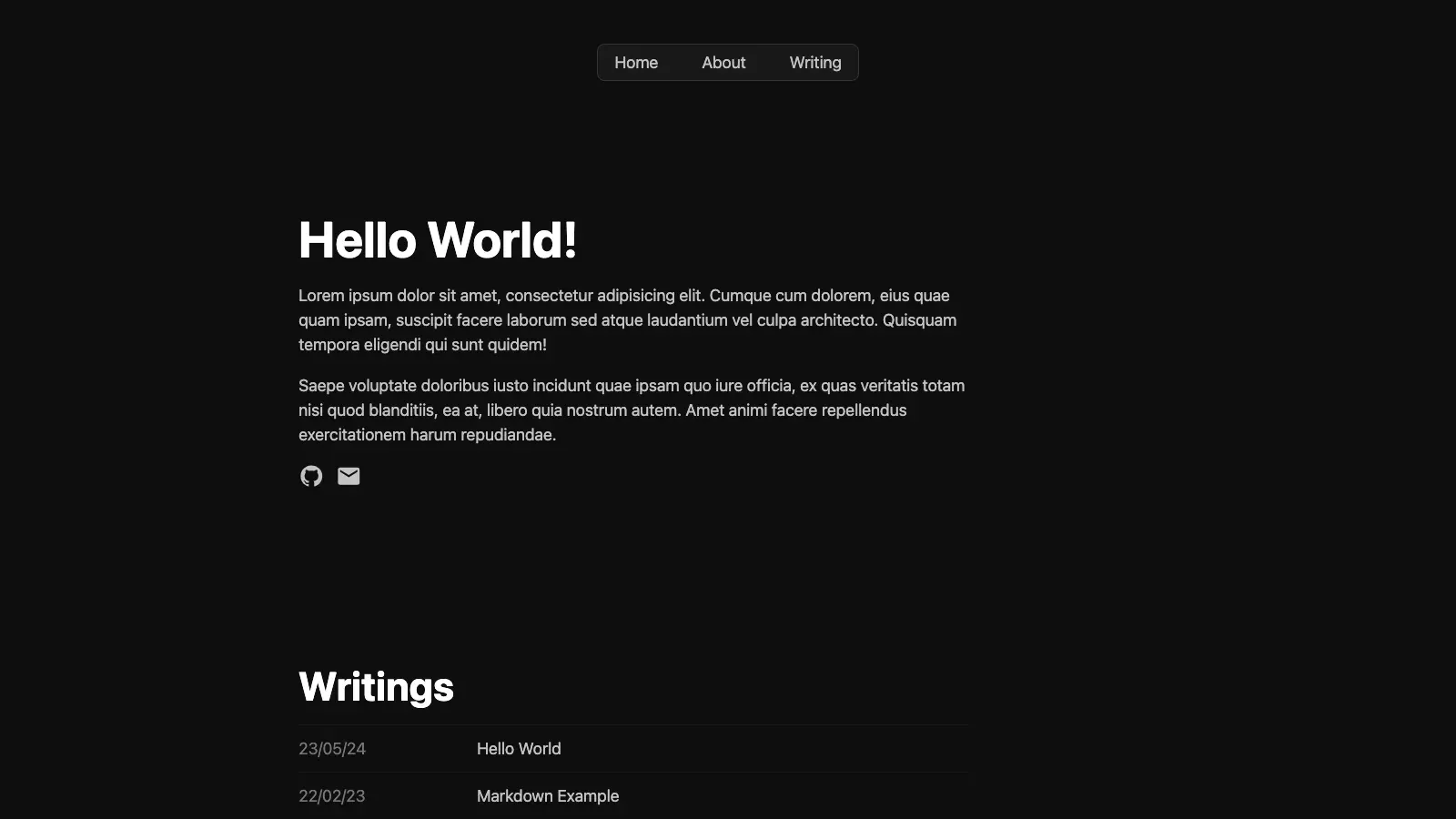
The smallest working example of the pair: a blog, a Tina config, nothing else.
- License
- MIT
- Astro version
- Astro 4.9.2
- GitHub stars
- 4
- Last commit
- Jun 3, 2024
Pros
- Short enough to read in one sitting
- MIT
Cons
- Astro 4, no commit since June 2024
- No design to build on
8. Astro Tina Cloudinary Starter
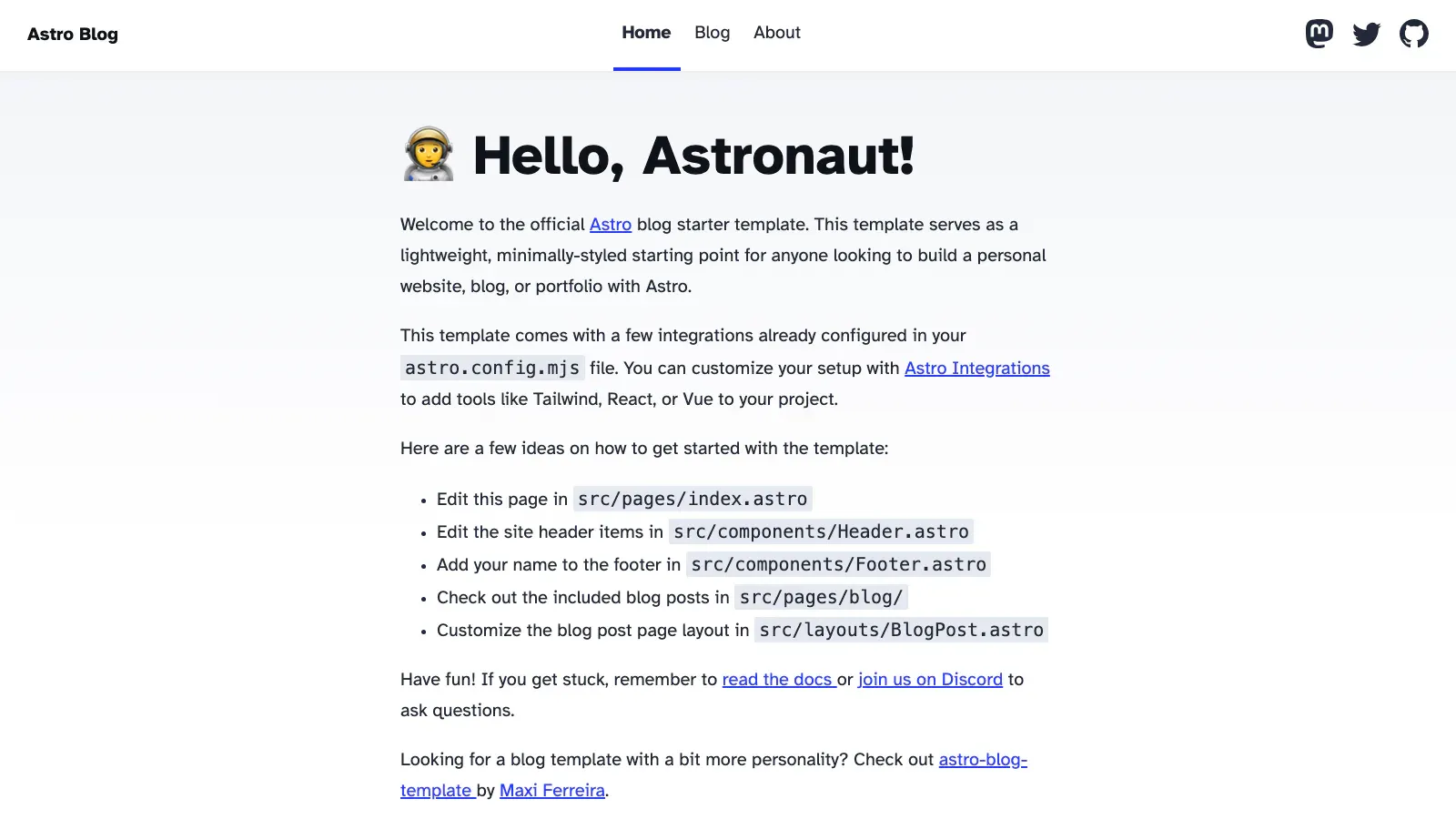
The one free pick that answers the media question: images go to Cloudinary instead of the repository.
- License
- MIT
- Astro version
- Astro 4.6
- Tina packages
tinacms1.6,next-tinacms-cloudinary5.0- GitHub stars
- 0
- Last commit
- Apr 23, 2024
Pros
- Shows the media-store wiring, which the docs cover thinly
- MIT
Cons
- Needs a Cloudinary account before the image field works
- Astro 4, no commit since April 2024
9. astro-ltree
The earlier, self-hosted version of LTree by the same author. Use entry 4 unless you specifically want this one’s setup.
- License
- None
- Astro version
- Astro 3.6
- GitHub stars
- 4
- Last commit
- Dec 2, 2023
Cons
- Superseded by the theme version
- Astro 3, no LICENSE file
10. vercel-blog-template
A blog meant to be deployed to Vercel in one click, with Tina already in package.json.
- License
- None
- Astro version
- Astro 4.0.8
- GitHub stars
- 1
- Last commit
- Sep 4, 2024
Cons
- No demo URL and no LICENSE file
- Astro 4, no commit since September 2024
Two repositories we left out
micrometre/tina-cms is a copy of the official starter generated by create-tina-app, so it adds nothing to the list. JackDevAU/astro-tina-starter is archived and its README calls it a work in progress. Qurno by Platol is a paid third-party Astro 5 blog theme with a Tina config included, sold through LemonSqueezy; its repository holds only a README.
How to run Tina on one of these themes
The classic setup, which covers nine of the ten free picks:
git clone <repository-url> my-site && cd my-site
npm install
npx tinacms dev -c "astro dev"
Open http://localhost:4321/admin/. Tina starts its own GraphQL server next to Astro’s dev server and generates a client into tina/__generated__. Save in a form and the Markdown file on disk changes.
The official starter runs its own scripts instead, because @tinacms/astro hooks into the Astro config rather than wrapping the dev command. Follow its README rather than the command above.
Commit
tina/tina-lock.json
Tina writes a lock file describing your content structure. The author of the top-ranking article for this query names keeping that lock file in sync as the hardest part of the whole stack (suganthan.com, February 25, 2026). Run the dev server once after any schema change and commit the result, or the deployed editor reads a structure your repository no longer has.
What if you want Tina on a theme that does not have it?
Nothing here forces you to start from one of these ten. Tina’s own guide treats adding it to an existing Astro site as the normal path, and it is one command run from the project root (tina.io/docs/frameworks/astro, read November 8, 2026):
npx @tinacms/cli@latest initAnswer the prompts and init installs @tinacms/astro and an SSR adapter, wraps your dev and build scripts, and adds a tina/ config with one sample collection and a demo page at /tinacms-demo. It does not overwrite your content, and it leaves a customized astro.config.mjs alone, which is the part that catches people out: if the config already had integrations, init will not add tina() to it, clicking the demo hero does nothing, and a later build fails with [NoAdapterInstalled]. Open the config and wire the integration in by hand.
What the command does not do is make your existing pages editable. Only /tinacms-demo is. From there the work is per page: set a collection for each content folder, model its fields, and move the data your components read through Tina’s client so a full page renders inside the editor. On a theme with a dozen section components and custom assets such as a hero image or a data-driven pricing table, that is substantial: porting our own themes to Tina took a 17-step checklist for each one, and the work has to be redone whenever the theme changes. That is the trade: a framework-level option, applied to sites that were not built for it.
What editing online costs and needs
Everything above runs on your own computer with no account. Editing from a browser on the deployed site is a separate thing, and it needs three pieces: a GitHub repository, a host that rebuilds from it (Cloudflare Pages, Netlify or Vercel), and a Tina Cloud project. Saving then commits to GitHub and the host rebuilds.
Tina Cloud’s plans, read on November 8, 2026 at tina.io/pricing: Free at $0 with 2 users and 100 GB of bandwidth a month, Team at $24 per project per month billed annually ($29 monthly) with 3 users included and 500 GB, and Business at $249 per project per month. Check the page for current numbers before you plan around them.
In our Tina editions, online editing is forms only
Our editions render the live preview through the local dev server, so click-to-edit works on your own machine and Tina Cloud gives you the forms. A setup built with Tina’s own init, which installs an SSR adapter, is wired differently. Check which of the two you have before you promise a client in-page editing on their live site.
Markdown, Tina or Sanity: which edition fits
We sell 15 Astro themes, and each one now comes in three editions of the same theme. The pages, sections and styling are identical; only how content is edited changes.
| Markdown edition | Tina edition | Sanity edition | |
|---|---|---|---|
| Who edits | A developer in a code editor | Anyone, in a browser at /admin/ | Anyone, in the Sanity Studio |
| Where content lives | Markdown files in the repository | The same Markdown files | Your own Sanity project |
| Account needed | None | None locally; your own Tina Cloud project to edit online | A free Sanity account to edit |
| Works with no service | Yes | Yes | Yes, with the bundled demo content |
| Click-to-edit preview | No | Yes, running locally | Yes |
| List price | $79 | $89 | $89 |
List prices read from our catalog on November 8, 2026. Some themes carry a release discount below those figures.
The Tina edition is the one to pick when a client or a colleague will update the site and you would rather not hand them a repository. It wraps the page body and footer in an editable region, so the preview renders the real page and the text in it opens its own field. On Ecozen, our build produced 10,613 click-to-edit elements across 179 pages with no section component changed for it, and a live update while typing takes about 50 milliseconds.
One limit worth stating plainly: we have not run online editing against a live Tina Cloud project, so try one save on a copy of your site before you rely on it. The English, French and Arabic pages every theme ships all edit the same way, each language in its own file.
Themes with a Tina edition, from 15 pages (Finzo, Upstart) to 37 (Consultiz): Taskly, Kivo, Stella, Upstart, Finzo, Looka, Lumio, Consultiz, Taxo, Techlo, Techbyte, Veltro, Folex, Homio and Ecozen.
How we checked every theme
Everything in the tables was read on November 8, 2026.
- Finding candidates. GitHub’s repository search for
astro tinacms, plus the TinaCMS category on astrothemes.dev and the repositories linked from Astro’s and Tina’s own documentation. - Counting one as a Tina theme. The repository must contain a Tina config, in
tina/or in the older.tina/folder, and depend ontinacms,@tinacms/astroor@tinacms/cli. Two candidates that only mention Tina in a README were dropped, and one that had removed its Tina dependency since the directory listed it was dropped too. - Astro version. The
astroentry in the repository’spackage.jsonon its default branch. - Stars and last commit. The GitHub API. “Last commit” skips commits authored by bots, so it reflects a person’s work.
- License. GitHub’s detected license, with “None” meaning no LICENSE file in the repository.
- Editing mode. Whether
@tinacms/astrois a dependency. - Demos. Each demo URL and each
/admin/route was requested and its status code recorded.
What we would use
For a site you will hand to someone else, start from the official Tina Astro Starter and bring your own design, or take a theme whose design is already finished. For a blog you want to keep current, Blahg is the safest free pick: Astro 7, MIT and maintained. For client work where the editor matters more than the setup time, our Tina editions remove the integration step entirely, which is the part the top results for this search spend 1,000 words on.