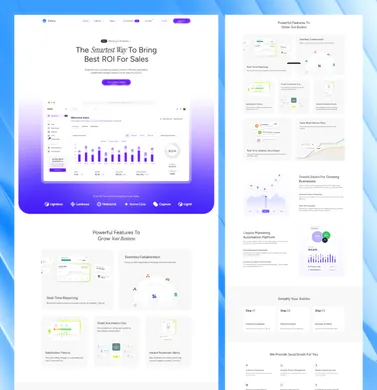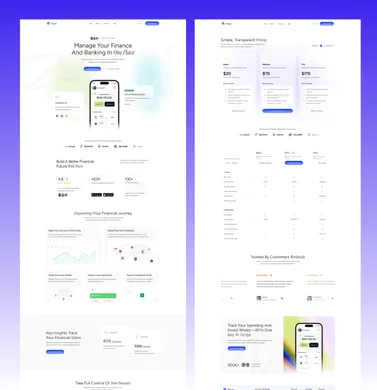
Of the free Sanity Astro themes, Sanity’s own Clean Astro theme is the reference setup and the only one with click-to-edit, the Netlify starter is the best-maintained alternative, and Okapi is the only free pick on Astro 7. Five of the nine ship no license file, which matters for client work.
Jump to the quick-picks table to compare all five. The paid field and our 15 themes with a Sanity edition come after them. Related: TinaCMS Astro themes, RTL ready Astro themes, theme licenses.
Picks by what you are building
- Reference setup to copyClean Astro + Sanity appAstro 6, Sanity 5, Presentation tool click-to-edit
- Starter you will keep maintainedAstro Sanity StarterMIT, Astro 5,
@sanity/astro3.1 - Page builder inside the StudioOkapiAstro 7, its own editor tab, MIT
- Selling digital productsSanity Astro Clubartwork showcase with Polar checkout
- A client site someone else editsour Sanity editions15 themes, 15 to 37 pages
Quick picks: 5 free Sanity Astro themes compared
Facts read from the GitHub API on November 8, 2026. “Astro” is the major version in the repository’s package.json (the frontend folder’s, where the repository is a monorepo), “Last commit” is the latest commit by a person rather than a bot, and “Visual editing” says whether the repository ships Sanity’s Presentation tool with click-to-edit overlays. Select a name to jump to its entry.
| Theme | Best for | Astro | License | Stars | Last commit | Visual editing | Demo |
|---|---|---|---|---|---|---|---|
| Clean Astro + Sanity app | The reference setup | 6 | None | 181 | Oct 2026 | Yes | Demo |
| Astro Sanity Starter | A maintained minimal starter | 5 | MIT | 92 | Jan 2026 | No | Demo |
| Okapi | A page builder in the Studio | 7 | MIT | 3 | Oct 2026 | Yes, its own editor | Demo |
| Sanity Astro Club | Selling digital products | 5 | MIT | 20 | Apr 2025 | No | Demo |
| sanity-astro-example | Reading a small schema | 4 | None | 4 | Mar 2024 | No | None |
2 of the 5 free picks have no license file
Clean Astro + Sanity app and sanity-astro-example have no LICENSE file in the repository. By default that means the author keeps all rights, which is stricter than MIT. One of the two, Sanity’s own Clean Astro theme, is published by Sanity itself, which makes the omission look like an oversight rather than a restriction, but it is still not permission. Ask before you build a client site on one. Our guide to Astro theme licenses covers what each license allows.
What “ships with Sanity” actually means
Sanity is not a file-based CMS. Content lives in Sanity’s hosted Content Lake, a real-time database, and your Astro site queries it with GROQ. That changes what a theme has to provide, and the free repositories differ on three points.
Where the Studio lives. Sanity Studio is a React application that edits your dataset. Most of these themes keep it in its own folder, usually studio/ or sanity/, as a second project you run and deploy separately. The alternative is the @sanity/astro integration, which mounts the Studio on a route of the Astro site itself, so one deployment serves the website and the editor. Both work. A separate Studio is easier to reason about; an embedded one is one less thing to host.
Whether visual editing is set up. Sanity’s Presentation tool renders your real site beside the editor and draws click-to-edit overlays on the content that came from the dataset, so an editor clicks a heading on the page and the field opens. It needs stega-encoded content and a preview route, which is wiring a theme either did or did not do. Of the nine free repositories, only Sanity’s own Clean theme ships it.
How block content is rendered. Sanity stores rich text as Portable Text, a JSON structure rather than HTML or Markdown. Something has to turn it into elements, usually astro-portabletext or a hand-written renderer. A theme that models every field as plain strings has dodged this problem rather than solved it, and you will meet it the first time an editor wants a link inside a paragraph.
A fourth difference is less obvious: drafts. Sanity keeps a draft and a published version of each document, and a static build reads the published one. Previewing drafts means a preview route that reads with a token, which again the theme either set up or left to you.
The 5 best free Sanity Astro themes
1. Clean Astro + Sanity app
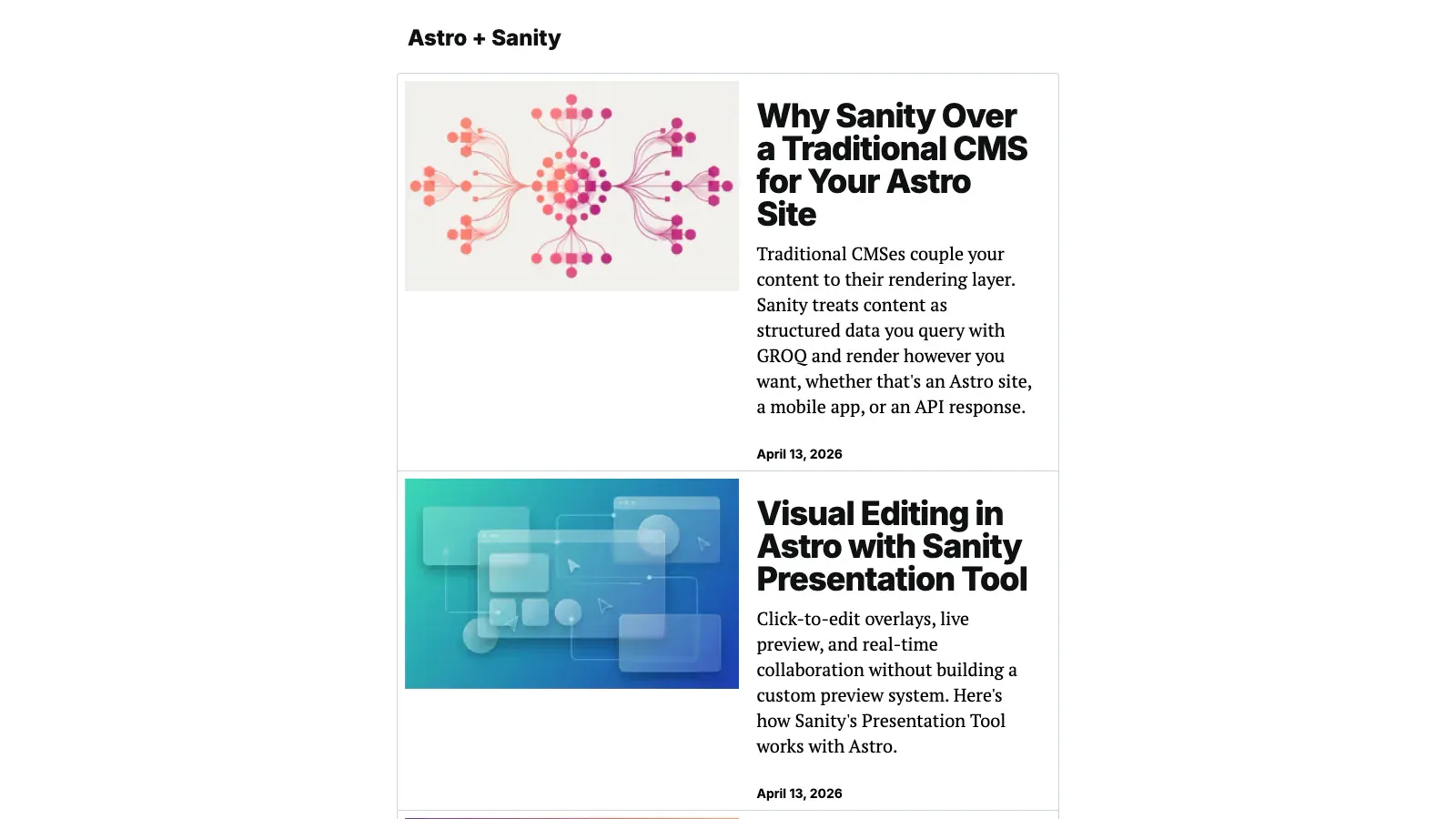
Sanity’s own theme, maintained in the sanity-io organization, and the one its documentation points at.
- License
- None
- Astro version
- Astro 6.1
- Sanity packages
@sanity/astro3.3,sanity5.20,@sanity/client7.21- GitHub stars
- 181
- Last commit
- Oct 28, 2026
A monorepo with frontend and studio folders, and the most complete feature list of any free pick: content fetched from the Content Lake, visual editing with click-to-edit overlays through the Presentation tool, Portable Text rendering, image cropping and rendering through Sanity image URLs with automatic WebP and AVIF and responsive srcset, SEO meta with Open Graph and Twitter Card tags plus a per-post SEO field in the Studio, and a custom 404 for missing posts. The schema is split into documents and objects, which is the structure worth copying.
Pros
- The only free repository with the Presentation tool and click-to-edit set up
- Current versions: Astro 6 and Sanity 5, updated in October 2026
- Maintained by Sanity, with AGENTS.md and CLAUDE.md files for coding assistants
Cons
- No LICENSE file, so your right to reuse it is not stated
- A starter, not a design: one content type and minimal styling
- A monorepo, so two applications to run and deploy
2. Astro Sanity Starter
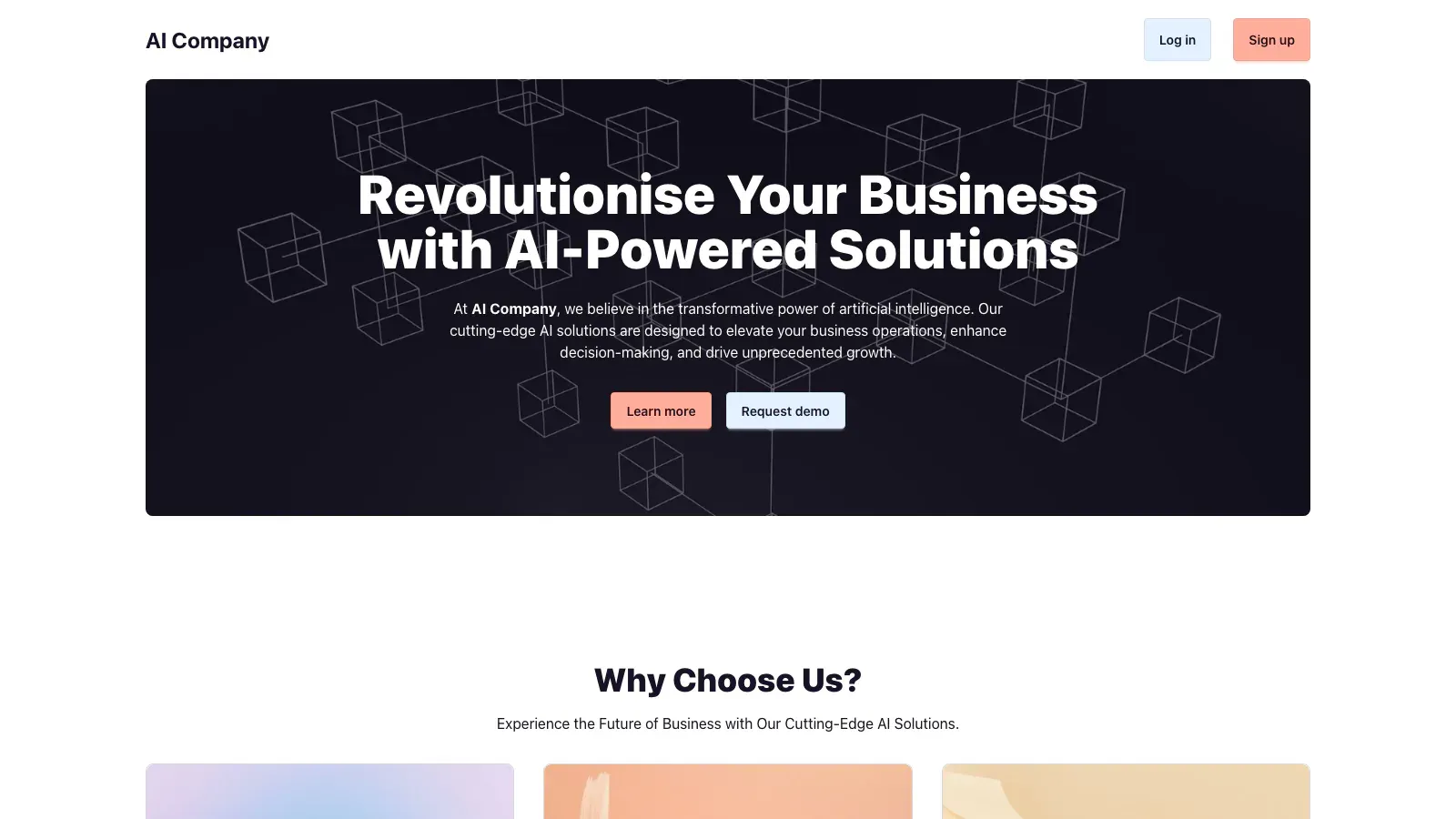
Netlify’s theme, built for a one-click deploy and kept current by dependency updates.
- License
- MIT
- Astro version
- Astro 5.1
- Sanity packages
@sanity/astro3.1,@sanity/client6.22- GitHub stars
- 92
- Last commit
- Jan 22, 2026
It ships @sanity/export and @sanity/import alongside the Studio, so the theme can seed a new dataset with its demo content instead of leaving you with an empty Studio. That is a small thing that saves an afternoon the first time.
Its recent commit history is almost entirely Renovate: the last commit by a person was in January 2026, and everything since is dependency bumps. Read that as maintained but not developed.
Pros
- MIT, so client work is straightforward
- Demo content ships as an importable export, so the Studio is not empty on day one
- Dependencies kept current automatically
Cons
- No visual editing: the Studio’s forms only
- Astro 5 while Astro 7 is current
- No commit by a person since January 2026
3. Okapi
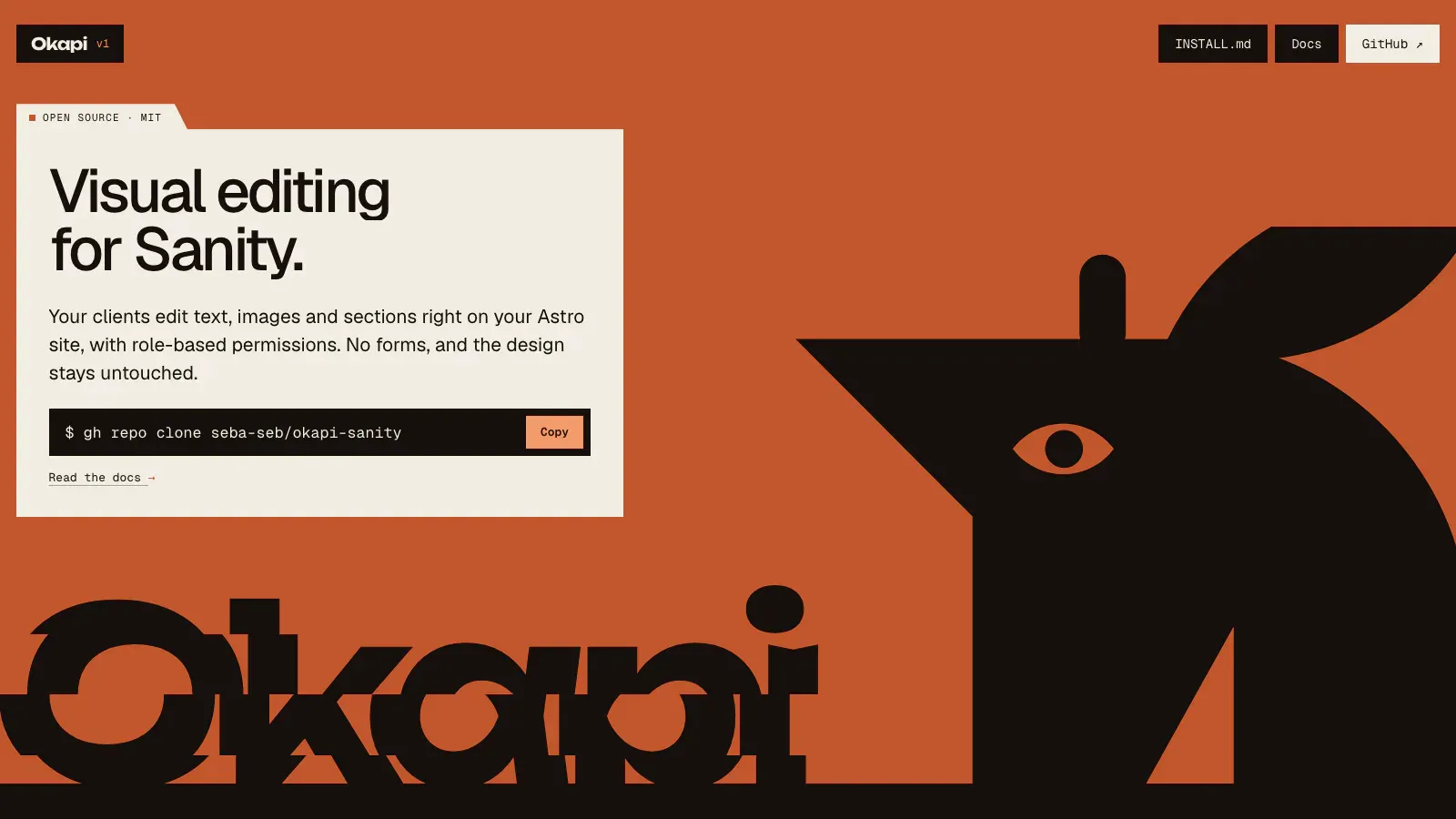
The only free pick on Astro 7, and the only one that adds its own editor rather than relying on the Studio’s forms.
- License
- MIT
- Astro version
- Astro 7.3
- Sanity packages
sanity6.19,@sanity/astro3.5,@sanity/ui4.4- GitHub stars
- 3
- Last commit
- Oct 22, 2026
Okapi uses Sanity as the database and adds its own visual page builder as a tab inside the Studio at /studio#/editor. Pages built there ship as static HTML, and only sections that need JavaScript, such as a slider or a 3D block, hydrate. It installs into an existing project rather than being cloned as a site, and it ships an installation guide written for coding agents, including a Claude Code skill.
Pros
- Current Astro and Sanity, updated in October 2026
- A page builder, which no other free pick here has
- Designed to be added to a project you already have
Cons
- Three stars and one maintainer
- Its own editor rather than Sanity’s Presentation tool, so you are adopting one person’s abstraction
- Parts of the documentation are in Spanish
4. Sanity Astro Club
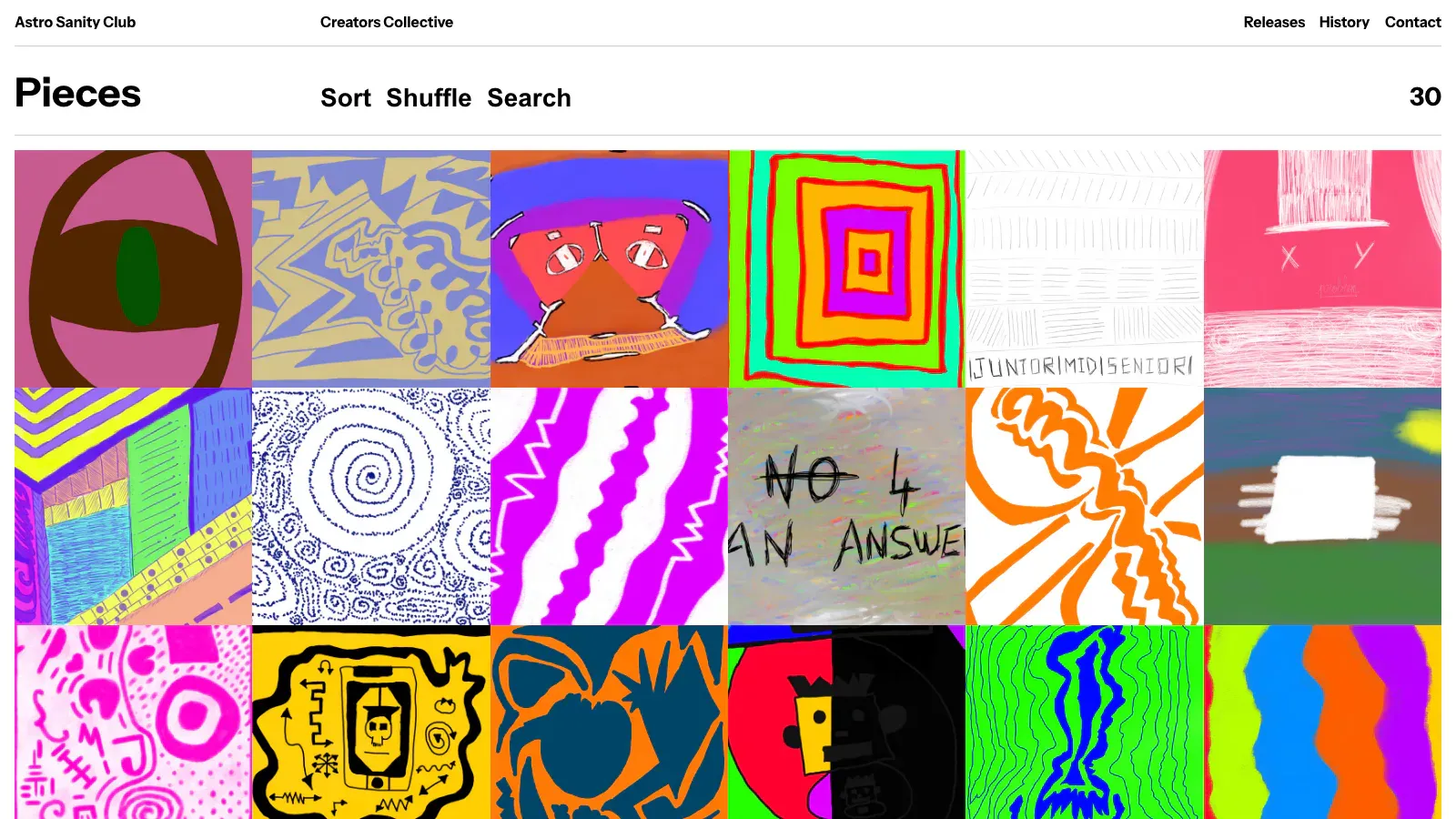
A showcase theme for artworks or digital products, with a checkout.
- License
- MIT
- Astro version
- Astro 5.7
- Sanity packages
@sanity/client6.29,@sanity/image-url1.1- GitHub stars
- 20
- Last commit
- Apr 29, 2025
It began as a Codrops proof of concept with Alex Tkachev, and Soufiane added an extendable Sanity Studio for the content plus a Polar integration that creates checkout sessions. That makes it the only free pick here that sells something, and the design is the most finished of the nine.
Pros
- A real design rather than a scaffold
- Selling built in through Polar checkout sessions
- MIT, monorepo with
frontendandstudiofolders
Cons
- No commit since April 2025, and Astro 5
- Built around artwork, so another product type means reworking the schema
- No visual editing
5. sanity-astro-example
The smallest example in the list, written for a tweet, and honest about it.
- License
- None
- Astro version
- Astro 4.5
- Sanity packages
sanity3.34,@sanity/astro3.0- GitHub stars
- 4
- Last commit
- Mar 15, 2024
Two schema types, eventType and ticketType, which is enough to see how a document type and a reference work without reading a whole site. Its README says the official Clean theme is better, and points there.
Pros
- Short enough to read end to end
- Uses
@sanity/astro, so the Studio mounts on a route of the Astro site
Cons
- Astro 4, no commit since March 2024
- No LICENSE file, no demo
- Its own author recommends a different theme
The paid field, which is larger than the free one
Sanity is unusual among headless CMSs in having a real commercial theme market for Astro. The Sanity Exchange lists 18 paid Astro themes as of November 8, 2026, from two authors.
Michael Andreuzza’s are the larger set: Scarlet for dental practices, Offcut for museums and galleries, Kinfolk as a skincare storefront, Halden for apps, Simplexity for product designer portfolios, Snowpeak for design publications, Hemingway for editorial magazines and podcasts, Westend for Nordic real estate, Gerstner for universities, Aubergine for gardening, Quartiere, Coleman for gyms and fitness studios, and Sanity CMS Kit, a page builder where every page is assembled from reusable blocks.
Pavlo Zhydkykh’s are a tighter set aimed at agencies: Oriel for crypto foundations and grant programs, BrandDo for branding agencies, Risso for brand and product design studios, Tensile for design and engineering studios, and Brassline for plumbers and home-service trades.
Streamer, an online radio theme with a live player, broadcast schedule and show archive, is listed on the Astro themes directory rather than the Exchange.
The Exchange is not an Astro catalogue: the same themes listing covers Next.js, Nuxt, SvelteKit, Remix and Angular, and Astro is one filter among them. That is worth knowing when a listing’s screenshots look familiar, because several of these designs exist for more than one framework. Tailwind CSS is the common styling choice across the Astro ones, named in listings such as Westend’s.
We have not bought or run any of them, so this is a map of what exists rather than a review. Their listings are worth reading for one thing in particular: most describe editing in the Studio with real-time collaboration, which is the capability that separates a hosted CMS from a file-based one, and which no free pick here markets.
Our 15 themes with a Sanity edition
We sell 15 Astro themes, and each one comes in three editions of the same theme. The pages, sections and styling are identical; only how content is edited changes.
| Markdown edition | Tina edition | Sanity edition | |
|---|---|---|---|
| Who edits | A developer in a code editor | Anyone, in a browser at /admin/ | Anyone, in the Sanity Studio |
| Where content lives | Markdown files in the repository | The same Markdown files | Your own Sanity project |
| Account needed | None | None locally | A free Sanity account to edit |
| Runs with no account | Yes | Yes | Yes, with the bundled demo content |
| Click-to-edit preview | No | Yes, running locally | Yes |
| Several editors at once | No | No | Yes |
| List price | $79 | $89 | $89 |
List prices read from our catalog on November 8, 2026. Six themes carry a release discount below those figures today.
The Sanity edition ships the Studio in the same folder as the site, in sanity.config.ts and sanity/, so the Studio belongs to you rather than to us. npm run dev starts the site on the bundled demo content with no account at all, which means you can try the theme before deciding anything. To edit it, npm run setup logs in, creates your project, writes .env and uploads the demo content, and npm run dev:all then runs the website and the Studio together, the Studio on port 3333.
Inside the Studio, content is organized as one entry per language and then Site settings. Live preview shows the site beside the editor, and clicking any text or image on the page opens its field. Changes are drafts that only you see in the preview until you press Publish, and npm run build generates the static site from the published content. Arabic documents edit right to left in the Studio, which matters because every one of these themes ships English, French and Arabic.
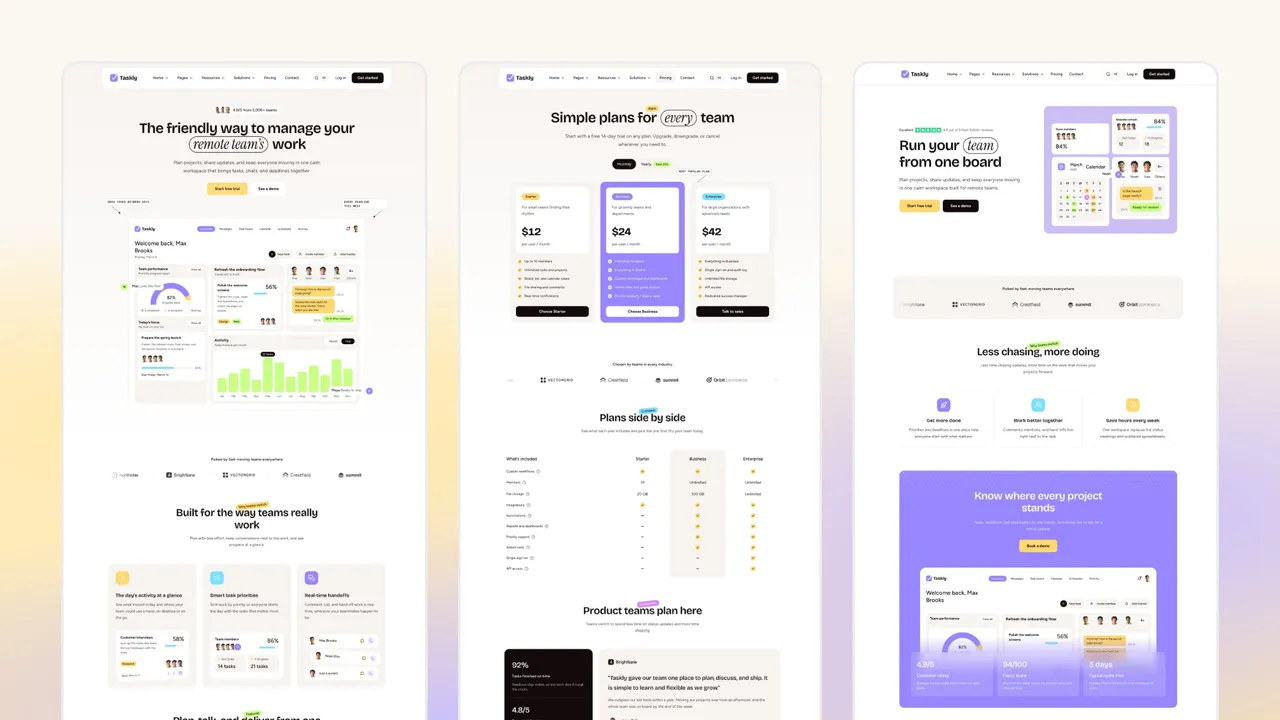
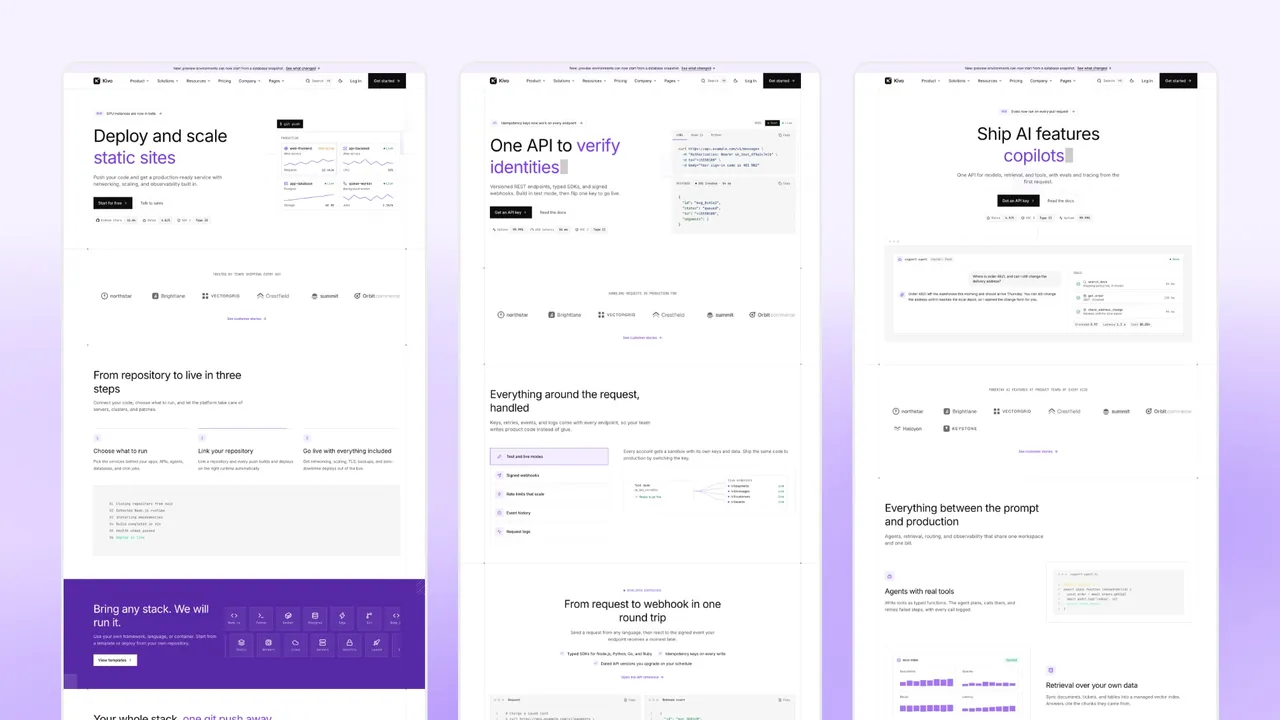
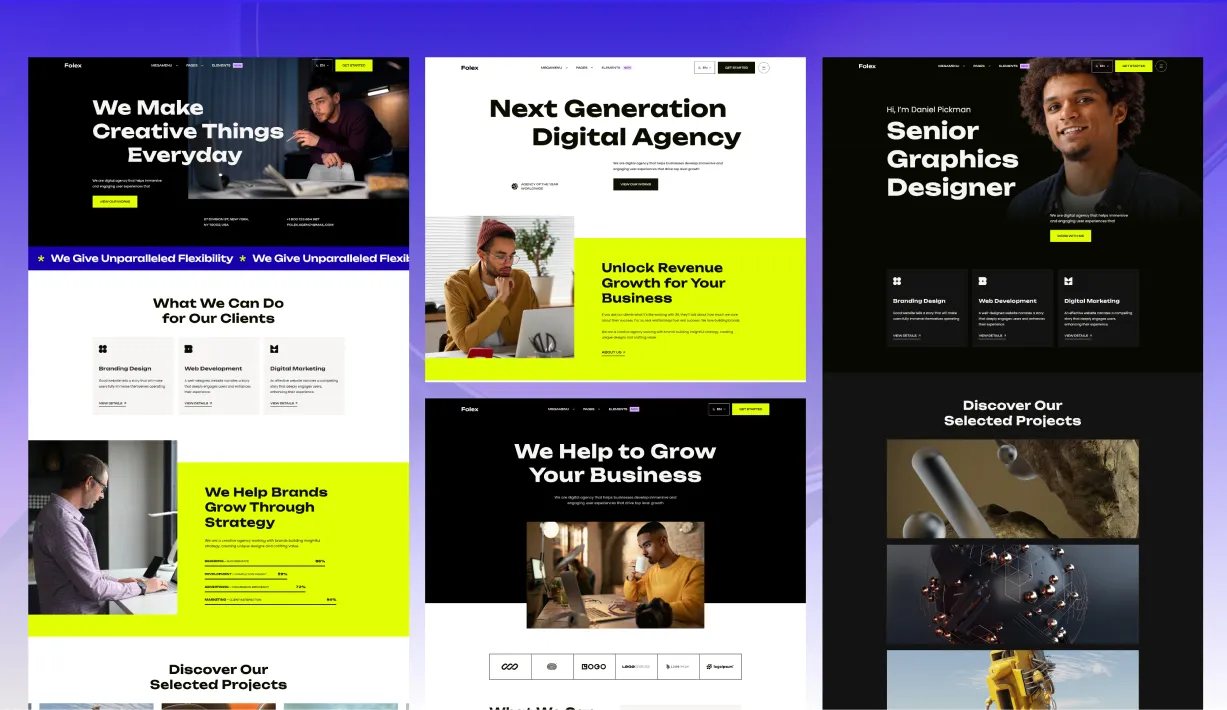
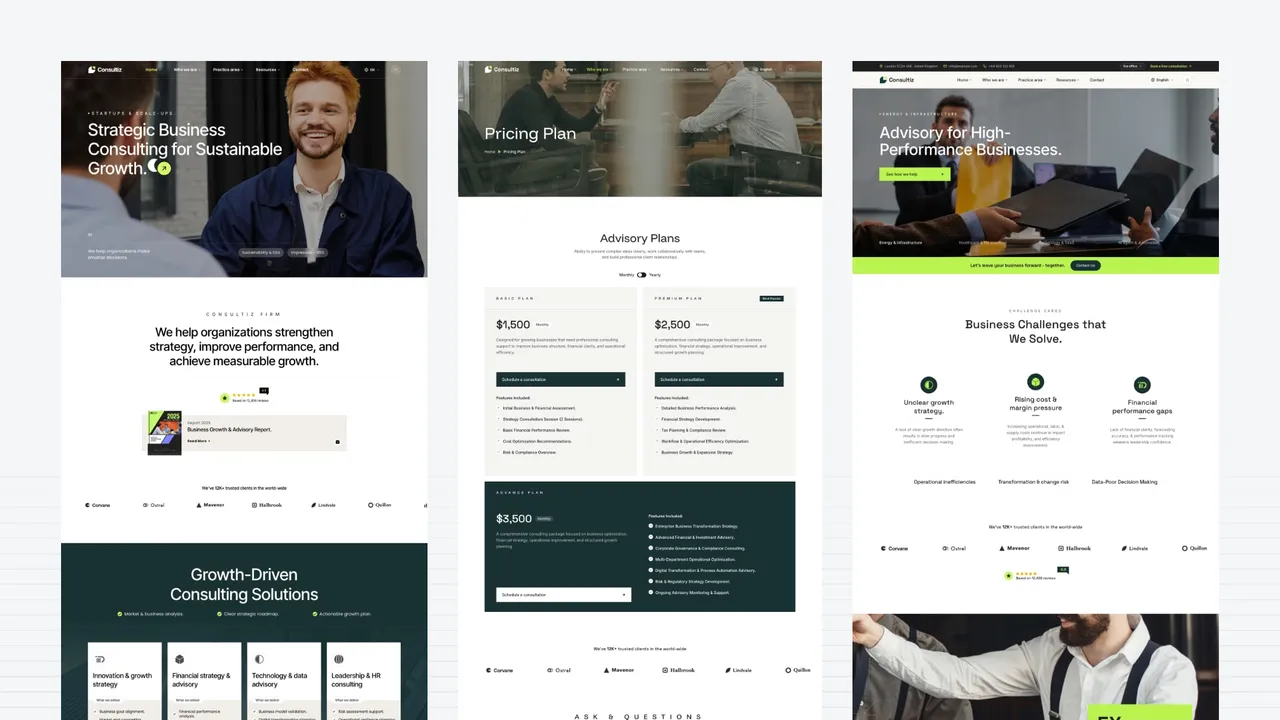
Themes with a Sanity edition, from 15 pages (Finzo, Upstart) to 37 (Consultiz): Taskly, Kivo, Stella, Upstart, Finzo, Looka, Lumio, Consultiz, Taxo, Techlo, Techbyte, Veltro, Folex, Homio and Ecozen.
Sanity or Tina, if you are choosing between our editions
Take Sanity when more than one person edits, when editors should never see the repository, or when you want scheduled and collaborative editing. Take the Tina edition when content should stay in the repository as Markdown, versioned with the code, with no service behind the site at all. Both cost the same.
How to run one of these themes locally
The monorepo themes all follow the same shape. From a clone:
npm install
npm create sanity@latest -- --project <your-project-id> --dataset production
npm run dev
The second line is the part people skip. A Sanity theme cannot run on somebody else’s dataset: you need your own project id, and the theme reads it from an environment variable, usually PUBLIC_SANITY_PROJECT_ID and PUBLIC_SANITY_DATASET, named in the repository’s .env.example. Until those are set, the site builds but has nothing to show.
Then start the Studio, which in a monorepo is the second application. The following command initializes it and serves it locally, once its schemas are in place:
cd studio && npm install && npm run devIt opens on port 3333 by default, and the same project can be deployed to Sanity’s own hosting later with one command. Create a document, publish it, and reload the Astro site. If the page is still empty, the usual causes are a dataset name that does not match, a document still in draft, or a GROQ query filtering on a field the document does not have yet.
Seed the dataset before you judge a theme
An empty Content Lake makes every theme look broken in the same way. The Netlify starter ships @sanity/import with an export of its demo content for exactly this reason, and Sanity’s own themes seed on create. Where a theme does neither, create two or three documents by hand before deciding whether the front end works.
Adding Sanity to an Astro theme that does not have it
None of the five above may fit, and most Astro themes are Markdown themes. Wiring Sanity into one yourself is a known path, and Sanity’s own guide covers it in detail (sanity.io/docs/developer-guides/sanity-astro-blog, read November 8, 2026). This is the shape of the work, so you can judge the size of it before you start.
Install the integration
npm create sanity@latest -- --project <your-project-id> --dataset production
npx astro add @sanity/astro @astrojs/react
@sanity/astro is the integration; @astrojs/react is there because Sanity Studio is a React application. If you want the Presentation tool, you also need an adapter, because visual editing needs a server-rendered route:
npx astro add nodeConfigure astro.config.mjs
import { defineConfig } from "astro/config";
import node from "@astrojs/node";
import react from "@astrojs/react";
import sanity from "@sanity/astro";

export default defineConfig({
  adapter: node({ mode: "standalone" }),
  integrations: [
    sanity({
      projectId: import.meta.env.PUBLIC_SANITY_PROJECT_ID,
      dataset: import.meta.env.PUBLIC_SANITY_DATASET,
      useCdn: false,
      apiVersion: "2026-11-08",
      studioBasePath: "/studio",
    }),
    react(),
  ],
});
studioBasePath is what mounts the Studio on a route of your own site, so one deployment serves both. apiVersion is a date, and it pins the API you are coding against: set it to the day you build and leave it alone afterwards, or a future API change will alter your results silently. useCdn: false reads from the live API rather than the cached CDN, which is what you want while content is changing; switch it on for a production build that only reads published content.
If you want a fully static build and no adapter, pass studioRouterHistory: 'hash' instead of adding Node. The embedded Studio then prerenders, at the cost of uglier Studio URLs, and the Presentation tool stops working.
Environment variables go in .env, and they must be public so the browser-side Studio can read them:
PUBLIC_SANITY_PROJECT_ID="your-project-id"
PUBLIC_SANITY_DATASET="production"
Define the schema
A sanity.config.ts in the project root tells the Studio what it is editing:
import { defineConfig } from "sanity";
import { structureTool } from "sanity/structure";
import { schemaTypes } from "./src/sanity/schemaTypes";

export default defineConfig({
  projectId: import.meta.env.PUBLIC_SANITY_PROJECT_ID,
  dataset: import.meta.env.PUBLIC_SANITY_DATASET,
  plugins: [structureTool()],
  schema: { types: schemaTypes },
});
Each document type is a file. For a services page on a business theme:
// src/sanity/schemaTypes/service.ts
import { defineField, defineType } from "sanity";

export const serviceType = defineType({
  name: "service",
  title: "Service",
  type: "document",
  fields: [
    defineField({ name: "title", type: "string" }),
    defineField({
      name: "slug",
      type: "slug",
      options: { source: "title", maxLength: 96 },
    }),
    defineField({ name: "summary", type: "text" }),
    defineField({ name: "image", type: "image", options: { hotspot: true } }),
    defineField({ name: "body", type: "blockContent" }),
  ],
});
blockContent is the rich-text type, an array whose members are blocks, and it is where you decide which styles and marks editors are allowed. Define it once with defineArrayMember and reuse it across document types; the themes above all do this, and it is the single schema decision you will regret getting wrong.
Query the content
In a page, the integration gives you a client, and loadQuery returns the data:
---
import { loadQuery } from "../sanity/lib/load-query";

const { data: services } = await loadQuery({
  query: `*[_type == "service"] | order(title asc){ title, summary, "slug": slug.current }`,
});
---

{services.map((service) => <h2>{service.title}</h2>)}
That string is GROQ. *[_type == "service"] selects every document of that type, the pipe applies an order, and the braces project only the fields you asked for, with "slug": slug.current flattening the slug object. Projecting narrowly is not a micro-optimization here: it is how you keep a page from shipping an editor’s entire document tree.
Render Portable Text
Rich text arrives as an array of blocks, not HTML. Render it with a component:
npm install astro-portabletext---
import { PortableText } from "astro-portabletext";
const { value } = Astro.props;
---
<PortableText value={value} />You pass the body array into it. Custom block types, such as a callout or an image with an alt field, are handled by mapping that type name to one of your own components, which is the point where a Sanity theme stops being generic and starts matching your design system.
Turn on visual editing, if you want it
This is the step the free themes skip, and it has four parts: generate a viewer token in your Sanity project and put it in .env as a server-only variable, have loadQuery use that token and enable stega encoding when a preview is active, add the Presentation tool to the Studio’s plugins with the preview URL of your site, and write a document location resolver so the Studio knows which page a given document appears on.
The resolver is the part worth planning for. It maps a document to one or more URLs, and on a theme where one section file feeds several pages there is no single answer, so you decide what “where does this appear” means. That is design work, not configuration.
What it adds up to
Roughly: one day for a blog with two document types, considerably more for a marketing theme with a dozen section types, because every section becomes a schema definition, a query and a renderer. Our own CMS editions bear that out, with a 17-step porting checklist per theme. The work is also not one-time: when the theme updates, the schema and the queries have to follow.
That is the real argument for starting from a theme that already ships a Studio, whether a free one above, a paid one from the Exchange, or an edition of a theme you were going to buy anyway.
What a Sanity project costs
Content lives in Sanity’s hosted database, so unlike a file-based CMS there is a service with a bill behind it. The plans, read on November 8, 2026 at sanity.io/pricing:
- Free, $0 forever. Up to 20 user seats, 2 permission roles, 2 datasets (public only), unlimited content types and locales, the hosted real-time content database, and live previews and visual editing tools.
- Growth, $15 per seat per month. Up to 50 seats, 5 roles, private datasets, comments and tasks, scheduled drafts, AI Assist, and pay-as-you-go above the included usage.
- Enterprise, custom. Custom seats, roles and datasets, SSO with SAML, dedicated support and an uptime SLA.
Add-ons on Growth are priced separately: dedicated support at $799 a month, an increased quota at $299 a month, and extra datasets at $999 per dataset per month.
Two things in that list are worth noticing before you compare it with a file-based CMS. Visual editing is on the free plan, which is not true of every hosted CMS. And “2 datasets, public only” on Free means your content is readable by anyone who knows the project id, which is fine for a marketing site and not fine for anything embargoed.
How we checked every theme
Everything in the tables was read on November 8, 2026.
-
Finding candidates. GitHub repository search for Astro with Sanity themes, the Sanity category on astrothemes.dev, the Astro themes directory, and the Sanity Exchange filtered to Astro themes.
-
Counting one as a Sanity theme. The repository must contain a Sanity Studio, as
sanity.config.tsor astudioorsanityfolder, and an Astro application that depends on@sanity/client,@sanity/astroorastro-sanity. Libraries and plugins were excluded even when they are popular:sanity-io/sanity-astro,astro-portabletext,astro-sanity-pictureandastro-sanity-liveare integrations you add to a project, not themes. -
Astro version. The
astroentry inpackage.json, read from the frontend folder where the repository is a monorepo, which is most of them. -
Stars and last commit. The GitHub API. “Last commit” skips commits authored by bots, which matters here: the Netlify starter’s most recent twenty commits are nearly all Renovate.
-
Visual editing. Whether the repository ships Sanity’s Presentation tool with click-to-edit overlays, read from the README and the Studio config.
-
License. GitHub’s detected license, with “None” meaning no LICENSE file in the repository. Four repositories we read in full are not in the list, all of them well behind the current Astro major: Astro Sanity Minimal Starter on Astro 1.2, Coast on Astro 1.0 beta, tutorial-sanity-astro on Astro 2.0, which is the code that goes with Sanity’s own tutorial rather than a starting point, and Astro Sanity Blog on Astro 2.7. Nine free repositories met our definition of a Sanity Astro theme on November 8, 2026; these five are the ones on Astro 4 or newer.
-
Demos. Each demo URL was requested and its status code recorded. One of the five, sanity-astro-example, has no demo at all.
What we would use
Start from Sanity’s Clean Astro theme if you want the current reference wiring, including the visual editing most free themes skip, and bring your own design. Take the Netlify starter if MIT matters more than visual editing. Pick Okapi if a page builder is the point and a three-star project is a risk you accept. For client work where the editor matters more than the integration time, our Sanity editions skip the setup entirely, at a $89 list price, and give the same theme in Markdown or Tina form if the client turns out not to want a hosted CMS after all.